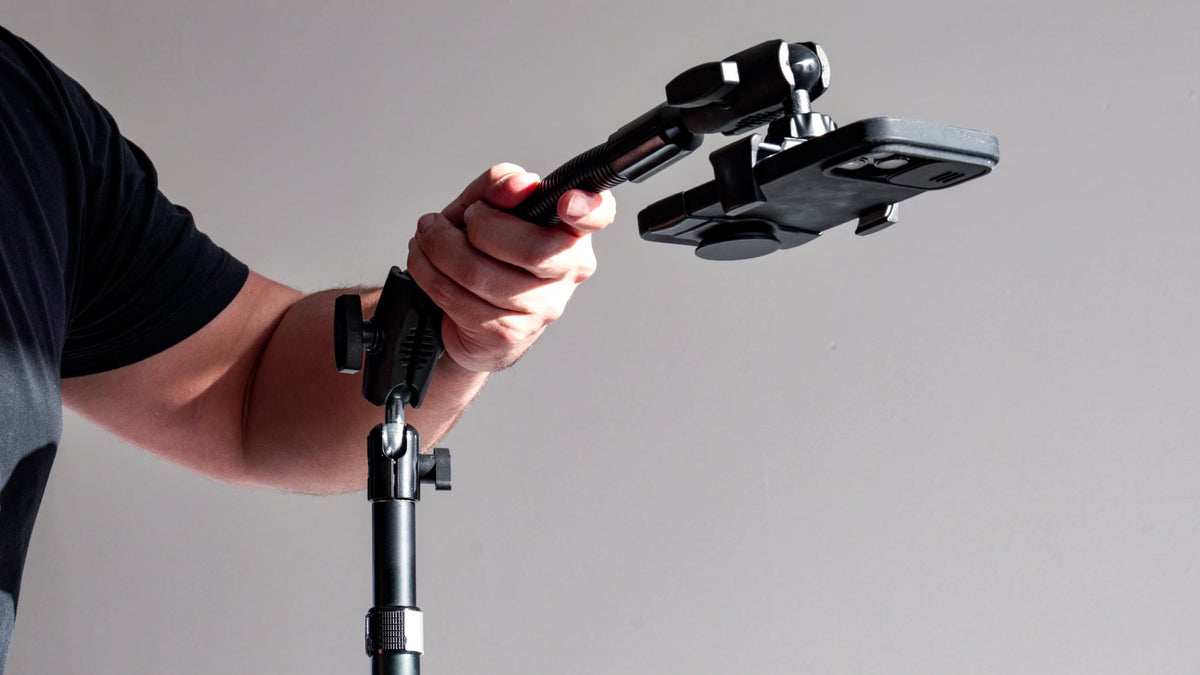
Live streaming has become a core part of content creation, from social media broadcasts to professional webinars and online selling. While cameras and lighting often get the most attention, one essential piece of equipment is frequently overlooked, the phone holder for streaming.

A stable and well-positioned device is critical for delivering high-quality streams. Whether you're a beginner or an experienced creator, choosing the right phone stand for streaming or live streaming mount can significantly improve both video quality and workflow.
Why a Dedicated Phone Holder Matters for Streaming
Streaming requires more than just holding a phone in your hand. Even minor movement can disrupt viewer experience and reduce content quality.
A proper live streaming mount helps by:
- Keeping the device stable and shake-free
- Allowing hands-free operation
- Maintaining consistent framing and angles
- Supporting longer streaming sessions without fatigue
This makes a reliable mount essential for both casual and professional setups.
Types of Phone Holders for Streaming
1. Desk Phone Stands
Desk stands are one of the most common options for streaming setups. They are designed to sit on flat surfaces and provide a stable base for smartphones.
Best suited for:
- Live selling and product demos
- Video calls and webinars
- Social media streaming from a fixed location
They are easy to set up and require no installation, making them ideal for beginners.
2. Tripod Phone Stands
Tripods offer more flexibility in positioning and height adjustment. They are widely used in content creation due to their portability and stability.
Key advantages include:
- Adjustable height for eye-level framing
- Better control over camera angles
- Compatibility with different shooting environments
A phone stand for streaming with a tripod is especially useful for creators who move between indoor and outdoor setups.
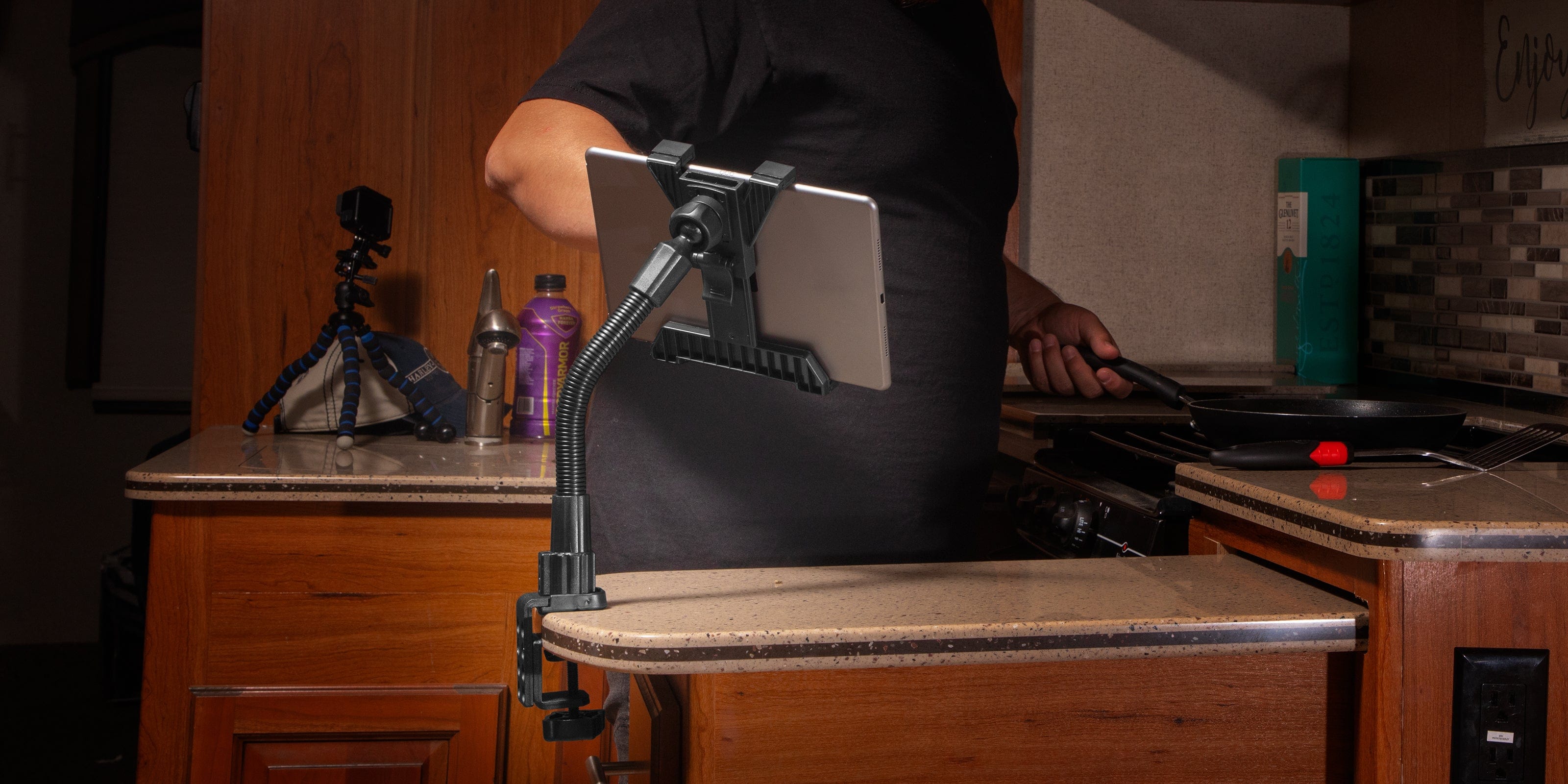
3. Clamp-Based Streaming Mounts
Clamp mounts attach to desks, poles, or other surfaces using a gripping mechanism. They are ideal for users who want a fixed and secure setup without taking up desk space.
Common use cases:
- Overhead streaming setups
- Cooking or crafting tutorials
- Workspace streaming environments
These mounts offer flexibility while keeping the setup organized and clutter-free.
4. Ring Light Mounts with Phone Holders
Many modern streaming setups combine lighting and mounting into a single solution. Ring lights often come with built-in phone holders positioned at the center.
Benefits include:
- Improved lighting quality
- Centered framing for better visuals
- Compact and efficient setup
This type of phone holder for streaming is popular among influencers and social media creators.
5. Overhead and Flexible Arm Mounts
Flexible arm mounts or overhead rigs allow creators to position the phone above or at unique angles.
Ideal for:
- Top-down videos (unboxing, tutorials)
- Desk-based streaming setups
- Creative camera angles
They provide maximum positioning flexibility but require proper adjustment for stability.
Key Features to Look For
When selecting a live streaming mount, consider the following:
Stability
A strong base or clamp ensures the phone remains steady during long sessions.
Adjustability
Look for mounts with adjustable height, tilt, and rotation for better framing.
Compatibility
Ensure the holder fits your phone size and supports its weight.
Portability
If you stream in different locations, a lightweight and foldable design is useful.
Build Quality
Durable materials improve longevity and reduce the risk of device slips or damage.
Common Streaming Setups
Different creators use different mounting setups depending on their needs:
- Beginner setup: Desk stand + basic lighting
- Mobile creator setup: Tripod stand + portable lighting
- Professional setup: Clamp mount or tripod + ring light + external microphone
- Overhead setup: Flexible arm mount for top-down streaming
Choosing the right setup depends on your content type and streaming environment.
Tips for Better Streaming with Phone Mounts
- Position the camera at eye level for natural framing
- Ensure the mount is securely tightened before going live
- Use landscape or portrait mode based on platform requirements
- Combine mounts with proper lighting for improved video quality
- Test angles and stability before starting a live session
Small adjustments in positioning can make a noticeable difference in overall stream quality.
Final Thoughts
A reliable phone holder for streaming is a fundamental part of any live streaming setup. Whether you choose a simple desk stand or a more advanced live streaming mount, the goal is to achieve stability, flexibility, and ease of use.
As streaming continues to grow across platforms and industries, having the right mounting solution ensures better content quality and a smoother experience for both creators and viewers.
Frequently Asked Questions (FAQs)
1. What is the best phone holder for streaming?
The best phone holder for streaming depends on your setup. Desk stands are great for beginners, while tripods and clamp mounts offer better flexibility and stability for more advanced streaming needs.
2. Do I need a phone stand for live streaming?
Yes, a phone stand for streaming helps keep your device stable, improves video quality, and allows for hands-free operation during live sessions.
3. What is a live streaming mount?
A live streaming mount is a device holder designed to securely position a smartphone or camera during live broadcasts, ensuring steady and consistent video output.
4. Can I use a tripod as a phone holder for streaming?
Yes, tripods are one of the most popular options for streaming. They provide adjustable height, stability, and flexibility for different shooting angles.
5. Are clamp mounts good for streaming?
Clamp mounts are ideal for fixed setups. They attach securely to desks or poles and are especially useful for overhead or workspace streaming.
6. What features should I look for in a phone stand for streaming?
Key features include stability, adjustability, compatibility with your device, build quality, and portability if you plan to stream in multiple locations.
7. Can I use a ring light with a phone holder for streaming?
Yes, many ring lights come with built-in phone holders, providing both lighting and stable positioning for better video quality.
8. Is a flexible arm mount good for live streaming?
Flexible arm mounts are useful for creative angles and overhead shots, but they should be properly secured to ensure stability during streaming.

Leave a comment
This site is protected by hCaptcha and the hCaptcha Privacy Policy and Terms of Service apply.