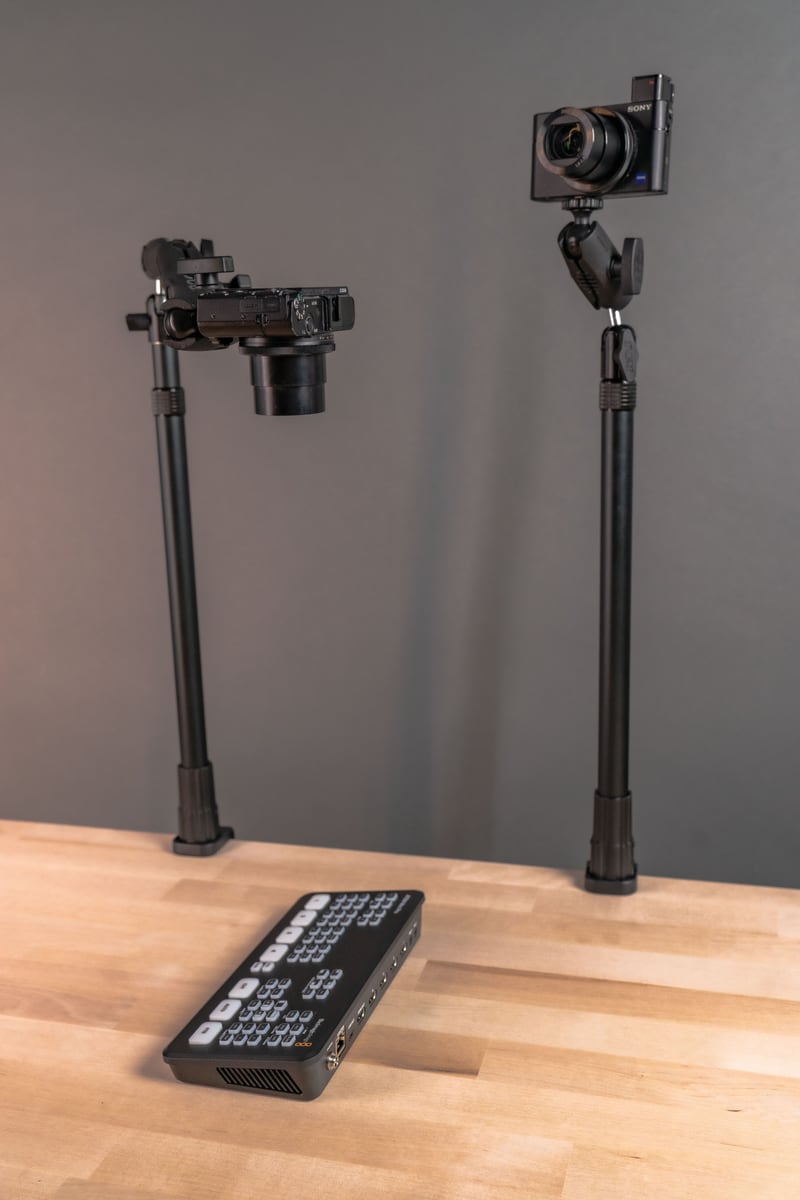
Whether you are building your first content setup or running a full production corner in your home or studio, the Stream-Cast Creator kit is built to grow with you. It is a modular mounting system, not a single fixed stand, so you buy the base kit once and adapt it as your gear list changes. The kit is available on Amazon.com and on our website here.

Below we walk through what is actually in the box, our favorite real-world configurations, and what to check before you buy so the kit matches your phone, tablet, camera, and workspace.
What makes the Stream-Cast Creator kit different from a standard phone or tablet holder
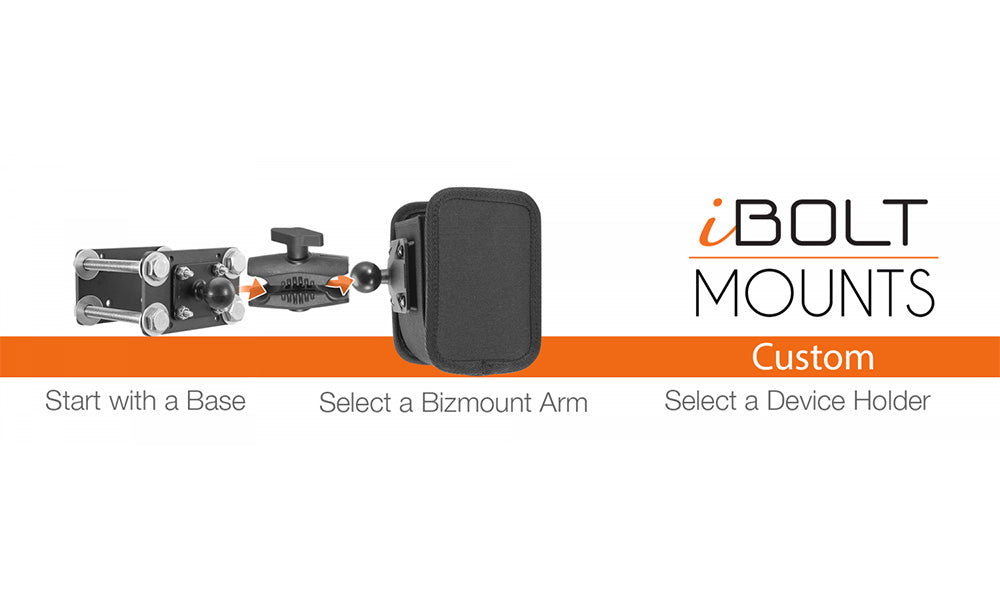
Most phone or tablet stands do one job. The Stream-Cast Creator kit is a component system built around iBOLT's 25mm ball joint, which means the same base arms and clamps can be reconfigured into more than 60 layouts depending on what you are recording that day. The base kit includes two smartphone holders, two 1/4 20 inch camera screw adapters for microphones, ring lights, small monitors, or webcams, and one tablet holder. Every piece attaches through the same ball-and-socket connection, so you are not locked into one arm length, one angle, or one device.

Favorite Stream-Cast configurations for content creators
#1 Clamping mount for 1/4 20 inch camera screw accessories


|
This clamp mount works well for flashes, lights, small monitors, and microphones attached to tripod legs, frames, poles, posts, or desk edges. Pictured is a DSLR flash mounted to a post holding a diffuser. Common uses for this setup:
Before buying for this use, confirm your clamp jaw opening matches the tripod leg, pole, or surface thickness you plan to mount to, and confirm your accessory has a standard 1/4 20 inch camera screw mount. |
#2 Overhead recording for crafting, baking, and general phone stand use


|
Combine multiple arms to build an overhead phone mount for baking, crafting, sewing, stop motion, or any hands-free top-down shot. The weighted base keeps the stand stable and counterbalances the phone's weight so it does not tip during long recording sessions. If you are early in building a content setup, the iBOLT Stream-Cast overhead configuration is a practical starting point. You can switch between a front-facing phone stand and a full overhead mount in seconds without buying a second stand. Common uses for this setup:
Check your ceiling or shelf clearance if you plan to run the arm at full height, and confirm your phone holder's clamp width fits your case if you record with a case on. |
#3 Overhead projector mount


|
This overhead configuration uses the 1/4 20 inch camera screw adapter, which works well for small projectors, lights, microphones, and compact cameras. One of the most requested uses we see is projecting an image onto a cake or cookie to trace, which makes decorative frosting work and decorating demo videos much easier to shoot consistently. Verify your projector's weight and mounting point before relying on this configuration for extended overhead use, since lightweight pico projectors work best here. |
#4 External monitor mount for DSLR cameras


|
This clamp mount attaches an external monitor to a tripod, pole, or post. The dual-adjustable arm gives you flexibility to angle the screen for accurate focus and framing during a photoshoot or video shoot. Common uses for this setup:
Confirm your monitor's VESA pattern or mounting bracket compatibility, and check that the clamp diameter range matches your tripod leg or pole before ordering. |
What to verify before you buy
The Stream-Cast Creator kit is flexible, but a few checks up front will save you a return or a second order:
- Device size and weight. Confirm your phone or tablet, with its case on, fits the holder's clamp range. Heavier tablets need a stable base and shorter arm extension to avoid drift.
- Mounting surface. Desk edge, tripod leg, pole, or flat table each call for a different clamp or base. Match the clamp jaw opening or base type to your actual surface before ordering.
- Accessory screw type. Microphones, lights, and small cameras should use a standard 1/4 20 inch camera screw to work with the included adapters.
- Reach and height. If you need an overhead shot, measure your ceiling or shelf clearance against the arm's maximum extension, up to 48 inches in the overhead configuration.
- Vibration and stability. If you are recording on a table that gets bumped often, a weighted base configuration will hold steadier than a clamp-only setup.
- Expansion plans. If you expect to add more devices or accessories later, the kit's 25mm ball components are compatible with iBOLT's broader 1 inch ball adapter line, which you can review here.
Related iBOLT Mounting Options

iBOLT Dual Tablet- Tripod Slider Bar
A good fit for phone and camera setups used in recording, streaming, and overhead shots.

3 Camera Slide Bar with Phone Holder - 10 inch
A good fit for phone and camera setups used in recording, streaming, and overhead shots.

3 Camera Phone & Tablet Slide Bar - 10 inch
A good fit for phone and camera setups used in recording, streaming, and overhead shots.

iBOLT Stream-Cast Overhead Camera Rig Desk Mount for DSLR Cameras for Top Down and Front Facing Photography
A good fit for phone and camera setups used in recording, streaming, and overhead shots.
Frequently asked questions
Can I use the Stream-Cast Creator kit for both a phone and a tablet at the same time?
Yes. The kit includes separate phone and tablet holders that both attach to the same 25mm ball arms, so you can run a phone and tablet on one stand or on two separate arms depending on your layout.
Will this kit work with my DSLR camera directly?
The included 1/4 20 inch camera screw adapters are designed for accessories like microphones, lights, and small monitors rather than mounting a full DSLR body. If you need to mount a DSLR camera itself, verify the weight rating of your specific configuration before use.
How tall does the overhead arm extend?
The overhead configuration extends up to 48 inches, which is enough clearance for most tabletop baking, crafting, and desk-level demo shots. Measure your space before assuming full extension will fit under a shelf or low ceiling.
Do I need extra parts for a podcast microphone setup?
If your microphone has a standard 1/4 20 inch mount, the included camera screw adapters will connect it directly to the Stream-Cast arm. No extra adapter should be needed.
Can I add more arms or holders later?
Yes. Because the system is built on iBOLT's 25mm ball connection, it is compatible with iBOLT's wider ball adapter and mount line, so you can expand the setup without replacing the base kit.
Where can I buy the Stream-Cast Creator kit?
It is available directly from iBOLT here and on Amazon.com.
The iBOLT Stream-Cast Creator kit is designed to be a long-term content station rather than a single-use stand, with over 60 configurations available from one base kit. Pick it up on Amazon.com or on our website here, and expand it anytime using our universal 25mm ball line here.
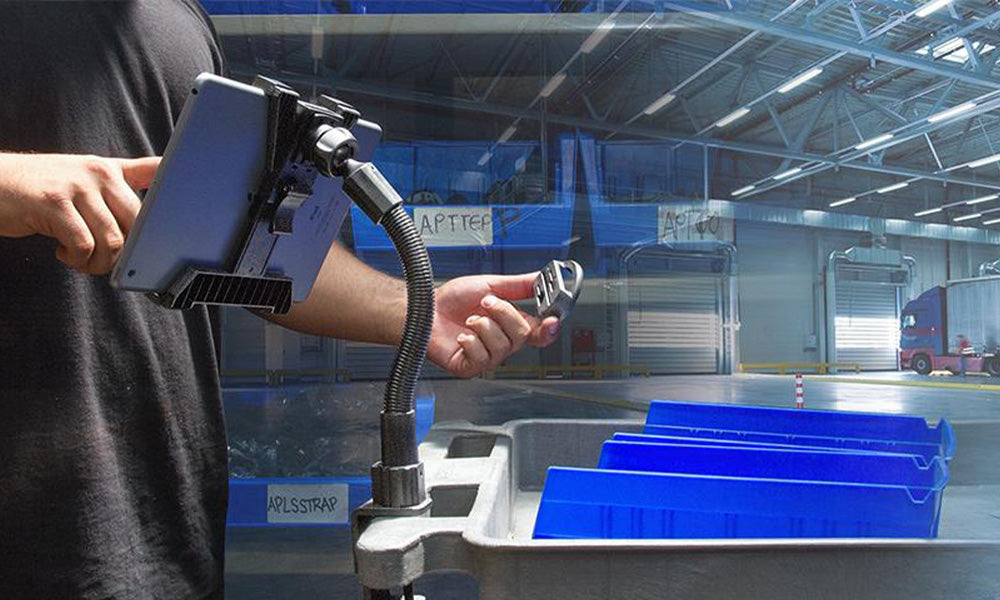
We like seeing how creators adapt the Stream-Cast Creator kit to their own workflow. Here are a few real setups from everyday use:

Share your setup with us on Instagram @iboltmounts

Leave a comment
This site is protected by hCaptcha and the hCaptcha Privacy Policy and Terms of Service apply.