Table Camera Mount Guide: Stable Overhead and Front-Facing Setups
By iBOLT Mark
Table Camera Mount Guide: Stable Overhead and Front-Facing Setups
Problem proposition: Creators who rely on flexible goosenecks or handheld phones for overhead and front-facing shots get shaky, inconsistent footage; this guide shows how the right desk camera mount solves that problem for product demos, livestreams, and instructional content.
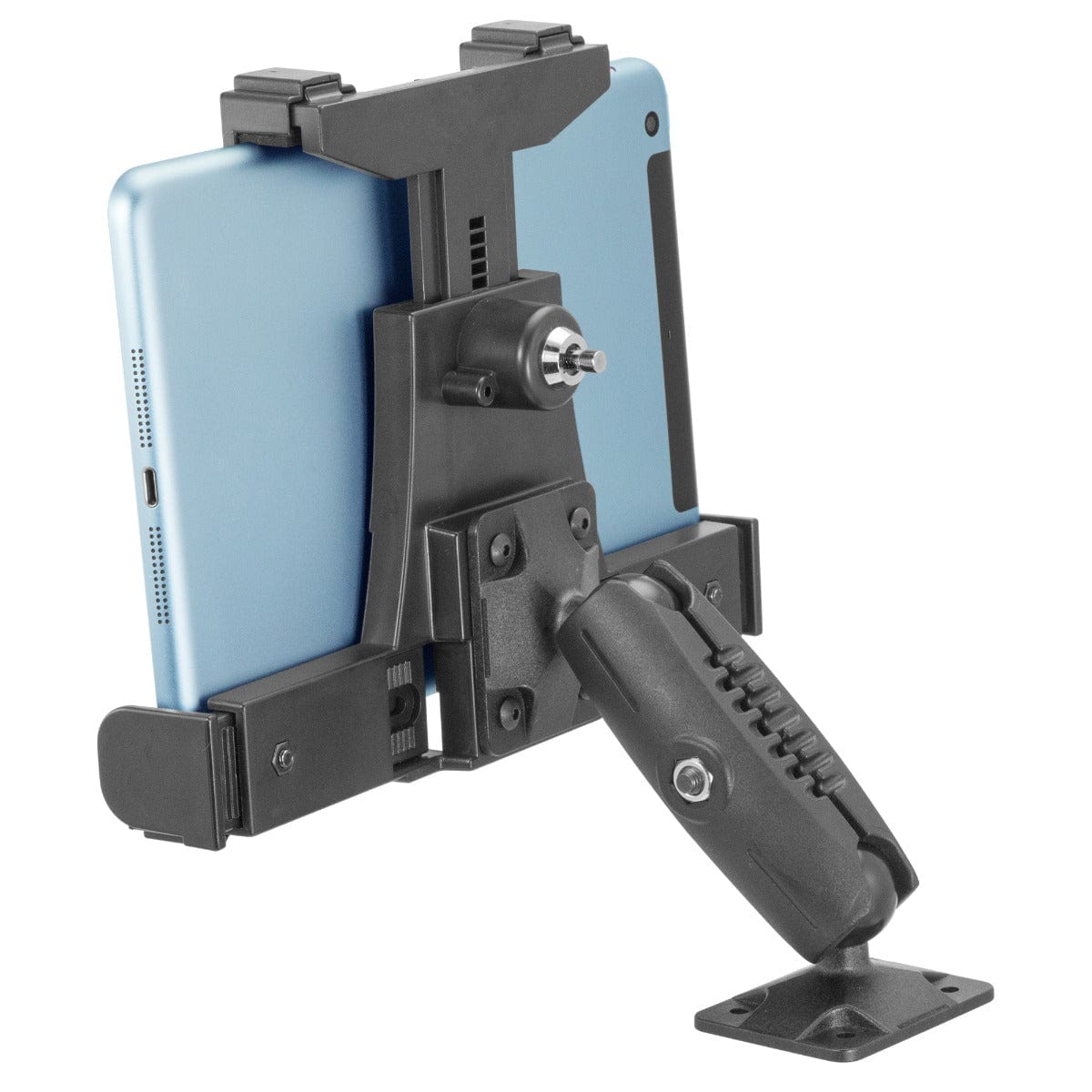
An iBOLT mounting setup positions a device for filming, streaming, or hands-free content work.
Table Camera Mount Guide: Stable Overhead and Front-Facing Setups
If you have ever touched your desk mid-recording and watched your entire frame shift, you already know the core problem with lightweight goosenecks and flimsy clamp arms. For product demos, TikTok Live sessions, YouTube tutorials, and live selling, a shaky camera is not just annoying. It signals to viewers that the production is not worth their attention. A proper table camera mount, one built around a rigid arm and a strong clamping system, is what separates repeatable professional framing from constant re-adjustment.
This guide covers the two most common desk camera setups, overhead and front-facing, and explains which mount style fits each use case.
Why Goosenecks and Light Clamp Arms Fall Short
Flexible goosenecks are popular because they are inexpensive and easy to reposition. The problem is that flexibility works against you the moment any vibration enters the desk. A keyboard tap, a leaning elbow, or even a nearby speaker can send the camera drifting. For a top-down flat-lay shot or a cooking demo where your hands are constantly moving, that instability ruins takes.
Rigid overhead camera rigs solve this by transferring the camera load directly into the desk surface through a heavy-duty clamp, rather than relying on a thin gooseneck to hold position under tension. If you are serious about consistent framing across multiple recording sessions, a rigid arm is the right starting point.
Overhead Setups: Top-Down Shots for Demos and Tutorials
Overhead, or top-down, camera positioning is the standard for product unboxing, flat-lay photography, drawing and art tutorials, cooking content, repair walkthroughs, and live selling. The camera looks straight down at the work surface, giving viewers a clear bird's-eye view of everything happening below.
The challenge with overhead setups is reach. The camera needs to clear bowls, cutting boards, tools, and whatever else is on the desk, while staying far enough above the subject to frame the full work area. That requires a mount with meaningful vertical height and a horizontal arm that extends over the center of the workspace without tipping.
The iBOLT Stream-Cast Overhead Camera Rig Desk Mount is built specifically for this. It clamps directly to a desk or flat surface, supports DSLR cameras and lens combinations up to 5 lbs, and positions the camera for both top-down and front-facing angles. That weight capacity matters if you are running a DSLR with a heavier lens, a mini projector, or a smartphone rig with a light and microphone attached.
Front-Facing Setups: Livestreams, Podcasts, and Video Calls
Front-facing camera placement is the standard for livestreaming, video conferencing, podcast recording, and on-camera product reviews. Here the camera sits at roughly eye level or slightly above, pointed at the creator rather than down at the workspace.
The most common mistake in front-facing setups is using a monitor-top webcam that forces an unflattering upward angle. Mounting the camera on a dedicated desk rig lets you dial in the exact height and tilt, which makes a noticeable difference in how professional the shot looks.
The iBOLT Stream-Cast handles front-facing positioning just as well as overhead. Because the arm is adjustable, you can swing the camera from a top-down angle to a direct front-facing position without removing the mount from the desk. That flexibility is useful if you switch between product demo content and talking-head segments in the same session.
Clamp-On Mounts for Secondary Angles and Portable Setups
Not every shot requires a full overhead rig. Sometimes you need a secondary camera angle, a quick action cam placement on a workbench, or a portable option that moves between locations. This is where a clamp-on camera mount with a suction cup base becomes useful.
The iBOLT 1/4 20 Camera Screw IncrediBOLT Suction Cup Mount uses an 80mm heavy-duty suction cup base and a 6-inch arm with a center hinge joint. The standard 1/4"-20 camera screw adapter makes it compatible with action cameras, dash cams, camera flashes, microphones, and any other 1/4"-20 accessory. It works on desks, workbenches, mirrors, dashboards, and any other smooth flat surface.
For creators who are building out a multi-camera setup, this mount works well as a secondary angle while the Stream-Cast handles the primary overhead or front-facing position. The 1/4"-20 thread standard is the key compatibility link across cameras, phone clamps, webcams, lights, mics, and adapter plates, so both mounts can integrate into the same rig without proprietary adapters.
Before you order, run through these practical questions:
What is your desk thickness and edge shape? A heavy-duty clamp needs enough lip to grip securely. Glass edges and very thin surfaces require extra attention to clamp fit.
How much does your camera and lens combination weigh? A DSLR with a zoom lens can approach or exceed 3 lbs. Confirm the mount's weight rating covers your full rig, not just the camera body.
Do you need overhead, front-facing, or both? If you switch between angles in the same session, a mount that handles both positions saves significant setup time.
Will you add accessories later? Lights, microphones, and phone holders all use 1/4"-20 threads. A mount that supports standard adapters keeps your options open as your setup grows.
Is drilling allowed? Desk clamps and suction cup mounts are the right answer for renters or anyone who cannot modify walls or ceilings.
Getting Consistent Framing Every Session
One underrated benefit of a fixed desk camera mount is repeatability. When the mount stays clamped to the same spot on your desk, you can recreate the exact same frame every time you sit down to record. That consistency matters for series content, product review channels, and live selling accounts where viewers expect a familiar visual format.
Handheld phones and repositioned tripods make that consistency nearly impossible. A rigid overhead rig that stays in place between sessions removes one more variable from your production workflow.
Frequently Asked Questions
Can I use a table camera mount for both overhead and front-facing shots?+-
Yes. The iBOLT Stream-Cast is designed for both positions. You can adjust the arm to point the camera straight down for top-down content or swing it to a front-facing angle for livestreams and video calls.
What is the 1/4"-20 thread and why does it matter?+-
The 1/4"-20 screw thread is the industry standard connection for cameras, phone clamps, webcams, lights, microphones, and adapter plates. Any mount or accessory with this thread is compatible with the others, which makes building a modular desk rig much simpler.
How much weight can a desk camera mount hold?+-
The iBOLT Stream-Cast supports cameras, lens combinations, projectors, and smartphones up to 5 lbs. Always check the total weight of your camera body, lens, and any attached accessories before mounting.
Will the suction cup mount hold on a glass desk?+-
The iBOLT IncrediBOLT Suction Cup Mount uses an 80mm heavy-duty suction cup rated for smooth flat surfaces including glass. Always clean the surface before attaching and confirm the lock is fully engaged before placing any camera on the arm.
Do I need to drill into my desk to use these mounts?+-
No. Both the Stream-Cast and the IncrediBOLT Suction Cup Mount attach without drilling, making them suitable for home offices, rental spaces, and shared workspaces.



Leave a comment
This site is protected by hCaptcha and the hCaptcha Privacy Policy and Terms of Service apply.