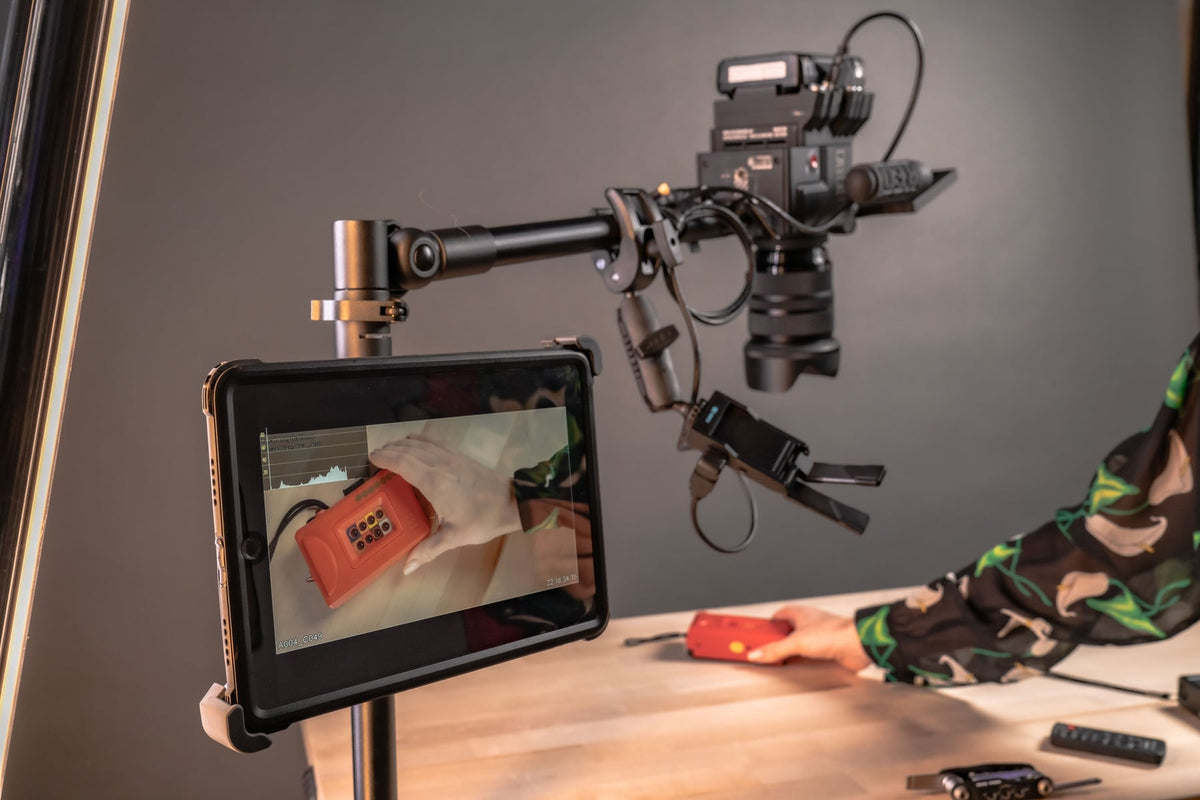
Action cameras punch above their size. A camera the size of a matchbox can deliver footage that rivals much larger rigs, but only if you know how to use it. Most creators who struggle to grow a YouTube audience aren't missing better gear, they're missing a repeatable process for composition, lighting, editing focus, and mounting. The five practices below cover each of those areas, starting with framing and ending with the mounting setup that determines whether your footage is even usable in the first place.

Compose Better Shots With the Rule of Thirds
The rule of thirds is a basic composition guideline: imagine your frame divided into a 3x3 grid, then place your subject along one of the vertical lines instead of dead center. This leaves open space on one side of the frame, which gives the shot direction and makes it feel less static. If your subject is moving or looking in a particular direction, leave the open space in front of them rather than behind them.
Most action cameras have a grid overlay you can turn on in the settings menu specifically for this reason. Use it while framing your shot instead of guessing.
The main exception to this rule is when you're shooting for symmetry, reflections, or a pattern that a centered composition actually strengthens. Outside of those cases, thirds composition reads as more intentional and more professional to viewers scrolling through YouTube thumbnails.


Plan Around the Golden Hour
The hour after sunrise and the hour before sunset are as close to natural studio lighting as you'll get outdoors. Shooting during this window, often called the golden hour, gives you soft, warm, directional light that's far more forgiving on skin tones, landscapes, and dynamic range than harsh midday sun.
If you're planning a shoot day around a trail run, a paddle, or a ride, build your schedule around these two windows when possible. Position yourself so the sun is behind or to the side of your camera rather than shooting directly into it, and you'll spend a lot less time correcting exposure in post.

Find a Subject You're Actually Passionate About

Recording an entire day of activity fills your storage card and hands you hours of footage you'll never use. Rather than capturing everything, decide ahead of time what part of the activity you actually want to tell a story about. Viewers respond to focus and authenticity more than they respond to exhaustive coverage.
Knowing what you like to shoot also means knowing which moments are worth setting up for: loading up gear at the start, packing out at the end, or a handful of true in-the-moment clips in between. A tighter, more intentional edit almost always outperforms a raw dump of everything you recorded.

Choose the Right Frame Rate for the Action
24 to 30 frames per second is standard for normal, gentle movement, think interviews, talking-head segments, and general b-roll. When the action speeds up, 60 fps (or higher, if your camera supports it) gives you the extra frame data needed to slow footage down smoothly in post without it looking choppy or stuttering.
If you shoot fast movement at only 30 fps and then try to slow it down in your edit, you'll see it immediately, the motion will stutter because there simply aren't enough frames to interpolate from. Know what kind of footage you're capturing before you hit record, and set your frame rate to match the speed of the action, not just the resolution you want.


Get the Mounting Setup Right
Composition, lighting, and frame rate all matter, but none of it counts for anything if your camera shakes, drifts out of frame, or falls off mid-ride. Mounting is the part of the workflow most creators underinvest in, and it's usually the reason footage gets thrown out.

Before you settle on a mount, verify a few things against your own setup:
- Mounting surface: A handlebar clamp, a dashboard, a tripod leg, and a boat rail all demand different base hardware. Confirm the diameter or surface type before ordering.
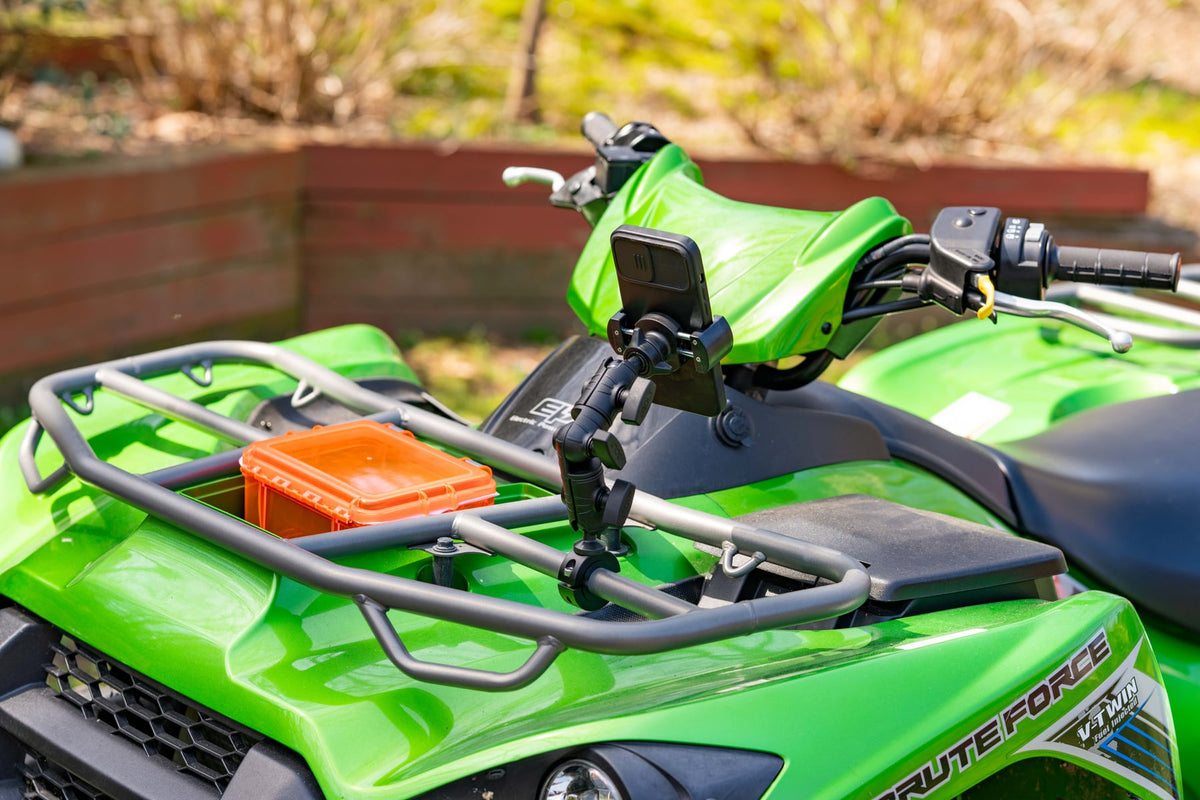
- Vibration exposure: Off-road, marine, and motorcycle use put far more stress on a mount than a stationary tripod shot. A flexible or friction-tightened mount, like the MiniPro XL Flexible Tripod, absorbs movement better than a rigid arm in high-vibration environments.
- Camera and device weight: Heavier action cameras with cages or external mics need a mount rated to hold that weight steady, not just clip it on.
- Attachment standard: Most action cameras use a standard GoPro-style two-prong mount or a 1/4-20 camera screw. The 88mm Magnetic Mount Base covers both, which matters if you switch between an action camera and a standard tripod head.
- Removal frequency: If you're swapping the camera between a vehicle, a bike, and a handheld grip several times a day, a quick-release base saves real time versus screwing and unscrewing hardware.
- Security: For fixed installations, such as a delivery vehicle dash or a shared studio setup, a locking base like the TabDock Lock-N-Dock BizMount prevents the camera from walking off between shoots.
If your setup doesn't fit an off-the-shelf configuration, our Custom Configurator lets you build a mount from a base, arm, and adapter combination matched to your specific camera, vehicle, or workspace.

Other setups worth checking depending on where you shoot: the RoadVise BizMount Clamp for handlebars and exercise equipment, the TabDock BizMount Metal AMPS for a permanent AMPS-pattern install, and the MiniPro Phone Holder with Tripod Adapter if you're switching between an action camera and a phone on the same rig.
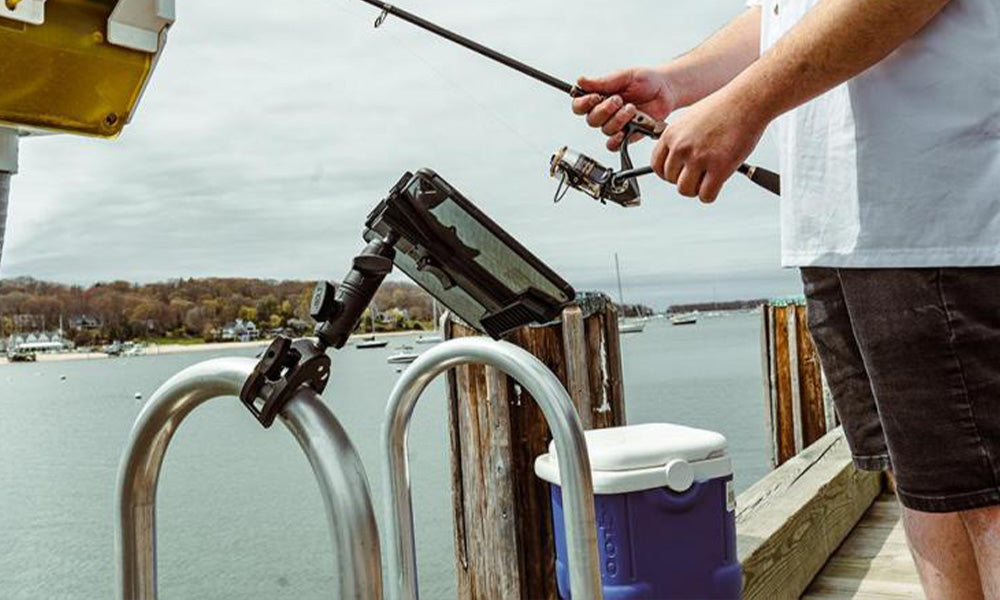
Whether you're out on a mountain trail, kayaking through rapids, or filming from a boat, the goal is the same: a mount that holds steady regardless of what the terrain throws at it. Get the mounting solved first, then the composition, lighting, and editing choices above will actually show up in your final footage instead of getting lost to camera shake or a missed shot.
Related iBOLT Mounting Options

iBOLT Dual Tablet- Tripod Slider Bar
A good fit for phone and camera setups used in recording, streaming, and overhead shots.

iBOLT Stream-Cast Overhead Camera Rig Desk Mount for DSLR Cameras for Top Down and Front Facing Photography
A good fit for phone and camera setups used in recording, streaming, and overhead shots.

iBOLT Stream-Cast Overhead Ceiling / Wall-Metal Multi-Angle Drill Base Mount for DSLR Cameras, Smartphones, Mini projectors
A good fit for phone and camera setups used in recording, streaming, and overhead shots.

iBOLT Stream-Cast Creator Custom mount kit with over 60 variations- great for live streaming tutorial videos and photos
A good fit for phone and camera setups used in recording, streaming, and overhead shots.
FAQ
Does my action camera need a GoPro-style mount specifically?
Most action cameras use the same two-prong mount standard popularized by GoPro, but always check your camera's manual or product page for the exact attachment type before buying a mount. Some models use a 1/4-20 threaded screw instead, and adapters exist to bridge the two.
What frame rate should I shoot at for slow motion?
Shoot at 60 fps or higher if you plan to slow the footage down in editing. 24 to 30 fps is fine for normal-speed footage like interviews or static b-roll.
Will a suction or clamp mount survive off-road vibration?
It depends on the mount's build and how it's tightened. Look for mounts with a locking or friction-adjustable joint rather than a single tension knob, and verify the manufacturer's vibration rating if your use case involves rough trails, motorcycles, or boats.
How do I know which mounting base fits my vehicle or gear?
Measure the mounting surface (bar diameter, rail width, dash clearance) and compare it against the mount's base specs before ordering. If nothing off-the-shelf matches, use the Custom Configurator to build a combination that fits.
Can I use the same mount for my phone and my action camera?
Yes, if the mount includes or accepts an adapter for both attachment standards. The MiniPro Phone Holder with Tripod Adapter and the 88mm Magnetic Mount Base are both built to switch between device types without needing a second mount.
How often should I check that my mount is still secure?
Inspect clamps and locking bases before every shoot, especially after transport or storage, since vibration and temperature changes can loosen hardware over time.
Watch: iBOLT Dock'n Lock BizMount AMPS (IBBZ-33993)
See the cradle adjustment, keyed tablet retention, and assembly of the 25 mm BizMount arm and AMPS drill base.

Leave a comment
This site is protected by hCaptcha and the hCaptcha Privacy Policy and Terms of Service apply.