
Why a Pile of Video Is Not Yet AI Training Data
Picture an operations manager with weeks of footage from a staging area. Someone glances at the storage drive and says, "Great, we can train AI on that." Recording alone does not mean training is happening. This guide follows a supervised example that turns selected footage into reviewed, labeled examples.
Three activities often get blurred together:
- Training or fine-tuning: a deliberate process uses chosen examples to adjust a model's parameters. Fine-tuning adapts an existing model rather than starting from scratch.
- Inference: a trained model processes new footage and returns predictions. NVIDIA's training vs. inference explainer draws this line: running a live feed through a model does not mean the model is learning.
- Human video auditing: a person reviews footage against operational criteria and records findings. An AI-assisted workflow can use automated event detection followed by more detailed human review.
Annotation produces labeled examples in a defined scheme. Auditing produces findings about what happened. An organization can do both, but an audit does not automatically become training data.
Define an Observable Task, Then Capture Real Variation
Start with three decisions: the operational outcome, the model's output, and how you will judge success. A yes/no category, a box around an object, and an event unfolding over time each need a different annotation plan.
"Is at least one parcel visibly present in the marked staging zone?" is far more usable than "Make our warehouse smarter," because annotators can answer it for every image.
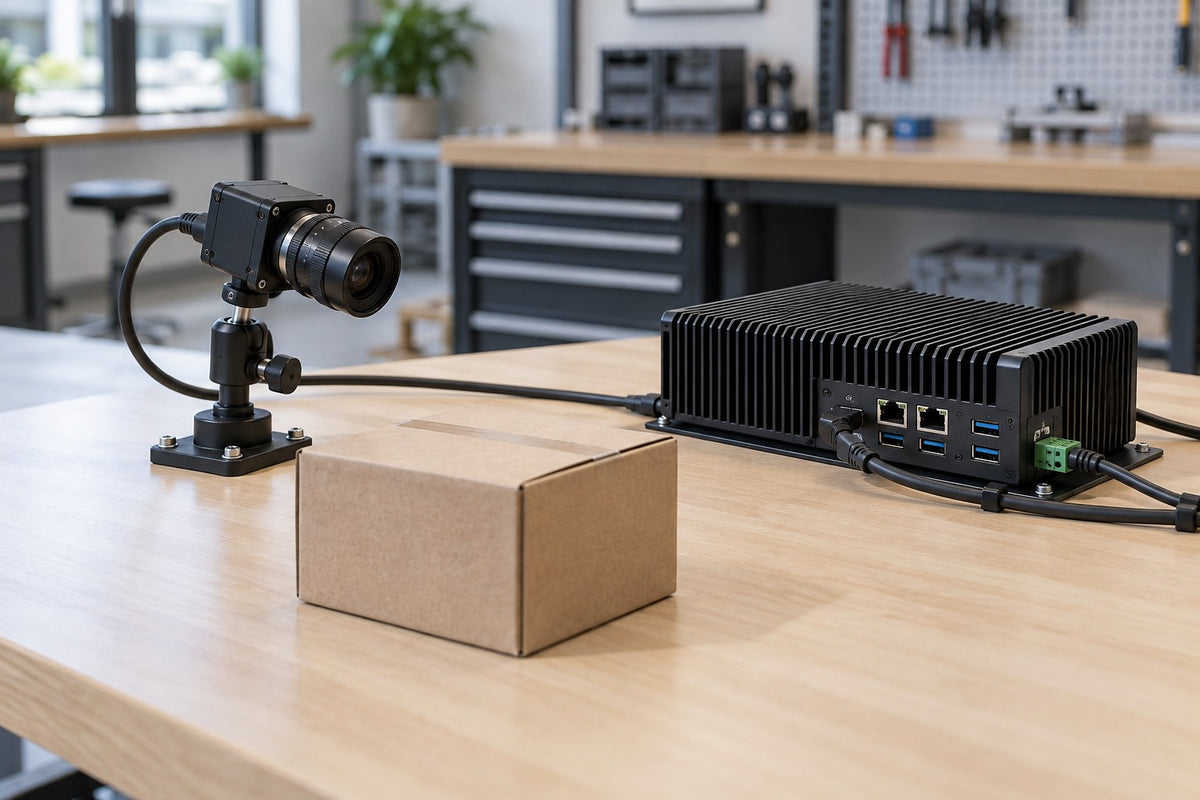
That question is our running example, a hypothetical illustration rather than a customer case study. The output is presence or absence in still images of a defined tabletop zone. Counting, product identification, label reading, and safety compliance are out of scope. Never ask annotators to infer what the camera cannot show, such as hidden contents or damage outside the visible area.
Film the same zone across separate normal work sessions. Include empty zones, different cartons and bags, lighting changes, partial occlusion, and look-alike objects. As Microsoft's data guidance explains, a model can otherwise learn incidental background cues. Keep personal and shipping details out of frame. A repeatable view and representative variation work together; a perfectly repeated scene is no substitute for varied data.
Labeling, Review, and Keeping Related Frames Apart
Keep original recordings and link each exported frame or clip to its source file, timestamp, capture run, and setup version.
Next, write a label guide covering what counts as a parcel, what "within the zone" means, how partially visible items are handled, and when to flag a sample. An empty but visible zone differs from one the camera cannot see. Have several annotators label the same pilot batch, resolve disagreements, refine the guide, then expand. Whether "unclear" becomes its own class or a review status is a design decision, but don't force uncertain frames into positive or negative just to finish a batch.
Then split the data: training examples for learning, validation for development choices, and a held-out test set for the final check. Google warns that duplicates leaking into evaluation inflate results. For camera footage, we apply that directly: adjacent frames from one run, overlapping clips of one event, and simultaneous views of the same event belong in the same split. Group by source or event, not filename.
Match the holdout to the claim you are testing: later independent recording periods for the same station, entire held-out sites for expansion, and a separate evaluation for any new camera position.
Evaluate, Deploy, and Keep Measuring
Precision asks how many "present" predictions were correct; recall asks what fraction of images containing a visible parcel were correctly classified as "present." When empty frames dominate, high accuracy can hide a model that misses many parcel-present images, as Google's metrics guide explains. Set acceptance criteria from what each mistake costs, such as a wasted trip to an empty table versus a parcel that sits unnoticed. Then review failures by lighting, station, packaging type, and camera setup.
Deployment is another measurement stage. Google's monitoring guidance recommends watching incoming data, predictions, and model versions for differences from development data, and notes that human review of selected outputs can supply evidence when live data lacks labels. Applied to cameras, we would treat a replacement camera, shifted view, changed crop, or new lighting as a reason to recheck.
Deployment does not automatically cause retraining; that requires a configured learning workflow. Collect failures into a controlled next dataset version, and treat the first result as information, not proof that a facility can be automated.
Where the Camera Mount Fits: Repeatable Views and a Change Log
The mount's job is narrow: hold the camera at the intended viewpoint so setup changes are deliberate and recorded. It doesn't train models, label video, or guarantee stable predictions. Here are two iBOLT camera-side examples (cameras not included):
- iBOLT 38mm / 1.5 inch Metal AMPS to 1/4-20 Camera Screw Mount (IBAMPS-34207): a 38mm C-size build with a rectangular metal four-hole AMPS base (30 x 38 mm pattern), a 3.5-inch composite 38mm Bizmount arm, and a 1/4-20 camera adapter. Arm length is not total stand-off, so measure the assembled position.
- iBOLT 1/4-20 Camera Screw Bizmount Suction Cup Mount (IBCM-34608): a composite 25mm B-size mount with an 80mm reusable suction base, a 3.75-inch dual-ball arm with 360-degree adjustment, and a 1/4-20 adapter, listed for small to medium cameras. It needs a compatible smooth, clean surface, so check retention in your actual environment.
Fit checklist:
- Confirm your camera has a 1/4-20 thread; not every camera does.
- Measure AMPS hole spacing and orientation instead of guessing.
- Remember that 25mm B and 38mm C components don't interchange, and a matching AMPS pattern doesn't make ball sizes compatible.
- Treat camera, accessories, and cable as one load and interface question; confirm the allowable load for the exact assembled setup with iBOLT.
Edge computers: start from the exact finished enclosure and the manufacturer-approved mounting method, then plan for full load, heat, ports, and service access.
Capture log: record source files and timestamps, station and run, camera settings, mount setup and reference frame, dated changes, label-guide version, split group, and review status.
Compare the iBOLT Mounts
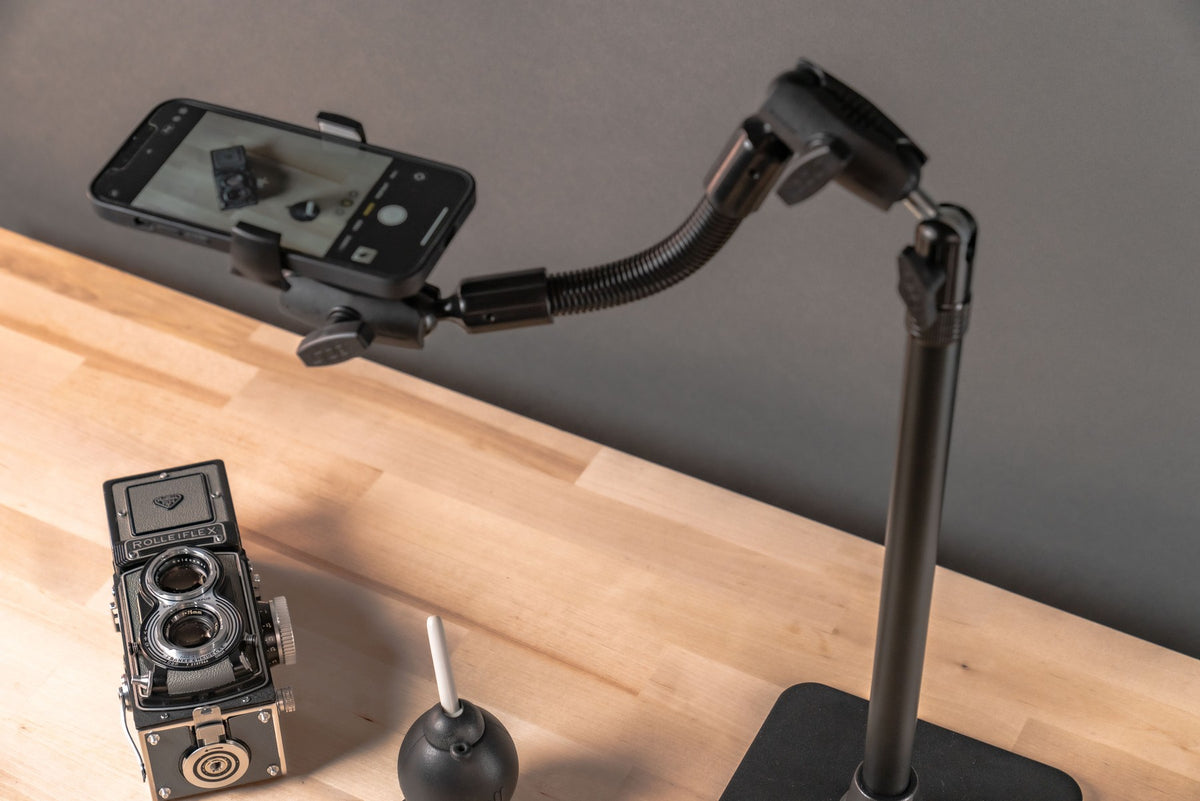
Original catalog photographs. Cameras are not included. Select a product for current specifications and pricing.
 38mm AMPS camera mount · 3.5-inch arm
 25mm Bizmount suction camera mount
Frequently Asked Questions
Does recording footage mean I am training AI?
No. Footage is an input. Training uses selected examples to adjust a model's parameters, while inference runs a trained model on new images, as NVIDIA explains.
Do I need to label every frame?
Not necessarily. The annotation unit depends on the task: one presence label per still image, boxes for object detection, or identities tracked across a sequence. Select frames and clips with a task-specific plan rather than a universal sampling rate.
Should the camera always stay in exactly the same place?
Document the intended position and log every move or hardware swap with a date and reason. Still collect the lighting, object, and background variation expected in operation; one fixed angle is not automatically enough.
Does human review automatically improve the model?
No. Review checks what happened and can complement automated detection. Reviewed examples can support evaluation and reveal failure cases. Changing the model requires a deliberate update process; review alone does not change its parameters.
Start Small and Keep the Setup Documented
For this supervised task, video becomes useful AI training data through a clear question, representative footage, reviewed labels, honest splits, meaningful metrics, and monitored deployment. A documented, repeatable camera view makes each dataset version easier to trace. Confirm your camera's interface and full load first, then explore an iBOLT AMPS camera mount to see which iBOLT option fits your capture plan.
Sources
- NVIDIA: What's the Difference Between Deep Learning Training and Inference?
- Google Machine Learning Crash Course: Dividing the original dataset
- Google Machine Learning Crash Course: Accuracy, recall, precision, and related metrics
- Google Machine Learning Crash Course: Monitoring pipelines
- Microsoft, Training-data variety

Leave a comment
This site is protected by hCaptcha and the hCaptcha Privacy Policy and Terms of Service apply.