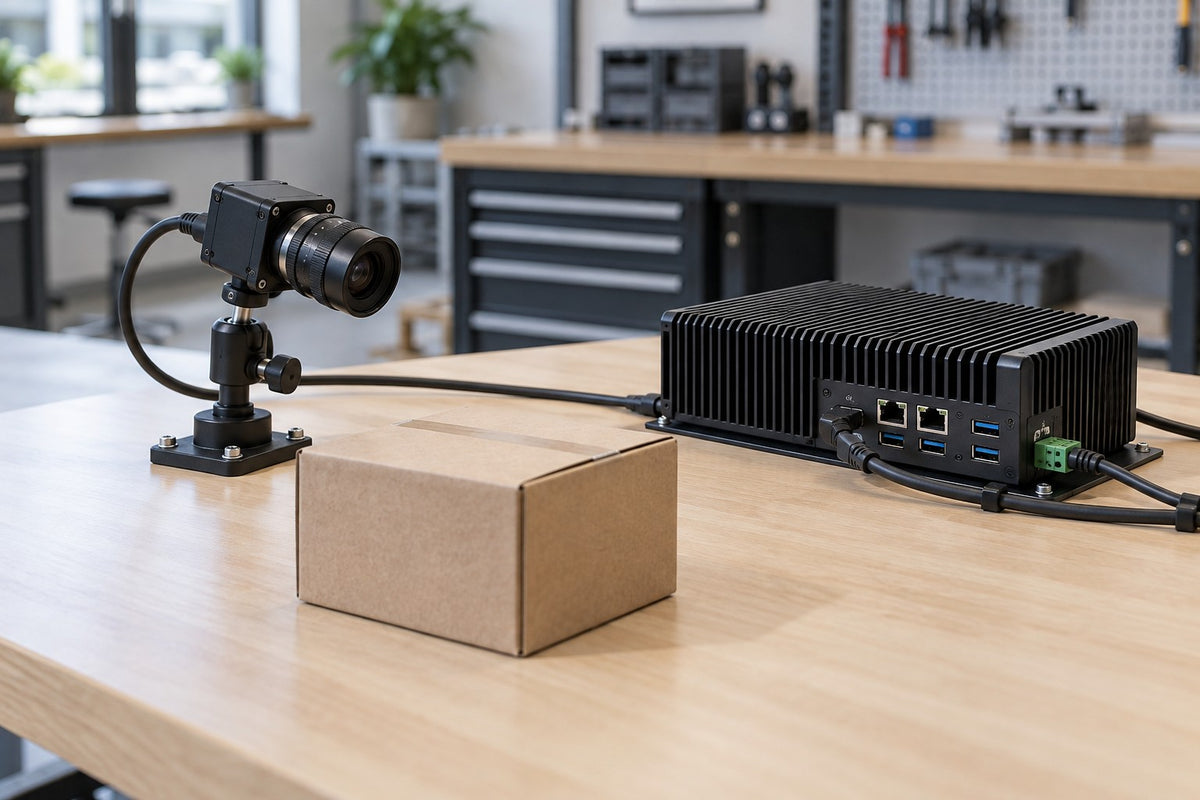

You have three vendor quotes open, and every camera, tablet and small computer on them says "AI-powered." That label tells you little about edge AI. It doesn't say where the model runs, what crosses the network, or what physically needs a home on the wall, cart or ceiling. For operations teams and system integrators, a better starting question is: where does the model run, and where does the data travel?
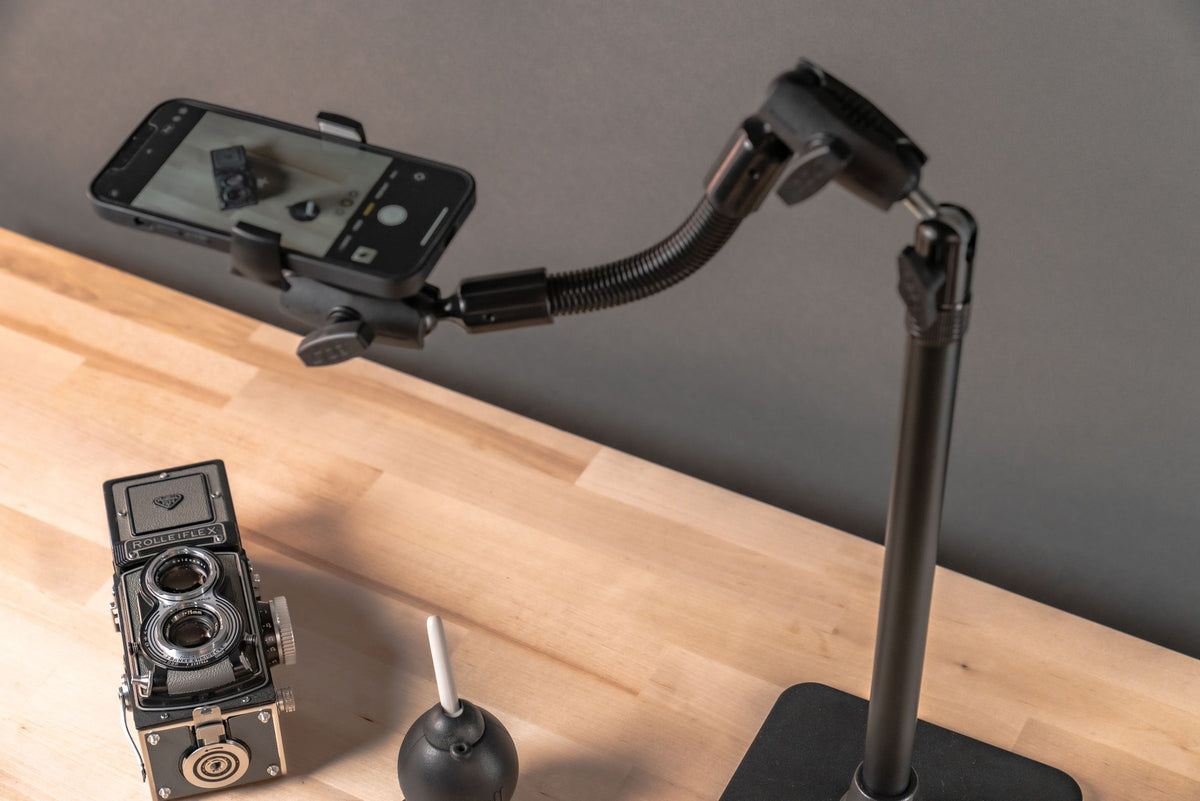
iBOLT's part of this system is mechanical: positioning cameras with mounting components.
What Is Edge AI?
Edge AI means AI computation happens near the source or user, on the sensing device itself or on nearby computing equipment. The cloud can still handle model development, storage, management or some processing, and hybrid designs split those jobs. Four jobs are worth keeping separate:
- Data collection: A sensor captures images, sound or measurements. Storing inputs doesn't mean a model learns from them.
- Inference: A trained model processes an input and produces an output, such as a detection.
- Training: This changes the model's parameters. It often uses larger development infrastructure, but it isn't limited to the cloud.
- Updates: A deployment may receive a newly developed model later rather than learning from every frame.
NVIDIA's edge AI overview draws the same basic line: develop a model, then deploy it where it runs.
On-device means inside the camera or tablet. On-premises can mean another computer at the site. Offline means the required task can operate without internet access; a local installation may still use network services.
Smart Cameras, AI Tablets and Edge Computers Compared
Where the model runs decides what you mount. Sometimes a smart camera is the only device to place; other times a separate edge computer needs its own spot with airflow, cable access and service room.
Illustrative comparison. Confirm details against your equipment's documentation.
| Arrangement | Where inference runs | What needs a home | Check first |
|---|---|---|---|
| Smart camera | Camera's own processor | Camera, approved power and connections | Standalone use still has software and power requirements |
| AI tablet or PC | Operator device, for supported workloads | Tablet, holder or dock, charging, operator access | An AI-branded processor doesn't mean every app runs locally |
| Nearby edge appliance | Finished local computer fed by sensors | Sensors, enclosed computer, connections, service space | May already ship with wall, DIN-rail or VESA mounting |
| On-site server | Computer elsewhere on the premises | Endpoints plus site infrastructure | Depends on the local network |
| Cloud processing | Remote computing | Capture device and reliable communications | Account, network, transfer and retention dependencies |
| Hybrid | Partly local, partly remote | The actual combination | Local inference and cloud services can coexist |
Luxonis offers a concrete example: its getting started documentation describes OAK4 cameras as supporting standalone capability. That statement covers the OAK4 line, so check the exact model you're evaluating. A tablet displaying a remote result may serve only as the operator screen.
Latency, Bandwidth and Offline Tradeoffs
Latency. Skipping a remote round trip helps, but it doesn't guarantee a faster complete application. Test the full path, from capture through transfer, preprocessing, queueing, inference and the visible result, under the real workload and at normal operating temperature.
Bandwidth. "Runs locally" doesn't mean zero bandwidth. Ask what actually leaves the site: full video, clips, snapshots, event messages, metadata, diagnostics or a mix.
Offline operation. Local inference might continue during an internet outage while dashboards, alerts or cloud storage stop. The AXIS Data Insights user manual is a clear hybrid example: cameras generate metadata locally, but the cloud dashboard needs internet access. Plan an outage test with the system owner covering startup, inference, storage, operator display, alerts and reconnection.
Privacy. Local isn't automatically private, secure or compliant. Ask who can view raw inputs and derived records, which services receive them, how long they're kept, and how devices are serviced or retired.
Mounting a Finished Edge Computer: Brackets, Heat and Service
A separate enclosed computer makes sense when the camera can't run the needed workload or when several sensors feed one local unit. That adds a few decisions:
- Check what's included. Seeed's reComputer Industrial documentation describes finished, passively cooled units with multiple mounting methods, and its operating temperature condition assumes airflow. Fanless doesn't make airflow irrelevant, and supplied brackets may already solve placement.
- Name the exact payload: model, enclosure, dock, accessories and orientation. "Jetson" describes a technology, not a mounting interface.
- Deploy production hardware, not exposed developer boards.
- Preserve thermal paths. NVIDIA's Jetson Orin power and performance guide documents thermal management that can reduce clocks, so cooling affects sustained operation. Follow the exact unit's guidance; there's no universal clearance value.
- Leave working room for ports, cable bends, strain relief, antennas, status lights, cleaning and replacement.
The iBOLT mounts below are camera-side examples only and aren't validated for any edge computer. Use the manufacturer's approved mounting method and have your integrator validate the full assembly.
Camera-Side Mounting: Thread, Ball Size and AMPS Fit
The camera still has to hold the planned view. Work through the fit in order:
- Identify the interface. Many cameras accept a 1/4-20 screw, but not all do; check your camera's documentation.
- Confirm the ball size. A 25mm B-size ball and a 38mm C-size ball aren't interchangeable, even when both bases share the AMPS hole pattern.
- Measure the AMPS spacing (30 x 38 mm) on the real surface or accessory.
- Choose a base for the surface you're actually attaching to.
- Treat the load as one question. Camera, accessories and cable pull belong together, and your integrator should validate the complete assembly.
Consider two iBOLT examples. The iBOLT 38mm / 1.5 inch Metal AMPS to ¼-20 Camera Screw Mount (IBAMPS-34207) pairs a rectangular metal four-hole AMPS ball base with a 3.5-inch composite 38mm Bizmount arm and a 1/4-20 camera adapter, all on the 38mm C-size system. Arm length isn't total stand-off or camera clearance, so check the assembled position against your planned view.
For a shorter layout, the iBOLT ¼-20 Camera Screw IncrediBOLT AMPS Single Socket Arm Drill Base Mount (IBDY-34339) uses a 25mm / 1-inch B-size interface, composite construction, a rectangular AMPS plate, an Octo collar and a single-socket drill-base design.
Neither includes a camera. Once the camera is aimed, keep its view stable; repositioning can mean rechecking configured zones or calibration.
Compare the iBOLT Mounts
Original catalog photographs. Cameras are not included. Select a product for current specifications and pricing.
 38mm AMPS camera mount · 3.5-inch arm
 25mm IncrediBOLT AMPS camera mount
Frequently Asked Questions
What is edge AI in plain English?
Edge AI means the model runs on or near the device collecting data, such as a smart camera, operator tablet or nearby computer, instead of relying only on remote cloud computing.
Does an AI camera need a separate computer?
Sometimes. Some smart cameras run supported models on their own processor, while other designs send the feed to a nearby edge computer. Check the exact camera model and workload before adding one.
Does local inference mean my data never leaves the site?
No. Clips, metadata, backups, remote management and diagnostics may still leave the building. Ask your vendor or integrator to map the actual data flow, including who can access each record.
Will an edge AI system work without internet?
It depends. The local task might keep running while dashboards, alerts, updates or licensing checks stop. A planned outage test with the system owner gives the reliable answer.
Planning Your Edge AI Mounting Setup
Start by deciding where the model runs, then identify what physically needs a home. Then match the real interface, ball size and full load. For finished computers, begin with the manufacturer's supplied brackets. On the camera side, see which iBOLT camera mount works best for your setup, from the 38mm C-size IBAMPS-34207 to the 25mm B-size IBDY-34339.

Leave a comment
This site is protected by hCaptcha and the hCaptcha Privacy Policy and Terms of Service apply.