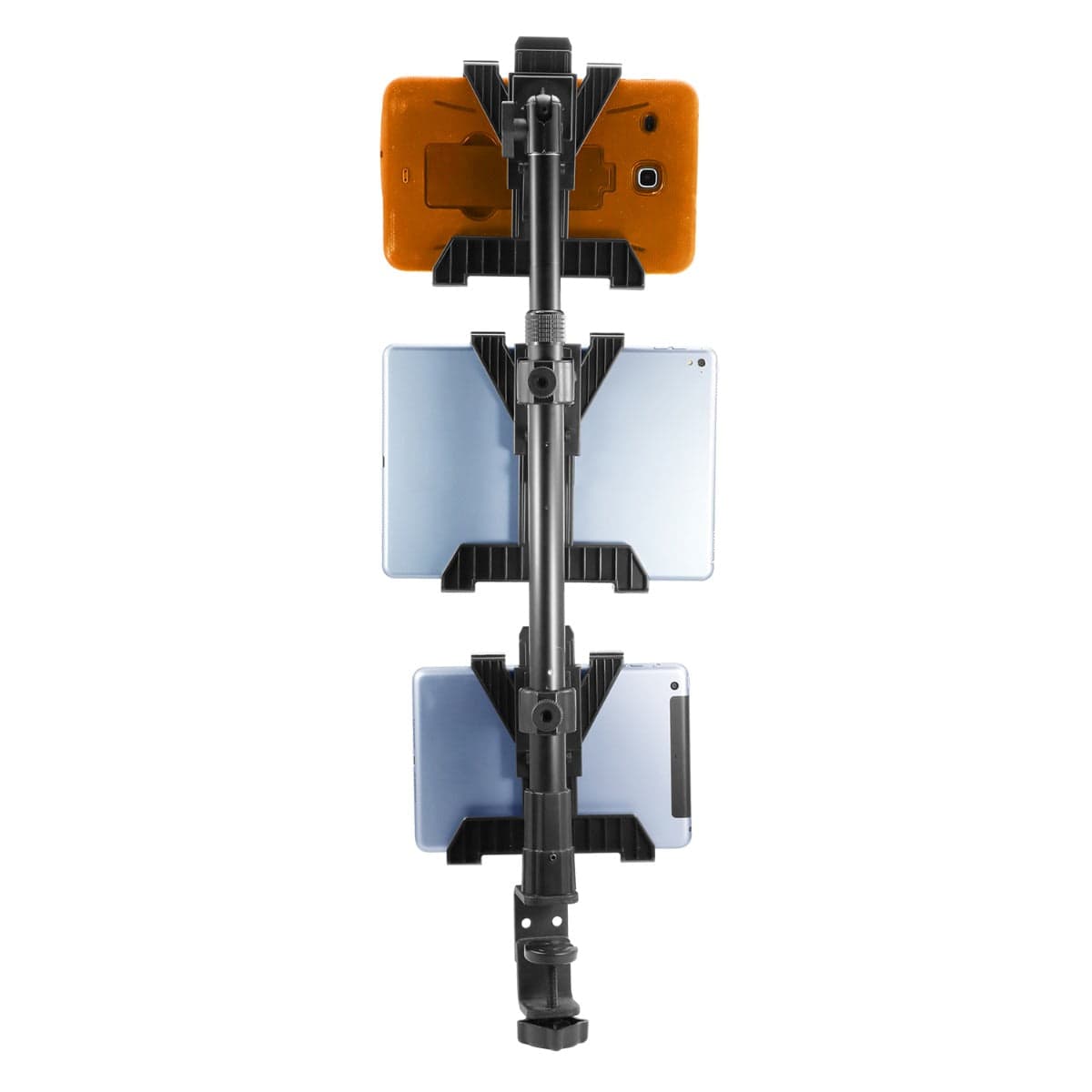
The lunch rush starts, delivery orders arrive on three screens, and someone needs the counter space underneath them to pack the next bag. A useful restaurant tablet mount gives each device a place while leaving the work area practical for the people using it.
For a station with three, four or five ordering tablets, start with a Tablet Tower kit that matches the number of physical devices. Then check the cases, counter attachment and charging cables. A customer-facing payment terminal or a device that needs keyed security may call for a different setup.
Choose the tablet count around your station
Start with the three-holder IBRT-34700 for three devices, the four-holder IBRT-34707 for four, or the five-holder IBRT-34706 for five. Each standard TabDock kit below includes its tablet holders and supporting mounting components. The right choice depends on how many screens staff need to see and reach, not how many ordering apps the business uses.
Watch: iBOLT TabDock POS Clamp Mount with 3 Tablet Holders (IBRT-34700)
Watch the standard three-holder TabDock station being assembled, including the pole connections and adjustable tablet holders.
View iBOLT TabDock POS Clamp Mount with 3 Tablet Holders (IBRT-34700)
Watch: iBOLT TabDock POS Clamp Mount with 4 Tablet Holders (IBRT-34707)
Watch the standard four-holder TabDock station being assembled and adjusted for a multi-tablet workstation.
View iBOLT TabDock POS Clamp Mount with 4 Tablet Holders (IBRT-34707)
Write down the tablet model, case and job at each position. Some apps may share one device; a kitchen display or customer checkout may belong somewhere else. Sketch the proposed layout with space for bagging orders, cleaning and removing a tablet. An unused holder does little for a counter that is already crowded.
| Your station | Standard TabDock kit | Published fit and pole | Listed hardware and buying note |
|---|---|---|---|
| Three tablets |
Tablet Tower, 3 holders IBRT-34700 · $79.95 |
Holder opening 4 to 8 in; depth 0.2 to 0.9 in. Pole 17.5 to 28.5 in. | Three holders, pole, grip adapters and clamp base. Confirm drill-base inclusion before planning a permanent installation. |
| Four tablets |
Tablet Tower, 4 holders IBRT-34707 · $89.95 |
Standard holder opening 4 to 8 in; depth 0.2 to 0.9 in. Pole 17.5 to 28.5 in. | Four holders, pole, adapters, pole clamp base and listed drill base. Confirm the attachment surface and site fasteners. |
| Five tablets |
Tablet Tower, 5 holders IBRT-34706 · $99.95 |
Standard holder opening 4 to 8 in; depth 0.2 to 0.9 in. Pole 17.5 to 28.5 in. | Five holders, pole, adapters, pole clamp base and listed drill base. Check reach and cable space for all five screens. |

Catalog product image. Devices shown are not included.

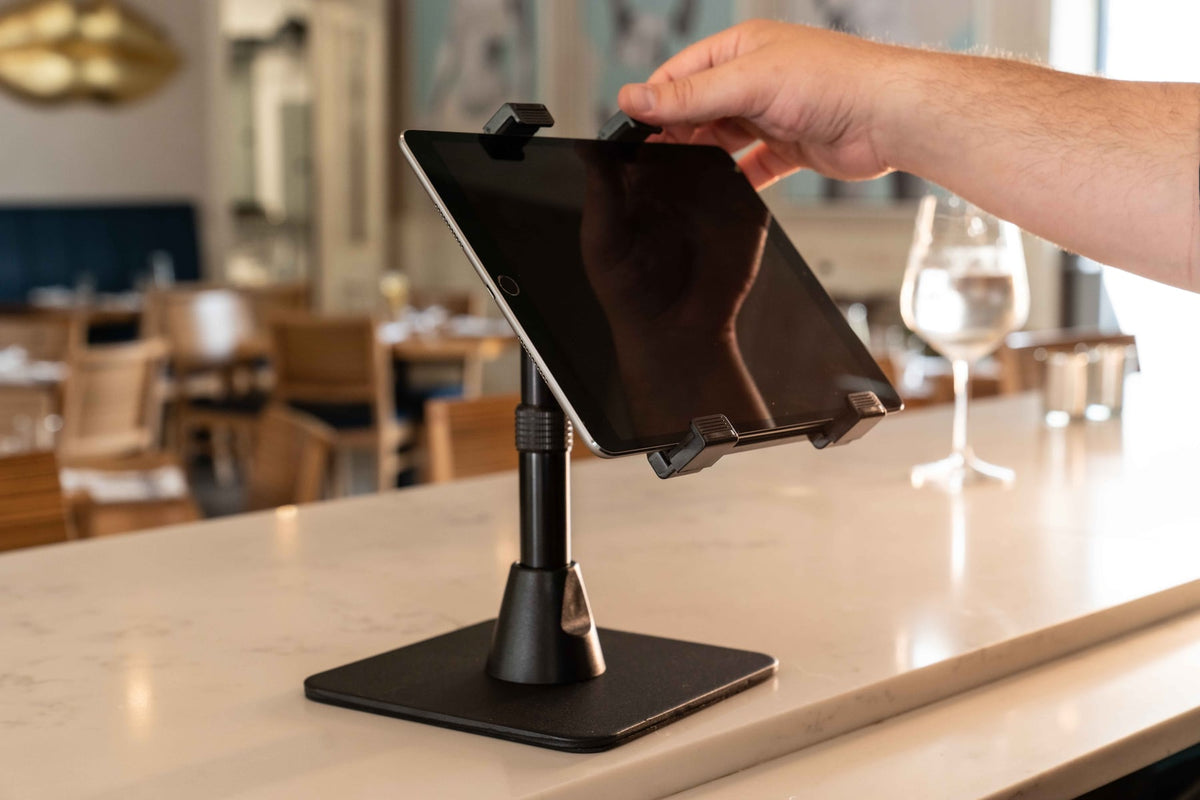
Catalog product image. Devices shown are not included.

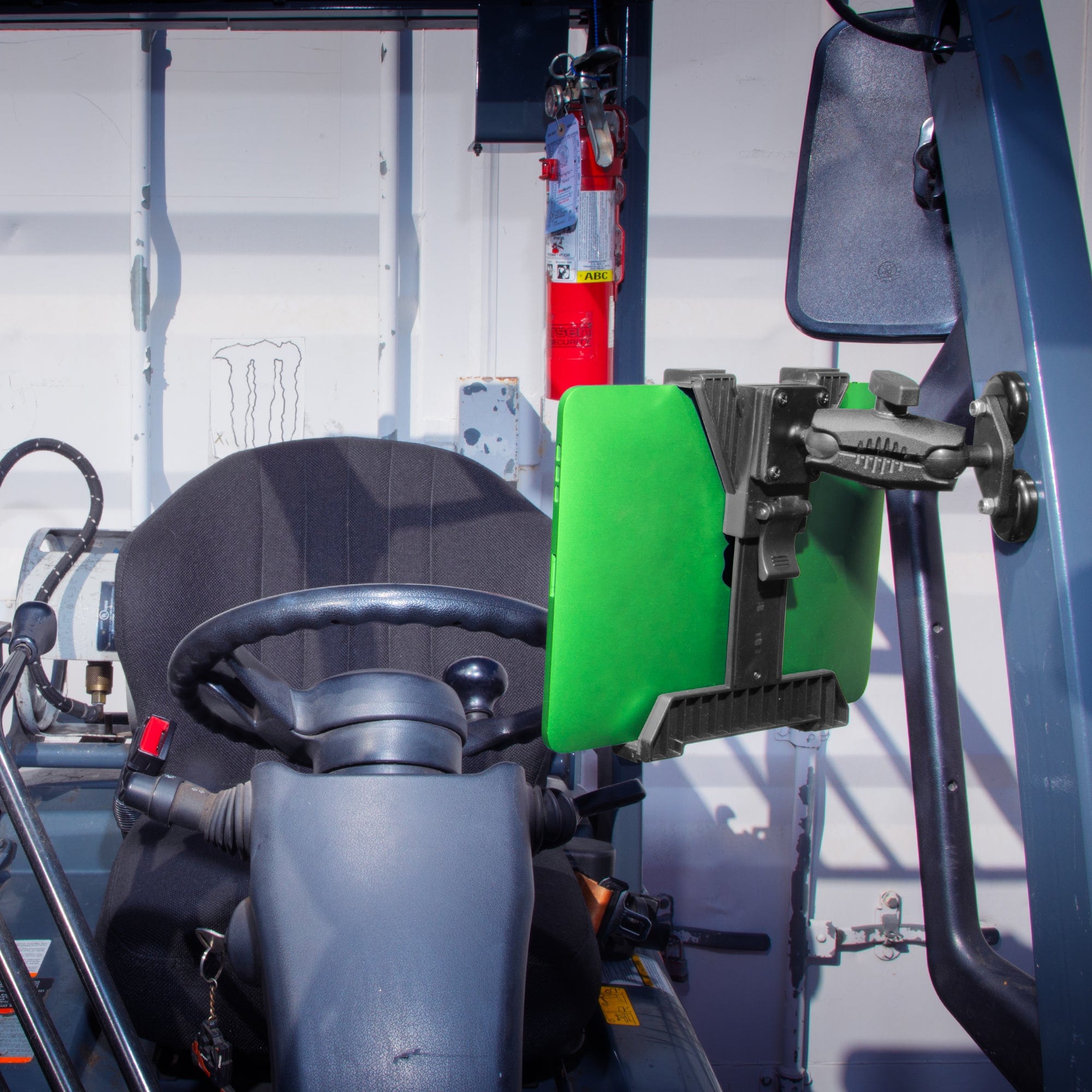
Catalog product image. Devices shown are not included.
Measure the tablet with its everyday case
The standard TabDock holders have a published opening of 4 to 8 inches and a depth range of 0.2 to 0.9 inch. Measure the device with the case and any attached accessory you intend to keep in place. Check the dimension across the gripping points, then the depth at those points.
A 10.9 inch screen is a diagonal measurement. It does not tell you the width between the holder's contact points, and it leaves out the case. Before ordering several kits, try the intended viewing orientation with the actual tablet and make sure buttons, cameras and the charging port remain accessible.
TabDockXL is a separate holder variant with its own SKU and price. If your tablets need the larger option, confirm the XL dimensions on the selected product variant. The standard dimensions in the comparison table should stay with the standard TabDock holder.
Check the counter at the same time. The clamp listings describe flat surfaces up to 2.5 inches wide; confirm the jaw opening and relevant measurement axis for your counter edge. A rounded lip, an obstructed underside or an unsupported overhang can matter just as much as the measurement itself.
Plan the mounting hardware, security and power
The Tablet Tower pole extends from 17.5 to 28.5 inches. Allow additional room for the tablets, their viewing angles and the cable bends behind them. A simple mock-up with the actual devices helps you see whether staff can reach the top screen and whether the lower screen leaves room for order handoff.
The four- and five-holder listings include the holders, adapters, pole, clamp base and a drill base. The three-holder listing describes the drill base as both included and optional, so confirm the packed contents if you plan to bolt that kit down. Select any site fasteners for the actual counter material and permitted attachment method.
The standard TabDock kits are open mechanical holders. If an unattended device needs a key-controlled release, look at a dedicated locking option in the restaurant collection and check the enclosure, base attachment and payment-accessory clearances. A holder count does not tell you whether a kit offers keyed security.
Plan charging alongside the mount. These kits do not list a charger or powered dock, so keep the correct cables and adapters on your parts list. Leave enough cable for the intended tablet adjustment without pulling on a connector. Keep plugs reachable for service and route cables around, rather than through, the order-packing area.
Set up one station before equipping every counter
Place the first station where staff will actually use it. Arrange screens in the order the work happens, whether that is accepting an order, checking preparation progress or confirming a pickup. Ask the team to reach each screen, remove a tablet and clean around the base with the station in its intended position.
Keep customer checkout requirements in view. A card reader, receipt accessory or a case that needs to face the customer can change the layout. Where a wall position makes more sense, choose an appropriate wall-mount product and check its attachment requirements rather than assuming a clamp kit can serve both jobs.
Once the arrangement works, save a short parts list: kit SKU and holder variant, tablet and case models, counter measurements, power adapters and cables. Add photos of the base, screen positions and cable route. That gives another location a useful starting point and makes replacement orders easier.
Recheck the differences at the next counter. A thicker edge, different tablet case or tighter preparation area may need an adjustment. Keeping those details with the parts list is more useful than trying to make every station identical.
Frequently asked questions
Which restaurant tablet mount should I choose for four delivery tablets?
Start with the four-holder Tablet Tower, standard TabDock SKU IBRT-34707, if the devices and counter match the planned installation. Check each case, screen position and charging connection before ordering.
Does one delivery app always need one tablet?
No. Count the physical devices required by your software and operating setup. Choose the holder count from that list rather than the number of apps you accept orders through.
Do Tablet Tower clamp kits lock or charge the tablets?
The standard TabDock kits are open mechanical holders with no keyed lock or powered dock listed. Choose locking hardware when required and plan compatible charging cables and adapters separately.
Can I use the same setup in a food truck?
A mobile counter needs its own attachment and operating-environment check. Confirm a suitable mount, base and installation method for the vehicle rather than relying on a stationary restaurant example.
Use the restaurant Tablet Tower selector to compare the three-, four- and five-holder options, or explore the restaurant collection for other layouts.
Specifications and listed USD prices checked September 8, 2026. Based on manufacturer-published specifications, not comparative performance testing. Check current availability and your selected variant before ordering.

Leave a comment
This site is protected by hCaptcha and the hCaptcha Privacy Policy and Terms of Service apply.