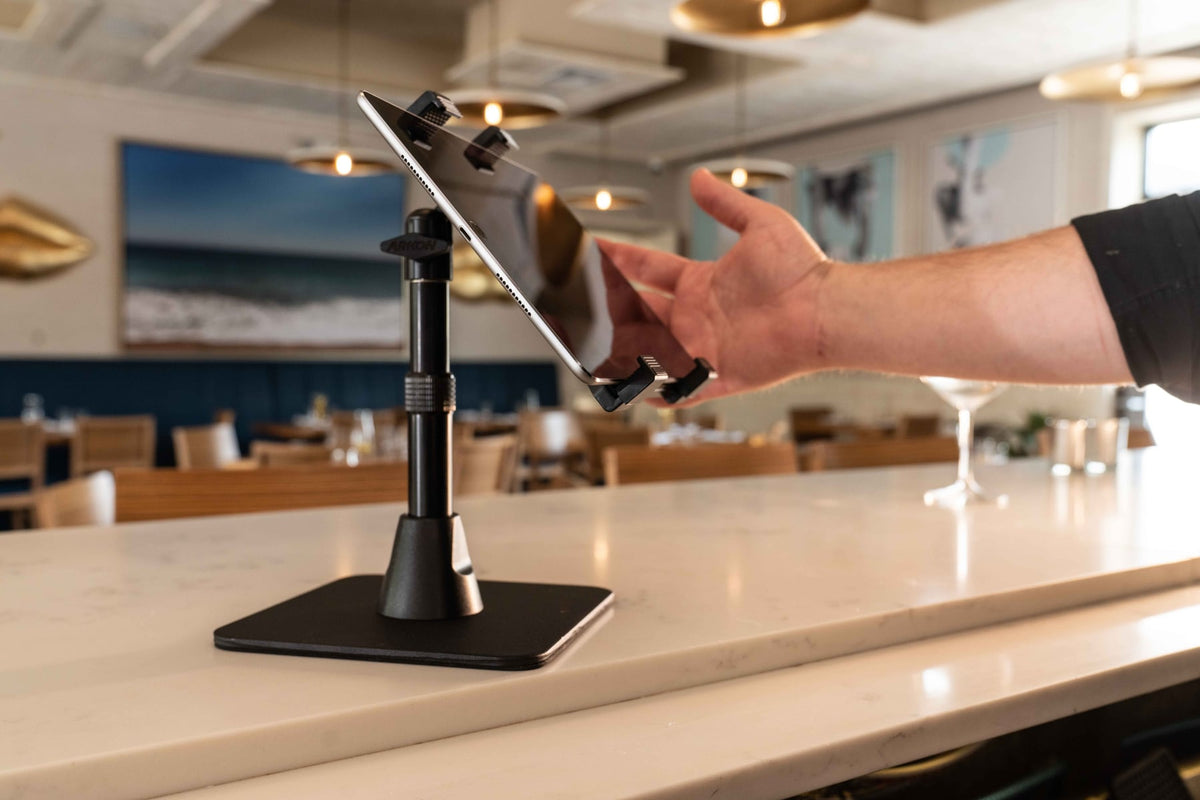
A restaurant may need one polished checkout screen or a back counter holding several delivery tablets. Those are different problems. A customer-facing POS stand should fit the exact tablet, route power cleanly, and provide the right degree of security. A delivery-app station should consolidate devices without swallowing prep or expo space.

This comparison gives multi-tablet organization its own weight while also recognizing the strengths of device-specific enclosures and integrated checkout hardware.
Key Verdict
Best overall in this specification-based comparison: iBOLT Tablet Tower with 3 Tablet Holders. It includes three adjustable universal holders and offers clamp or drill-base installation, which directly fits a staff-facing delivery-app station. Choose Square Stand instead when the location runs a supported iPad with Square payments, because the Tablet Tower is not payment hardware.
Editorial disclosure: iBOLT manufactures three products in this guide. We compared iBOLT and competing products using published specifications, tablet count, device fit, countertop footprint, installation, security, adjustability, cable routing, and restaurant-workflow fit. Prices and availability can change. This is a specification-based comparison. Products were not physically tested for this article.
How We Ranked
We first separated multi-tablet stations from single-device POS stands. We then considered retention, installation fit, compatibility, staff or customer ergonomics, security, cable access, configured completeness, deployment support, and warranty. Unknown specifications remained unknown. Payment acceptance, software compatibility, and card-reader support were credited only when the manufacturer documented them.
Quick Comparison
| Rank | Product | Award | Format | Main Tradeoff |
|---|---|---|---|---|
| 1 | iBOLT Tablet Tower, 3 Holders | Best multi-app delivery station | Clamp or drill base | Not a payment terminal |
| 2 | Bouncepad Original Counter | Best polished freestanding enclosure | Weighted counter stand | Single tablet and device-specific enclosure |
| 3 | CTA Digital PAD-FTSU | Best broad-fit security stand | Bolt-down or tabletop | Larger open universal holder |
| 4 | Heckler WindFall Stand | Best premium iPad presentation | Device-specific counter stand | Limited to listed iPad models |
| 5 | iBOLT Tablet Tower Wall Mount, 3 Holders | Best counter-saving multi-tablet setup | Wall mount | Requires a suitable wall and routing plan |
| 6 | Square Stand | Best integrated Square checkout choice | Countertop POS hardware | Tied to supported iPads and Square workflow |
| 7 | Compulocks GlideTab | Best universal security ecosystem | Counter stand | Confirm current SKU and tablet dimensions |
| 8 | Bouncepad Clip Counter | Best upgrade-friendly open holder | Freestanding counter stand | For semi-supervised environments |
| 9 | iBOLT LockPro Drill Base Stand | Best universal locking iBOLT stand | Permanent drill base | No integrated payments |
| 10 | CTA Digital PAD-KMS | Best flexible kitchen support mount | Wall, cabinet, or tabletop | Non-security design |
The Rankings
1. iBOLT Tablet Tower with 3 Tablet Holders
Best multi-app delivery station. This product addresses a specific restaurant problem that single-tablet kiosks do not: organizing three ordering or delivery tablets at one station. It includes clamp and drill-base installation paths and adjustable universal holders. It is suited to a staff-facing command center, not a substitute for payment hardware or a locked customer kiosk.
Watch: iBOLT TabDock POS Clamp Mount with 3 Tablet Holders (IBRT-34700)
Watch the standard three-holder TabDock station being assembled, including the pole connections and adjustable tablet holders.
View iBOLT TabDock POS Clamp Mount with 3 Tablet Holders (IBRT-34700)

2. Bouncepad Original Counter
Best polished freestanding enclosure. Bouncepad combines a weighted steel base, lockable device-specific enclosure, concealed charging cable path, and portrait or landscape setup. It fits a customer-facing counter that cannot be drilled. The enclosure selection must match the tablet, and optional tethering or accessories can affect the final configuration.
3. CTA Digital Flat-Folding Tabletop Security Stand
Best broad-fit security stand. CTA documents support for 7 to 14 inch tablets, keyed holder security, a steel cable, 360-degree holder rotation, and a base that can bolt to a counter. The folding neck offers useful angle choices. Its universal industrial appearance may be less refined than a tablet-specific enclosure at the front counter.
4. Heckler WindFall Stand for iPad Air 13-inch and iPad Pro 12.9-inch
Best premium iPad presentation. Heckler's steel stand is built around listed iPad generations, includes cable retention, and supports optional counter anchoring and security accessories. It is a clean choice for a carefully specified checkout station. It is not universal, and the page explicitly excludes a newer 13-inch iPad Pro generation.
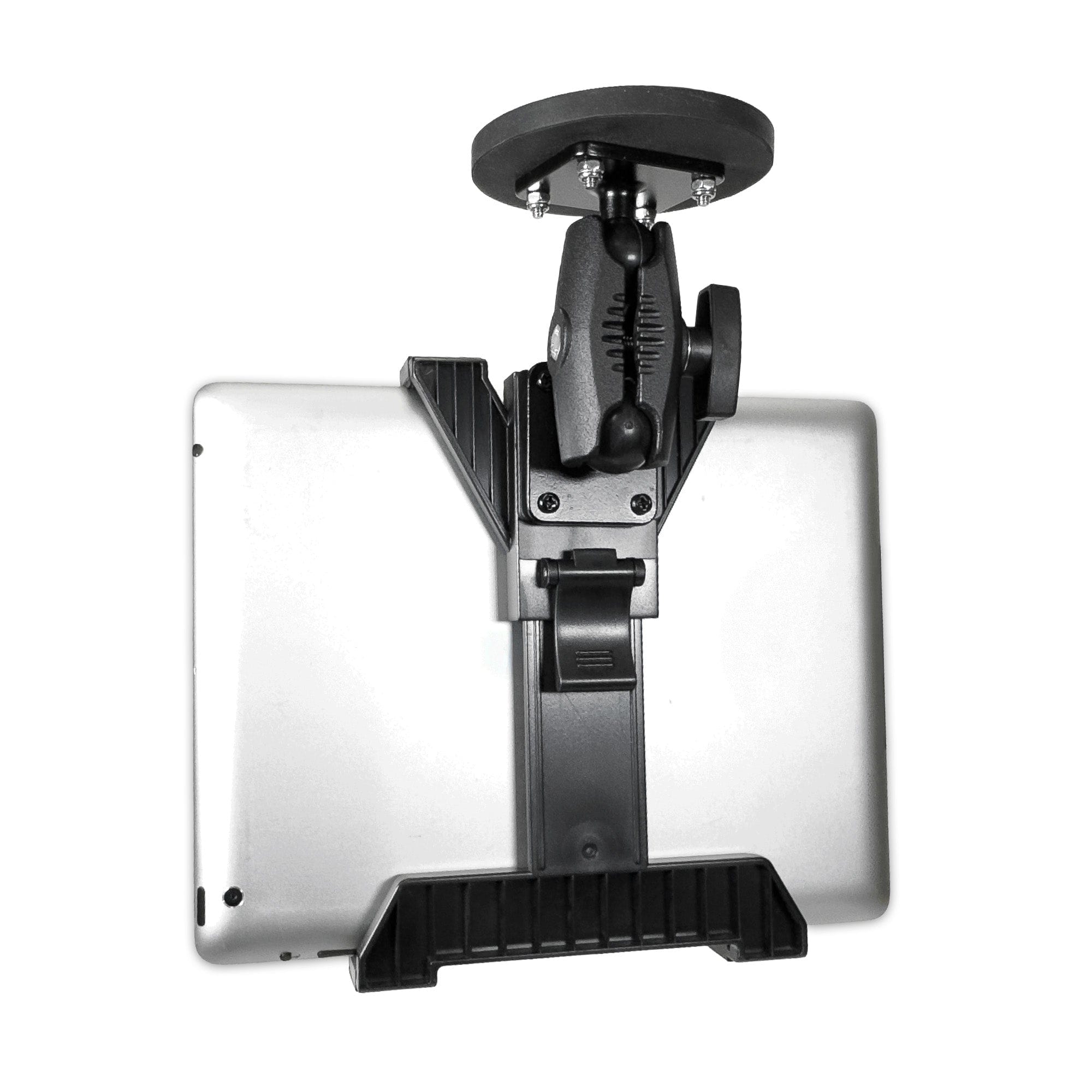
5. iBOLT Tablet Tower Wall Mount with 3 Holders
Best counter-saving multi-tablet setup. Moving three staff-facing tablets to the wall can clear a crowded delivery or expo counter. Adjustable universal holders let a restaurant mix compatible tablet brands. The tradeoff is a permanent installation that needs an approved wall location, comfortable reach, protected charging cables, and clearance from heat, grease, and water.

6. Square Stand
Best integrated Square checkout choice. Square Stand is designed as payment hardware for supported iPads and the Square ecosystem. That integration can matter more than universal device compatibility at a checkout counter. Restaurants should verify the supported iPad, payment accessories, network, software plan, and current hardware package instead of comparing the stand as a simple tablet holder.
7. Compulocks GlideTab Stand
Best universal security ecosystem. GlideTab uses a universal secured-tablet approach within Compulocks' broader commercial mounting catalog. It is relevant for restaurants that expect tablet refreshes but still want security hardware. Before purchase, confirm the live product SKU, tablet dimensions, base option, cable routing, and what security components are included.
8. Bouncepad Clip Counter
Best upgrade-friendly open holder. The spring-loaded Clip supports most published 8 to 13 inch tablets, keeps common ports and cameras accessible, and includes a screw that can lock the jaws. Integrated cable management keeps the counter tidy. Bouncepad positions it for semi-supervised use, so a fully enclosed stand may suit unattended customer areas better.
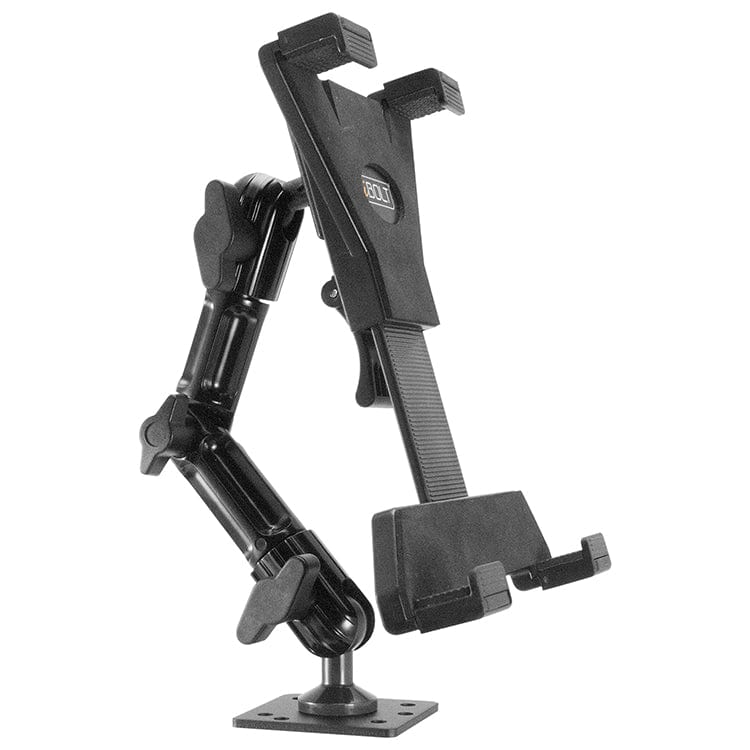
9. iBOLT LockPro Drill Base Locking Stand
Best universal locking iBOLT stand. LockPro combines a permanent drill base, adjustable metal holder, and key lock for many 7 to 10 inch tablets. It works when a restaurant wants a universal secured screen without committing to one iPad generation. It does not provide payment integration, so card-reader fit and cable routing need separate planning.

10. CTA Digital 2-in-1 Kitchen Mount Stand
Best flexible kitchen support mount. CTA's non-security stand can move between included wall or cabinet bases and a tabletop leg configuration. It supports published 7 to 13 inch tablet sizes and offers multiple joints. It fits recipes, kitchen reference, or supervised order screens better than an unattended POS terminal because it does not include a locking enclosure.
Match the Stand to the Station
For three or more delivery apps, start with a multi-tablet tower or wall array. For a customer-facing checkout, prioritize exact device fit, payment-reader compatibility, stable cable routing, and the needed security level. A universal locking stand supports mixed hardware and easier upgrades. A device-specific enclosure usually looks cleaner but ties the deployment to listed tablet generations. Keep kitchen screens away from splash, steam, heat, and food-contact zones, and route cables where staff cannot snag them.
FAQ
Is one multi-tablet tower better than separate stands? It can reduce the number of bases and organize several staff-facing screens. Separate stands may be better when each tablet belongs at a different work zone.
Do locking stands prevent all theft? No. Locks and anchors deter casual removal. Location, supervision, asset procedures, and secure closing routines still matter.
Should the delivery tablets go at the front counter? Put them where the team handling incoming orders can see and act on them without crowding checkout or prep work. A multi-tablet station is generally a staff-facing workflow tool, not a customer payment terminal.
Will a universal stand fit every tablet? No. Check the listed device dimensions, case thickness, charging-port access, and cable path before ordering. Device-specific enclosures can provide a closer fit when the tablet model is fixed.
Browse iBOLT's restaurant and POS mount collection when a universal single-tablet stand or multi-tablet delivery station fits the workflow.

Leave a comment
This site is protected by hCaptcha and the hCaptcha Privacy Policy and Terms of Service apply.