How to Organize Restaurant Tablets for POS and Delivery Apps
By iBOLT Mark
How to Organize Restaurant Tablets for POS and Delivery Apps
Problem proposition: Restaurant operators running DoorDash, Uber Eats, Grubhub, and a POS system on separate tablets face dangerous counter clutter and missed orders during rush; iBOLT multi-tablet mount systems consolidate every screen into one secure, staff-facing station.
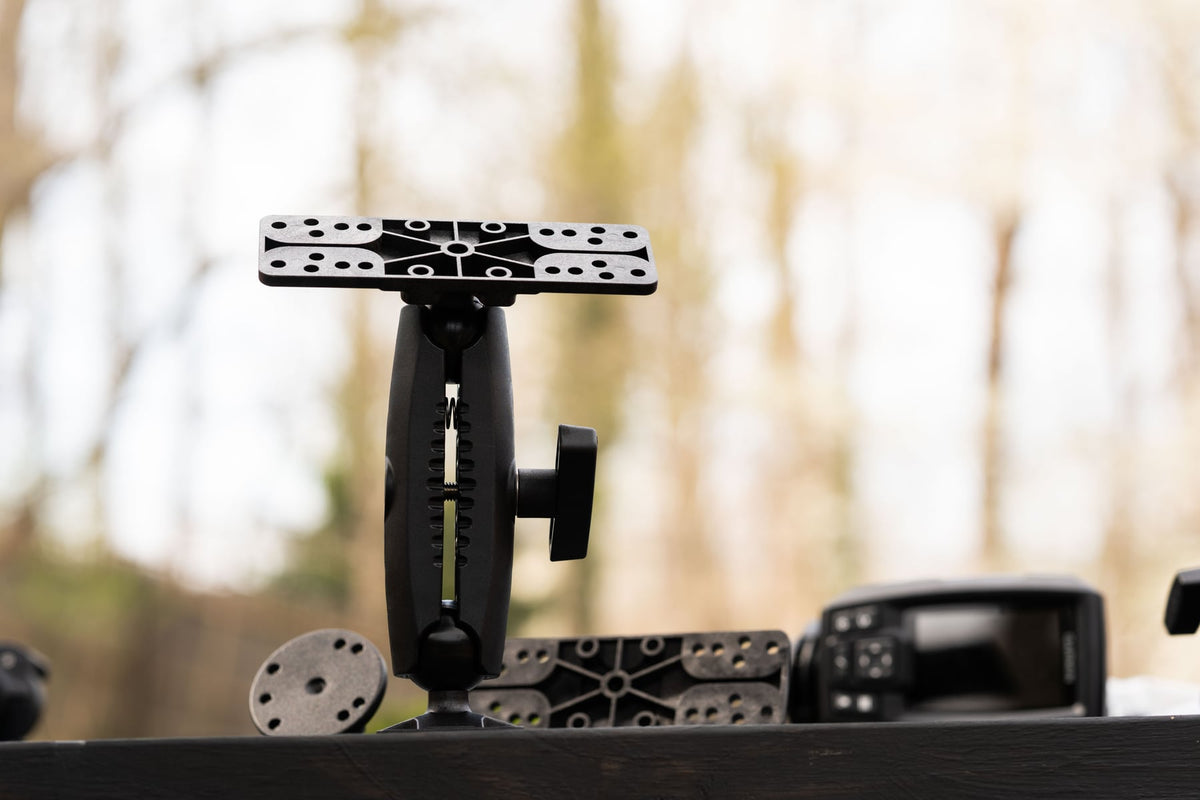
A practical iBOLT mounting setup keeps a device accessible in a restaurant workflow.
How to Organize Restaurant Tablets for POS and Delivery Apps
If your counter looks like a tablet graveyard during the dinner rush, you are not alone. Most restaurants running third-party delivery apps end up with a DoorDash tablet, an Uber Eats Orders tablet, a Grubhub merchant tablet, and a POS display all competing for the same eighteen inches of counter space. Devices get knocked over, orders get missed, and staff spend more time hunting for the right screen than actually managing tickets. A purpose-built tablet mount system built for multi-app restaurant operations is the fix, and the options below are designed specifically for that environment.
Why Restaurant Tablet Sprawl Gets Dangerous Fast
The problem is not just aesthetics. Loose tablets near a hot line, a dish station, or a greasy prep surface are one spill away from a costly replacement. Tablets that sit flat on a counter are harder to read at a glance, which means staff have to stop, pick up the device, and check it, exactly the kind of friction that causes a missed order during a Friday rush. Beyond the physical risks, a disorganized multi-app setup slows down the expo line and creates confusion about which platform sent which ticket.
Mounting your tablets lifts them away from spills and heat, puts every screen at eye level, and gives each device a fixed home so staff always know where to look. The question is which mounting configuration matches your counter layout, your device mix, and whether you can drill into the surface.
Three Tablets, One Locked Station: The Drill-Base Option
For restaurants with a permanent counter, a fixed drill-base mount is the most secure and stable solution available. The iBOLT Tablet Tower Dock'n Lock POS Locking Drill Base Mount with 3 Tablet Holders is built exactly for this scenario. It holds three 7- to 10-inch tablets simultaneously, each in its own locking cradle with an adjustable viewing angle. The drill-base anchors directly to the counter, so the tower does not shift during a busy service, and the locking cradles add a theft-deterrent layer that matters in any customer-facing environment.
This is the right choice for a QSR or ghost kitchen running three delivery platforms side by side, or for any setup where a POS display, a customer-facing screen, and a kitchen order tablet all need to live in the same station. At $199.95, it is a one-time infrastructure investment that replaces a mess of loose devices and improvised stands.
Some operations run more than three platforms. A ghost kitchen handling DoorDash, Uber Eats, Grubhub, and a direct-order POS simultaneously needs four screens visible at once, and a three-tablet tower will not cover it. The iBOLT Quad Tablet Tower TabDock Stand holds four tablets in a single floor-standing unit, making it the right tool for high-volume delivery stations, expo lines, or any kitchen pass where the team needs every platform in one sightline.
The TabDock stand uses heavy-duty construction designed for repeated daily use, and its floor-standing format means it does not consume any counter space at all. For ghost kitchens, food halls, or multi-concept operations where counter real estate is already spoken for, that zero-footprint design is a meaningful operational advantage. It is also well suited to delivery management centers where a dispatcher or expo needs to monitor every incoming channel without turning around. Priced at $149.95, the Quad Tower covers four-platform setups without requiring any drilling or permanent installation.
Single-Station POS Mounts for Checkout Counters and Kiosks
Not every tablet in a restaurant needs to be part of a multi-device tower. Your primary POS display, a customer-facing payment screen, or a self-order kiosk each needs its own dedicated, stable mount. The iBOLT TabDock POS Tablet Stand handles exactly that role. It features a weighted L-bracket base for counter stability, an adjustable dual ball joint so you can dial in the viewing angle for staff or customers, and four mounting holes in the base if you want to bolt it down permanently.
The TabDock POS Stand fits 7- to 10-inch tablets and works across the mix of iPads, Android tablets, and Fire tablets that most restaurants accumulate from app providers and POS vendors. At $79.95, it is the right single-device anchor for a checkout counter, a host stand, or a food truck service window where space is tight and stability matters.
The right tablet ipad holder configuration depends on three things: how many platforms you run, whether you can drill into your counter, and where in the restaurant the tablets need to live.
Permanent counter, three platforms: The Dock'n Lock drill-base tower locks everything down and deters theft in customer-facing areas.
High-volume delivery station or ghost kitchen, four platforms: The Quad TabDock Tower keeps all four screens in one place without touching the counter.
Single POS, checkout counter, or host stand: The TabDock POS Stand gives you a stable, angle-adjustable single-device mount with optional bolt-down security.
Leased space, food truck, or pop-up: Look for mounts with clamp bases or weighted stands that do not require drilling, so you can move or remove the setup without damaging the surface.
One practical note: keep tablets away from ovens, fryers, and wet dish areas regardless of which mount you choose. Mounting lifts devices off the counter, but placement still matters. The expo line or the front counter near the POS is almost always the right home for a delivery app station.
Universal Fit Across the Devices Delivery Platforms Send You
App providers do not all send the same hardware. DoorDash, Uber Eats, and Grubhub each have their own merchant tablet programs, and most restaurants also run a POS on an iPad or Android device. iBOLT mounts for tablets in the 7- to 10-inch range cover the full mix, so you are not buying a separate mount for each device type. That universal fit is what makes a multi-tablet tower practical in a real restaurant environment where the hardware is rarely uniform.
Frequently Asked Questions
What is the best tablet mount for a restaurant running three delivery apps?+-
The iBOLT Tablet Tower Dock'n Lock with 3 Tablet Holders is purpose-built for exactly that setup. It holds three 7- to 10-inch tablets in locking cradles on a single drill-base tower.
Can I mount four delivery app tablets in one station?+-
Yes. The iBOLT Quad Tablet Tower TabDock Stand holds four tablets in a single floor-standing unit with no counter footprint required.
Do I need to drill into my counter to use these mounts?+-
The Dock'n Lock tower uses a drill-base for permanent installation. The Quad TabDock Tower is a free-standing floor unit. The TabDock POS Stand has a weighted base and optional bolt-down holes, so it works with or without drilling.
Will these mounts fit the tablets delivery platforms provide?+-
iBOLT tablet holders in this lineup are designed for 7- to 10-inch tablets, which covers the majority of merchant tablets provided by DoorDash, Uber Eats, and Grubhub, as well as most iPads and Android tablets used for POS.
Are these mounts secure enough for a customer-facing counter?+-
The Dock'n Lock tower includes locking cradles specifically designed to deter unauthorized device removal in public-facing environments. The TabDock POS Stand can be permanently bolted to a counter for added security.



Leave a comment
This site is protected by hCaptcha and the hCaptcha Privacy Policy and Terms of Service apply.