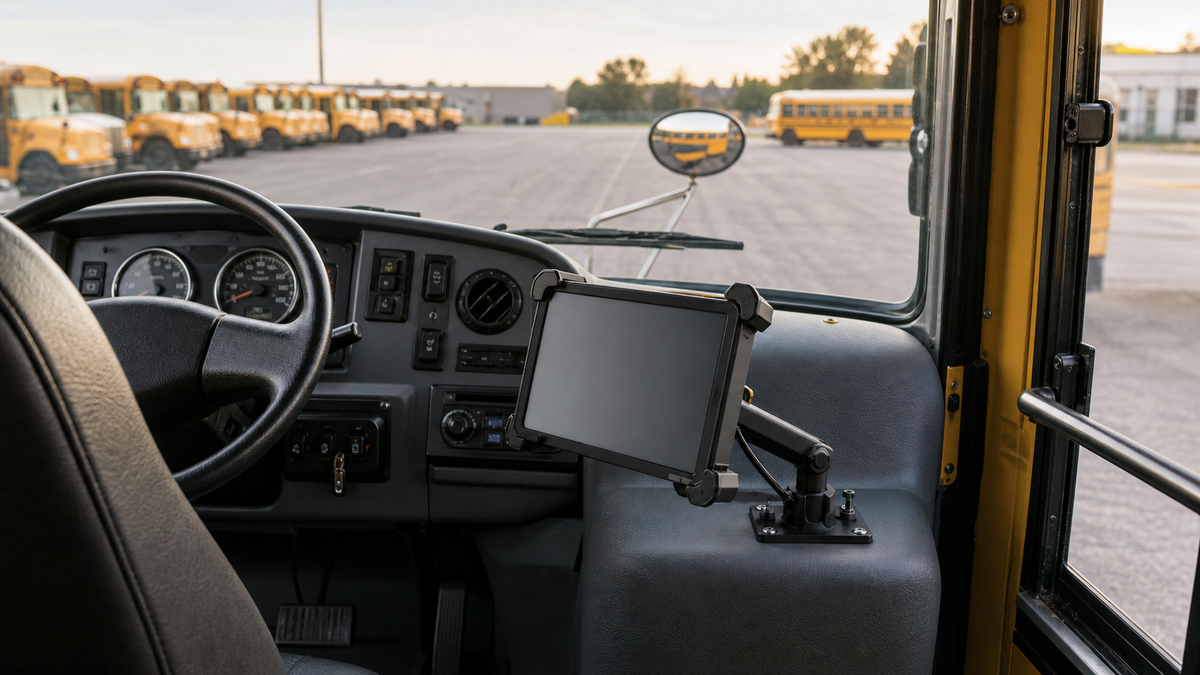

A mounted tablet can give school transportation teams one consistent place for route, rider, and vehicle information. Editorial B-roll.
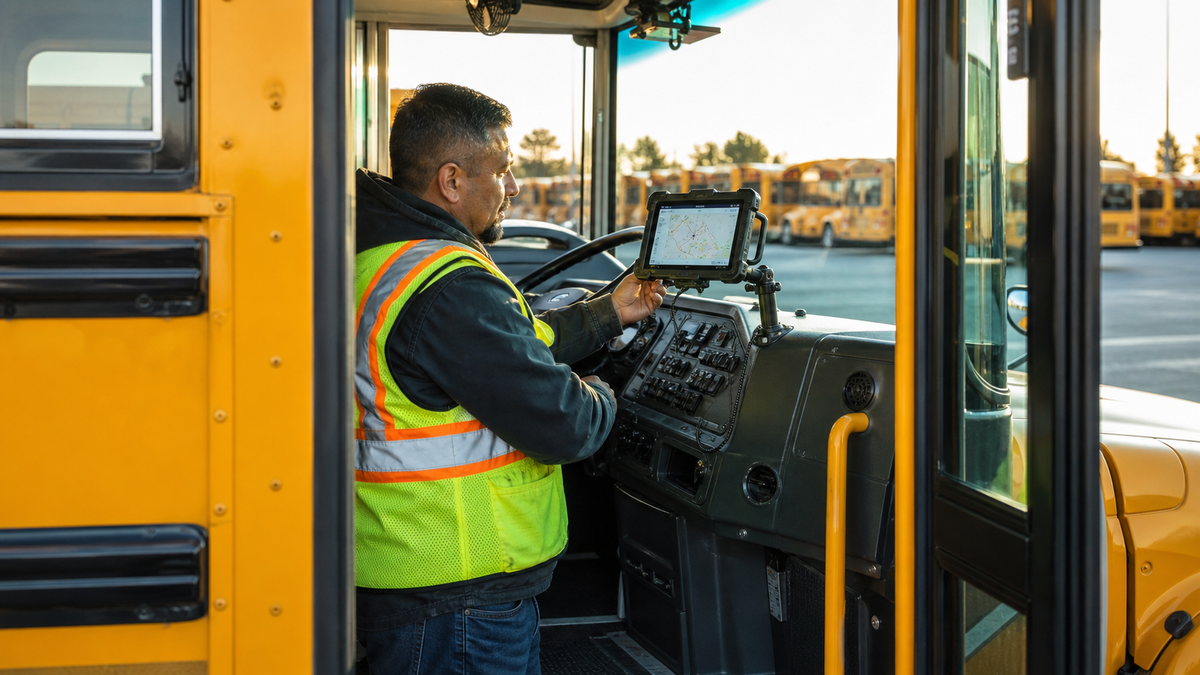
A substitute driver pulls into the yard before sunrise. The route changed overnight, two students have temporary stop instructions, and the spare bus has a different dashboard layout. A paper route sheet can describe the turns. A school bus driver tablet can connect the driver, dispatch team, rider list, vehicle inspection, and family notification workflow before the bus ever leaves the lot.
That is why tablets on school buses are doing far more than displaying a map. District examples and transportation software documentation show a device becoming an operating terminal for the route. The value is not the screen by itself. It is the current information behind it, the rules that govern it, and a mounting setup that keeps the device secure without interfering with the driver's primary job.
Nine Jobs a School Bus Driver Tablet Can Handle
-
Load the assigned route. A driver can sign in, select a bus and run, then receive the district's planned stop sequence. NHTSA notes that routing software can maintain stop order, turn information, route hazards, and right-side pickup details.
-
Provide turn-by-turn guidance. Systems such as Tyler Drive and Transfinder Wayfinder can present directions that follow a transportation department's route rather than a generic passenger-car route.
-
Support substitute drivers. NHTSA specifically identifies turn directions and passenger lists as helpful to substitute school bus drivers. That matters when the person behind the wheel knows safe bus operation but does not know every curve, turnaround, and stop note on an unfamiliar run.
-
Record student boarding and exiting. At Orange County Public Schools, students scan an RFID card when boarding and leaving, while the tablet can support manual attendance when a card is unavailable. The district says the system can alert a driver when a student boards the wrong bus or attempts to exit at an unassigned stop. See the district's student ridership information.
-
Display authorized rider information. Depending on the district and its privacy rules, the device may show a passenger list, stop assignment, photo, or approved alert that helps the driver confirm the right student and destination.
-
Complete pre-trip and post-trip work. Tablets can guide vehicle inspection steps, record defects, and send the result to the transportation or maintenance team. The West County Transportation Agency tablet guide documents driver login, bus selection, inspections, and route workflows in one system.
-
Receive dispatch updates. A route supervisor can push a changed route or substitution to the assigned device. That reduces the risk of relying on an old printout after a stop, road, driver, or bus assignment changes.
-
Feed family-facing arrival tools. GPS and ridership events can update a parent app with bus location, estimated arrival, or boarding and drop-off notifications when the district enables those features. Stillwater Area Public Schools describes tablets replacing paper route sheets while supporting its MyStop app.
-
Create better operations data. Completed route, time, location, and ridership records can help the transportation office review incidents, find capacity issues, check on-time performance, and improve future route planning.
The Data Chain Starts Before the Bus Moves
A useful tablet workflow has a clear order. The driver logs in while parked, verifies the assigned vehicle and run, and reviews any route or rider changes. The tablet loads the approved sequence of stops. During boarding, a student scan or authorized manual check records the event. GPS and status data move to dispatch and, where configured, to the family app. After the run, inspection and completion records return to the district system.
The device should reduce guesswork, not invite screen interaction in motion. State rules differ. Iowa, Tennessee, and Virginia, for example, do not use identical language or allowances for driver devices. Districts should confirm current state law, local policy, vehicle requirements, and permitted screen behavior before deployment. A mount does not make an interaction legal. Data entry should occur only when the bus is legally parked or when a specific rule expressly permits the action.
The Mount Is Part of the Workflow
The tablet needs a repeatable home. It should stay clear of the windshield, mirrors, gauges, switches, entrance, handrails, and the driver's movement path. Zonar's school bus installation guidance also calls for a strong mounting surface, supported cables, service loops, and state-level placement review.
For a district-approved permanent attachment point, the iBOLT TabDock Bizmount AMPS fits 7 to 11 inch tablets, uses a 30 by 38 mm four-hole AMPS pattern, and includes a 3.75 inch arm with dual 25 mm ball joints. Its four contact points can accommodate many tablets in protective cases, subject to a measured test fit.
Watch: iBOLT TabDock BizMount AMPS (IBBZ-33921)
See the standard TabDock holder, four-prong adapter, 25 mm BizMount arm, and AMPS drill base being assembled and adjusted.
Watch the short vertical demo (20 seconds)

iBOLT TabDock Bizmount AMPS - $29.95
That compact fixed layout suits a documented fleet configuration where maintenance staff have approved the attachment point, backing hardware, cable path, and service access.
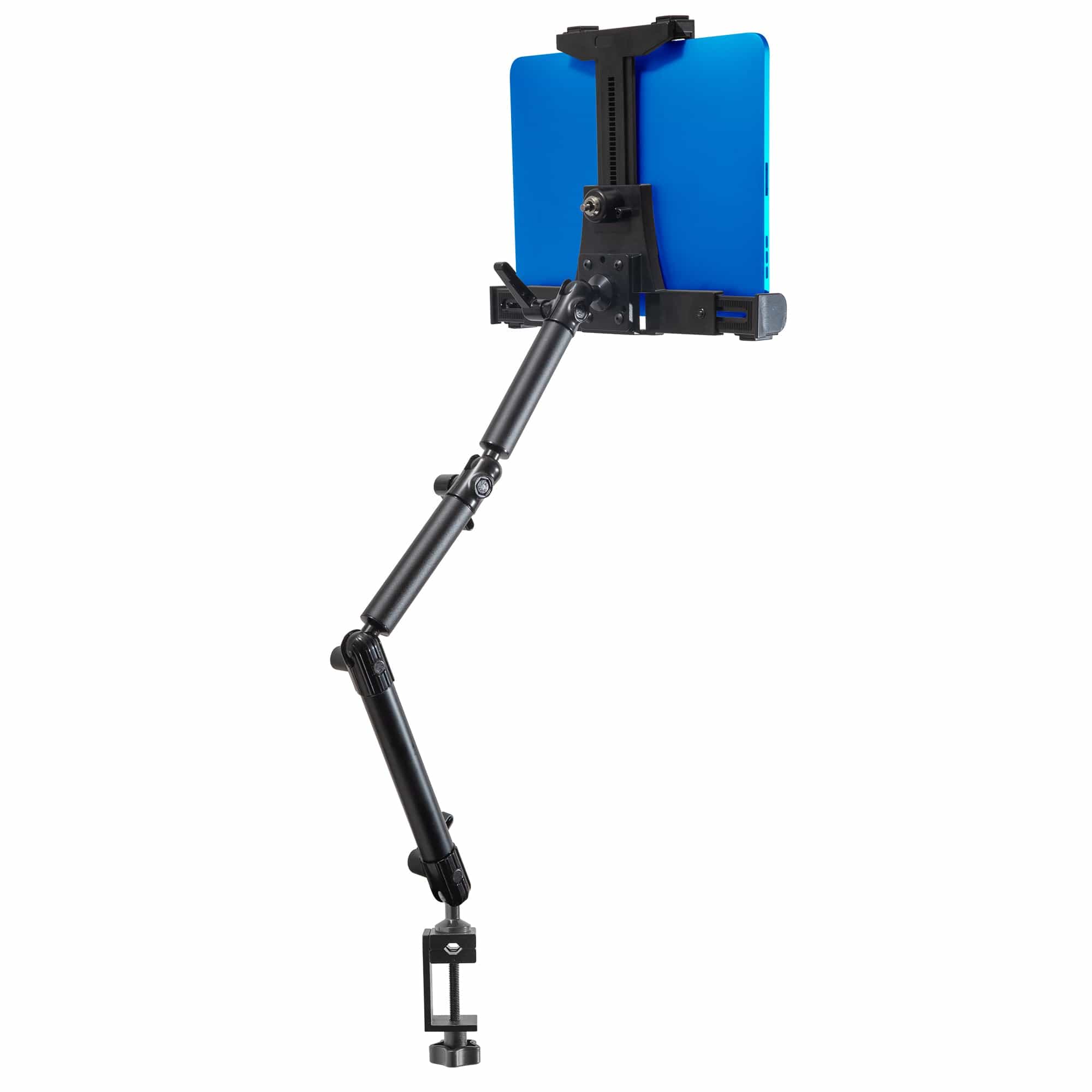
If the tablet stays on a parked bus, a locking holder may fit the district's custody process. The iBOLT LockPro FlexPro Heavy Duty Locking Tablet Seat Rail Mount has a metal locking cradle for 7 to 10 inch tablets, an 18 inch aluminum gooseneck, keys, and 360 degree positioning. A school bus requires a vehicle-specific review of the attachment point, floor structure, clearances, and local approval. The product name is not blanket permission to attach it to any bus seat rail.

Locking hardware answers a custody question, but it does not answer every placement question. The district still needs to test reach, movement, removal, and daily key control.
For a removable pilot where policy allows suction mounting, the iBOLT TabDock ExtendiBOLT Dual Suction Cup Mount uses two 80 mm cups, a 13.5 to 17.5 inch arm, a 25 mm connection, and a holder for 7 to 11 inch tablets. The longer reach demands extra attention to movement, sightlines, mechanical load, and the approved surface.

Questions to Answer Before a Fleet Rollout
Start with the job the device must do, then document the bus, tablet, case, cable, approved attachment point, removal process, screen behavior, and inspection interval. Pilot the complete setup in each bus type. Ask drivers and maintenance staff to review visibility, reach, reflections, cable movement, device removal, and vibration while the bus is operated under the district's test procedure.
iBOLT offers more than 300 modular parts in industry-standard sizes, including 25 mm B size and 38 mm C size components. That modularity helps a mixed fleet keep a common holder or interface while using different approved bases. It does not replace the district's engineering, policy, or installation review.
Frequently Asked Questions
What is a school bus driver tablet used for?
It can support route guidance, rider lists, student boarding records, inspections, dispatch messages, family notifications, and operations reporting. Available functions depend on the district's software, policies, and state rules.
Can a driver touch a mounted tablet while the bus is moving?
Do not assume so. State laws and district rules differ, and some systems disable visual display or interaction while the vehicle is in motion. Confirm the current rule for every operating jurisdiction.
Can school bus tablets track when students board and exit?
Yes, when the district uses an integrated RFID, NFC, barcode, or authorized manual attendance workflow. The tablet can record the event and may trigger an alert for an unassigned bus or stop.
Where should a school bus tablet be mounted?
Only at an approved point that does not block the road view, mirrors, gauges, controls, entrance, handrails, or emergency equipment. The mounting surface, cable path, and passenger contact risk also need review.
Which iBOLT mount fits a school bus?
The answer depends on the bus structure, device, security process, and local rules. Compare AMPS drill-base, locking, seat-rail or floor, and suction options, then test the exact assembly before buying for the fleet. Explore the iBOLT Buses collection and the existing school transportation tablet mount guide to build a short list for your district's review.

Leave a comment
This site is protected by hCaptcha and the hCaptcha Privacy Policy and Terms of Service apply.