iBOLT XL Barcode Scanner Forklift Pillar Mount for Warehouse Vehicles, Inventory Management, and Material Handling
Description
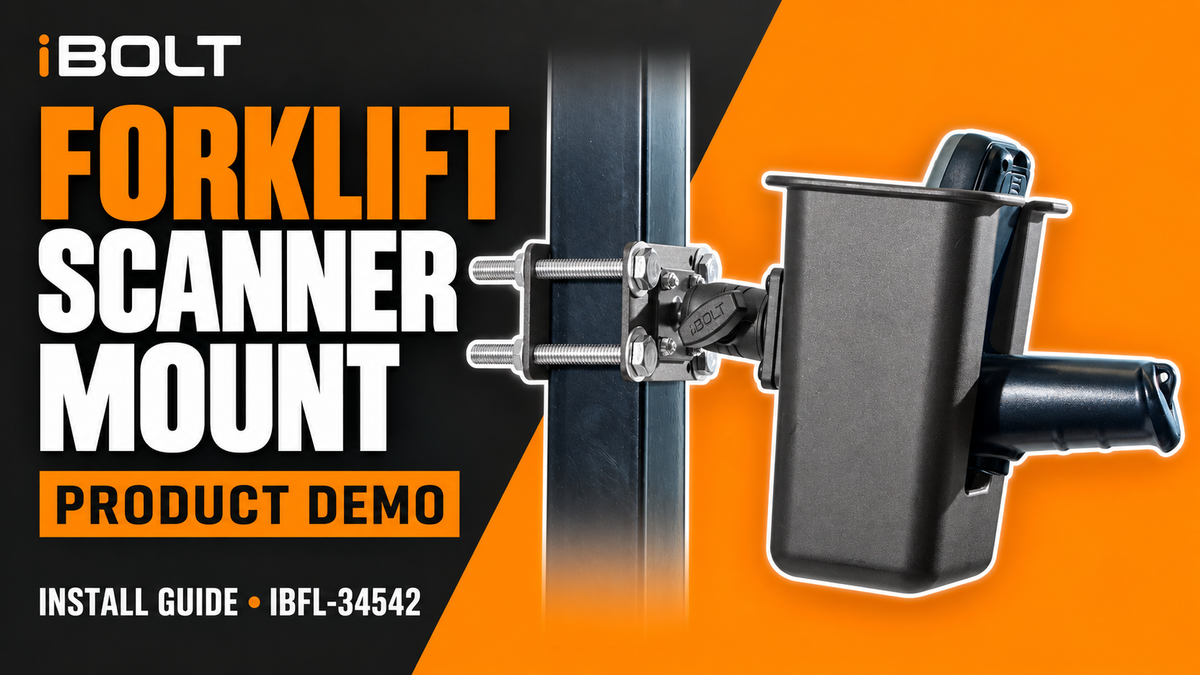
Having your barcode scanner within reach is critical for a speedy checkout process and accurate inventory management. The iBOLT XL Barcode Scanner Holder Forklift Pillar Mount easily elevates your QR or other mobile device off the dash of your forklift to allow for easy reading by scanning in any direction quickly and efficiently.
Watch the Forklift barcode scanner pillar mount installation video
Watch the setup demo with English captions and a full transcript.
This video covers the IBFL-34542 XL scanner-only pillar mount. Confirm scanner fit and follow the equipment manufacturer’s mounting guidance; keep controls, operator visibility and safety systems clear. Scanner and forklift are not included.
Read the video transcript
Narration, with product spellings and punctuation normalized.
0:00 Welcome to the installation guide for the iBOLT Barcode Scanner Pillar Mount.
0:05 First, position the front plate with the ball mount facing outward against your forklift pillar.
0:11 Pass all four bolts through the front plate to the back plate.
0:14 Slide a flat washer onto each bolt end.
0:19 Using a wrench and socket, tighten the four nuts in a diagonal pattern to ensure equal tension.
0:25 Continue until the base plates are fully clamped to the pillar and cannot shift.
0:31 Loosen the side knob on the double socket arm and press the bottom socket over the base plate ball joint.
0:38 Reassemble the double socket arm by placing the longer screw in between the socket.
0:43 Put the bigger washer first, then the smaller one, and twist the knob clockwise to tighten it.
0:49 Next, assemble the holster mounting plate.
0:52 Align the plate with the ball adapter on top, pass the hex bolts through the aligned holes, and thread the hex nuts onto the back.
1:04 Use your tool to tighten the hex nuts completely until the plate is firmly without any wobble.
1:09 Take the scanner basket, align its built-in ball joint with the top socket of the arm, and snap it into place.
1:18 Adjust the basket to your preferred angle and height, then turn the side knob clockwise to lock both ball joints securely.
1:26 First, take the front mounting plate with the rubber ball joint attached and insert four long threaded bolts through its corner holes,
1:32 placing a flat washer under each bolt head on the front face.
1:37 Next, position the front plate directly against the front face of the square forklift pillar post, keeping the ball mount facing forward.
1:45 From behind, line up the rear flat clamp plate, sliding its corner holes right over the four exposed bolts extending past the post.
1:53 Secure each bolt behind the rear clamp plate in a strict hardware sequence.
1:57 First, a flat washer slides on against the back plate.
2:00 Second, a split lock washer goes over the thread.
2:03 And third, a hex nut is threaded on and tightened until snug.
2:16 Slide your barcode scanner into the basket to test fit and operator reach.
2:21 Ensure all adjustment knobs are secured tight.
2:25 Press the rubber protective caps over the exposed ends of each bolt to cover the sharp threads.
2:30 Your mount is now fully installed and ready for operation.
Specifications
Ball Joint Size
25 mm / 1 inch / B Size
Materials
- Composite & Metal
Weight
3.5 g
Arm Length
2.5 inches
Compatible Devices
25mm
- 25mm / 1 inch / B Size
Amps
- AMPS Pattern Holders/Brackets
Barcode
- Barcode Scanners
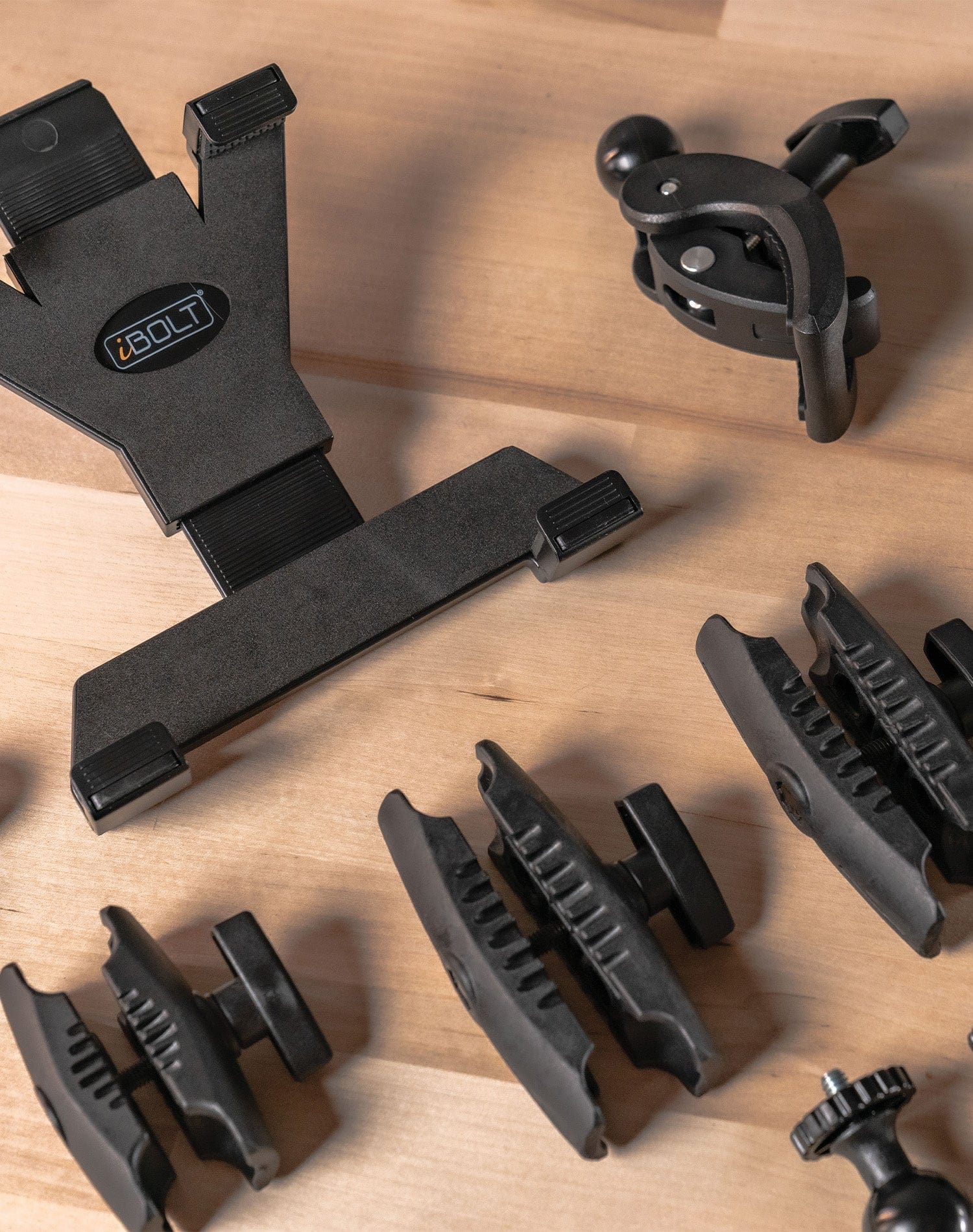
TabDock Holder
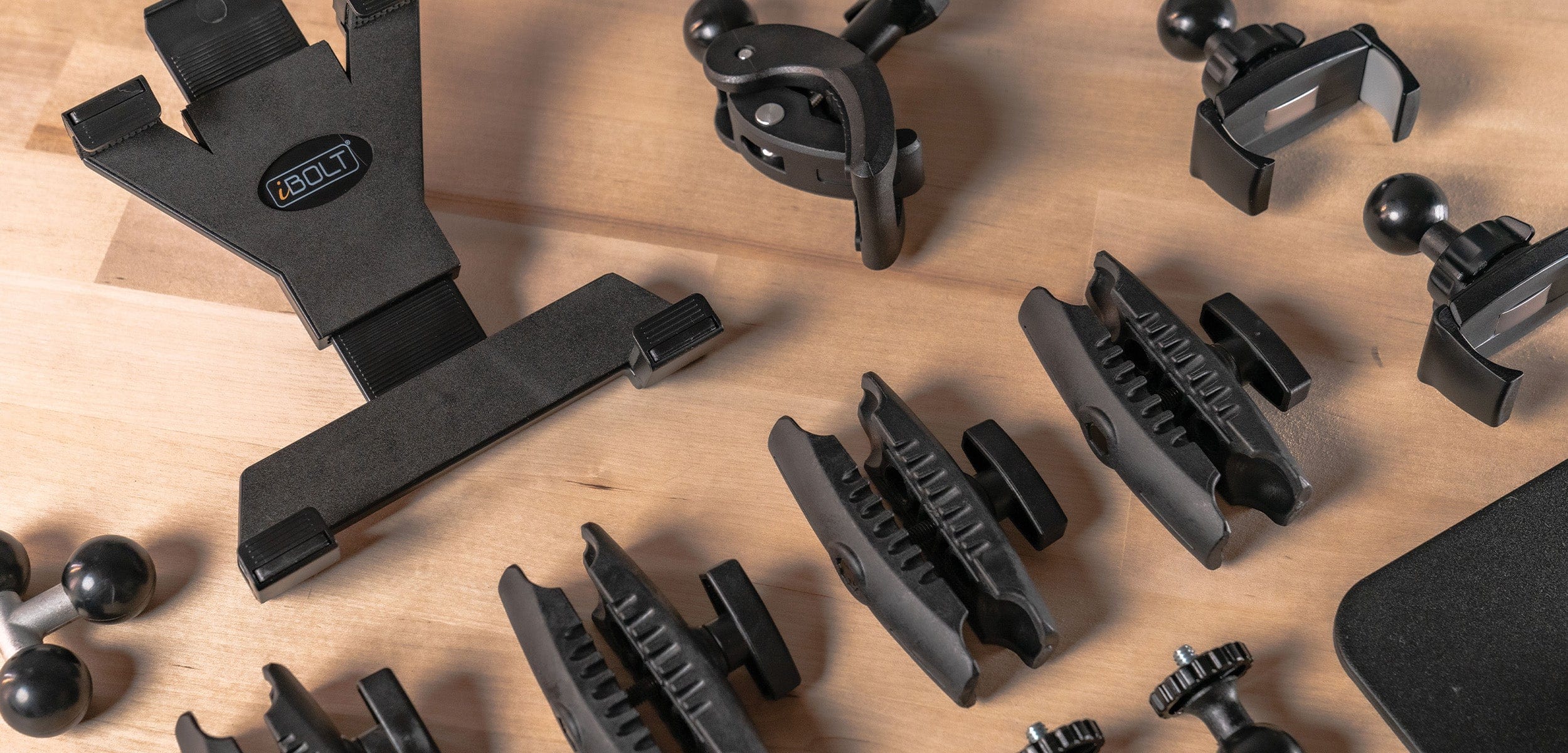
Fits 7 to 10 inch Tablets
25mm Clamp Mount
Great for Mounting on Carts, Strollers, Wheelchairs, and Tables
BizMount Arm
Build and Attach Holders and Bases with Our Industry Standard 25mm Dual Ball Mount Arm
Customer Reviews