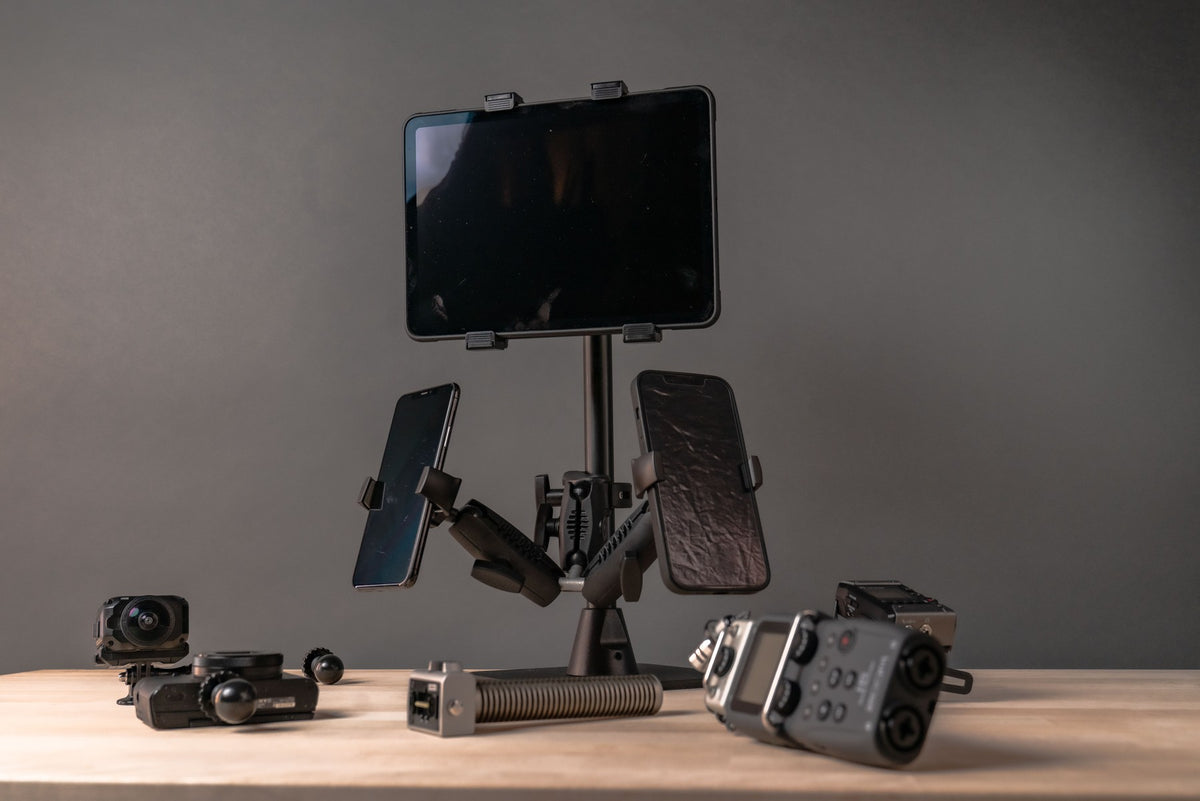

Your manager wants to "add AI" to two packing stations, and suddenly your inbox fills with terms: IP, PoE, USB, GigE, NVR, edge, C-mount, 1/4-20. AI camera systems aren't one mysterious box. They are several jobs chained together, from capturing an image to someone acting on what it shows. A camera's image connection, power supply and mechanical attachment are also three separate decisions.
This guide follows each link in the chain and ends with a hypothetical packing-station layout. iBOLT's part is the physical support. We don't make cameras, compute hardware or AI software.
How AI Camera Systems Fit Together, From Scene to Insight
Each link carries one question worth asking early:
- Scene and lighting: Is the label or action visible under real operating light?
- Lens and sensor: Will the needed detail be large, sharp and properly exposed at this distance?
- Connection and power: Which interface, cable and power source does this exact camera require?
- Recording and storage: What gets kept, for how long, and who can retrieve it?
- Analytics: Does the chosen computer or camera support this task and workload?
- Human review: What action follows a result, and who handles uncertain ones?
Lens choice and sensor size together shape the field of view, as Axis explains. More pixels don't solve everything. A view wide enough to show the whole packing bench may leave the label too small to use, and a longer exposure can blur a moving parcel. A steady mount can't fix poor lighting or motion blur.
Data, Power and Connection: IP, USB, GigE Vision and PoE
"PoE vs USB camera" sounds like one choice, but it's two. IP, USB, GigE Vision and CSI describe how images reach the next device, which makes them a data question. Power over Ethernet is one optional way to power supported equipment through the network cable. That makes it a power question, not a camera category.
Basler lists bandwidth, cable distance and camera count as practical factors when comparing camera interfaces. Check per-port and total power budgets across powered devices, as illustrated in Axis's recorder manual.
| Arrangement | Consider it for | Images go to | Verify |
|---|---|---|---|
| Network/IP camera, PoE if supported | Several points on an approved network | Compatible recorder, VMS or analytics software | PoE type or class, switch power budget, stream and codec support |
| USB camera | A bench or single-station pilot | Nearby computer with compatible driver and software | Cable length, connector retention; webcams and USB3 Vision cameras may need different software |
| GigE Vision camera | Machine-vision acquisition over Ethernet | Compatible vision software and Ethernet hardware | Software stack; Ethernet-based doesn't mean NVR-compatible |
| Embedded CSI module | Camera designed into a nearby board | The matching board and camera software | Module, board, cable and drivers match; not a long-distance cable |
The thread or bracket holding the camera is a third question, covered below.
Recorders, Analytics Computers and Smart Cameras
Separate the jobs before naming the boxes. A network video recorder (NVR) stores camera video for review, while video management software (VMS) organizes viewing, recording and device management. An analytics computer decodes video, prepares frames, runs inference and delivers results. A smart camera may handle some analysis itself.
These functions overlap, so ask where each one actually runs. Luxonis documents a standalone mode in which its OAK4 camera acts as its own host, so an external inference box isn't mandatory in that architecture.
- Training versus inference: Training changes a model; inference applies it. Recording footage trains nothing by itself.
- Local isn't automatically private: Local processing describes where analysis happens. Clips, metadata or backups can still leave the site.
- Storage: Plan from measured bitrate, recording time and camera count, not megapixels alone.
If you add an edge computer, mount the exact finished enclosure using the manufacturer-approved method. Account for its full load including cables, and keep heat, ports and service access in mind.
Mechanical Support: The Third Interface in Your Camera Setup
Keep three interfaces apart:
- Lens interface: lens to camera, such as C-mount, CS-mount, M12 or a fixed lens.
- Image and power connection: camera to host or network, such as Ethernet, USB or CSI.
- Camera support interface: camera body to its support, such as a documented 1/4-20 socket, M2/M3 holes or a dedicated bracket.
Basler's mounting instructions describe camera families secured with M2/M3 fasteners, so not every industrial camera has a 1/4-20 socket. Check the supplied bracket, approved accessories and installation drawing first.
Once the camera side is verified, two iBOLT examples suit different surfaces:
- Approved flat surface: The iBOLT 38mm AMPS to 1/4-20 Camera Screw Mount (IBAMPS-34207) is a 38mm C-size setup. It pairs a rectangular metal four-hole AMPS base (30 x 38 mm pattern) with a 3.5-inch composite Bizmount arm and a 1/4-20 camera screw adapter.
- Rails, posts or edges 0.75 to 2 inches wide: The iBOLT IncrediBOLT Clamp / Handlebar / Rail Mount (IBWS-34757) is a 25mm B-size, no-drill option. It comes with a C-clamp, a 4.25-inch arm, a 1/4-20 adapter and a GoPro adapter, and it has a listed 1.5 lb payload.
B-size and C-size parts aren't interchangeable, and an AMPS hole pattern doesn't change that. Neither mount includes a camera. Before choosing either, confirm:
- Full load: camera, lens, housing, adapter and cable
- Orientation and lever arm
- Mounting surface: approved for the installation
- Cable strain relief
- Access: focus adjustment and service remain reachable
Example: A Two-Station Packing Bench Layout
Example system layout, not a customer case study.
A warehouse team wants to review parcel flow at two packing stations and test whether a model can flag one visible process event. It's an observation project, not a safety interlock.
Physical plan: Choose positions that keep both the event and the label detail in view. A fixed 38mm AMPS setup like IBAMPS-34207 is a candidate only after the camera interface, full load, surface and environment check out. Route cables clear of work and access space.
Data plan: Two compatible PoE network cameras connect to an approved PoE switch, which also powers them. The switch sends streams to a recorder and a compatible on-site analytics computer, which can be separate boxes or one combined system. Alternatively, a verified smart camera could run the inference itself. Recording, networking and review would still need a plan.
Analysis plan: Check recorded samples by hand and confirm the software receives the stream. Then track missed events, false flags, delay and interruptions.
The mount sets and holds the view. If a camera moves, recheck framing and any software regions tied to it.
Compare the iBOLT Mounts
Original catalog photographs. Cameras are not included. Select a product for current specifications and pricing.
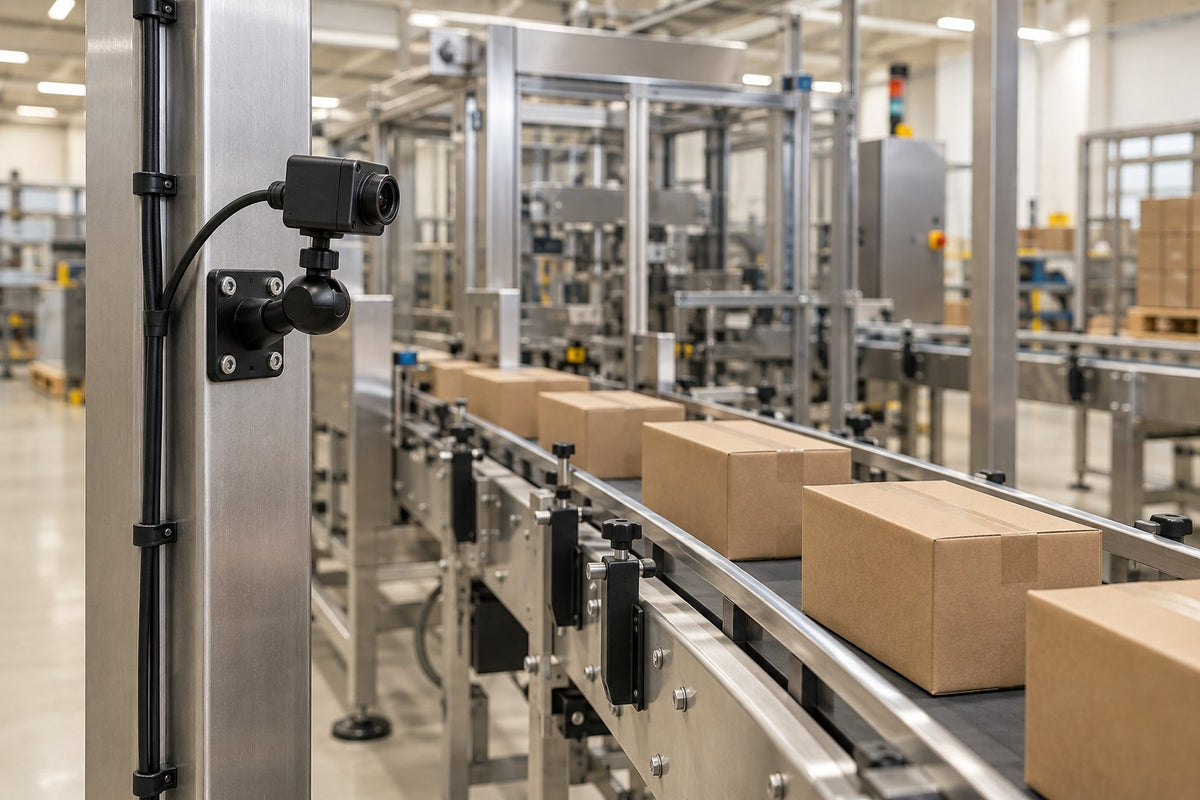
 38mm AMPS camera mount · 3.5-inch arm
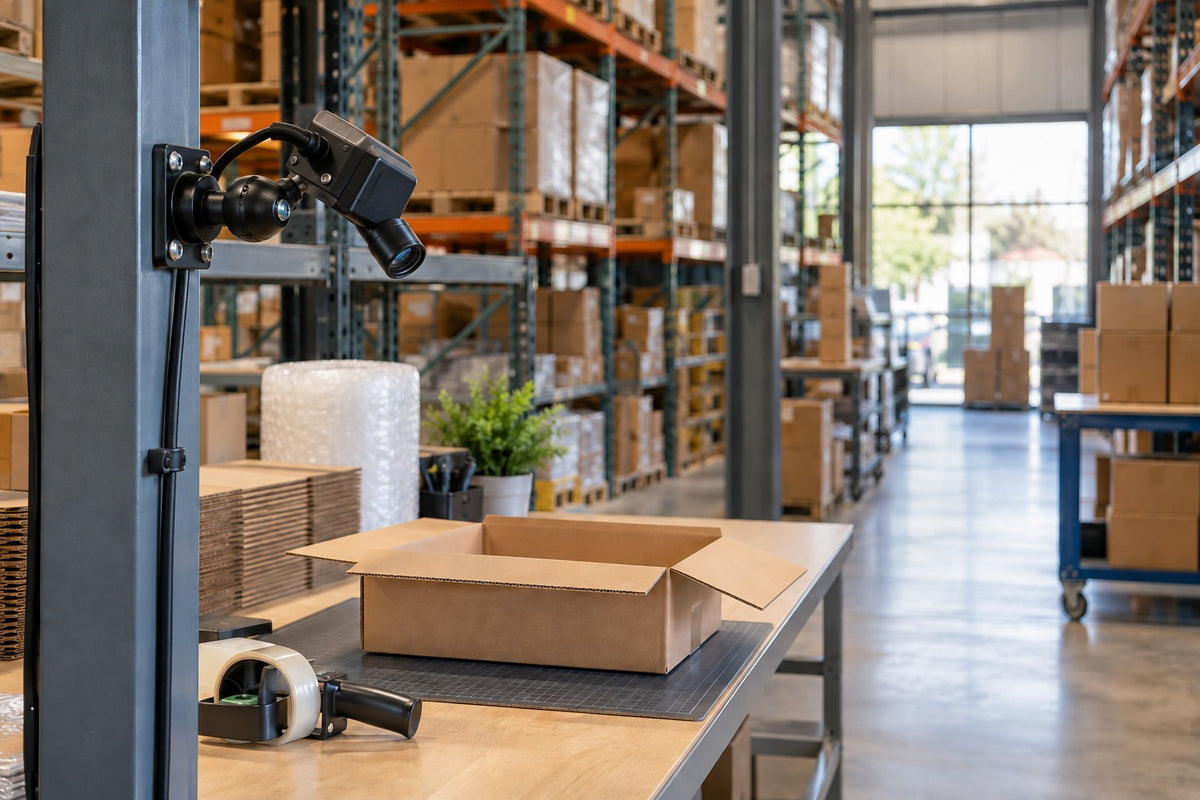
 25mm clamp camera mount
Frequently Asked Questions
Is PoE a type of AI camera?
No. Power over Ethernet describes how supported equipment receives power through an Ethernet cable. It says nothing about analytics.
Can an existing security camera feed an AI computer?
Possibly. You need access to its stream with proper permissions, an image that shows enough useful detail, and software that supports its codec. Validate the exact camera, computer and application together.
Do I need a GPU for AI camera systems?
It depends on the model, workload and runtime. Intel's OpenVINO documentation shows compatible inference can target CPUs, GPUs or NPUs. Benchmark the whole workflow, including decoding and resizing, rather than relying on a model-only number.
Will a 1/4-20 mount fit an industrial camera?
Only if the camera, its enclosure or a manufacturer-approved adapter provides that thread. Some camera families use M2/M3 holes or dedicated brackets instead, so check the documentation first.
Build Your Camera Setup One Decision at a Time
Plan AI camera systems through three separate decisions: data, power and mechanical support, and confirm the camera, software and manufacturer-approved brackets first. When positioning is the remaining question, compare the 38mm IBAMPS-34207 and the 25mm IBWS-34757 to see which iBOLT camera mount works best for your setup.

Leave a comment
This site is protected by hCaptcha and the hCaptcha Privacy Policy and Terms of Service apply.