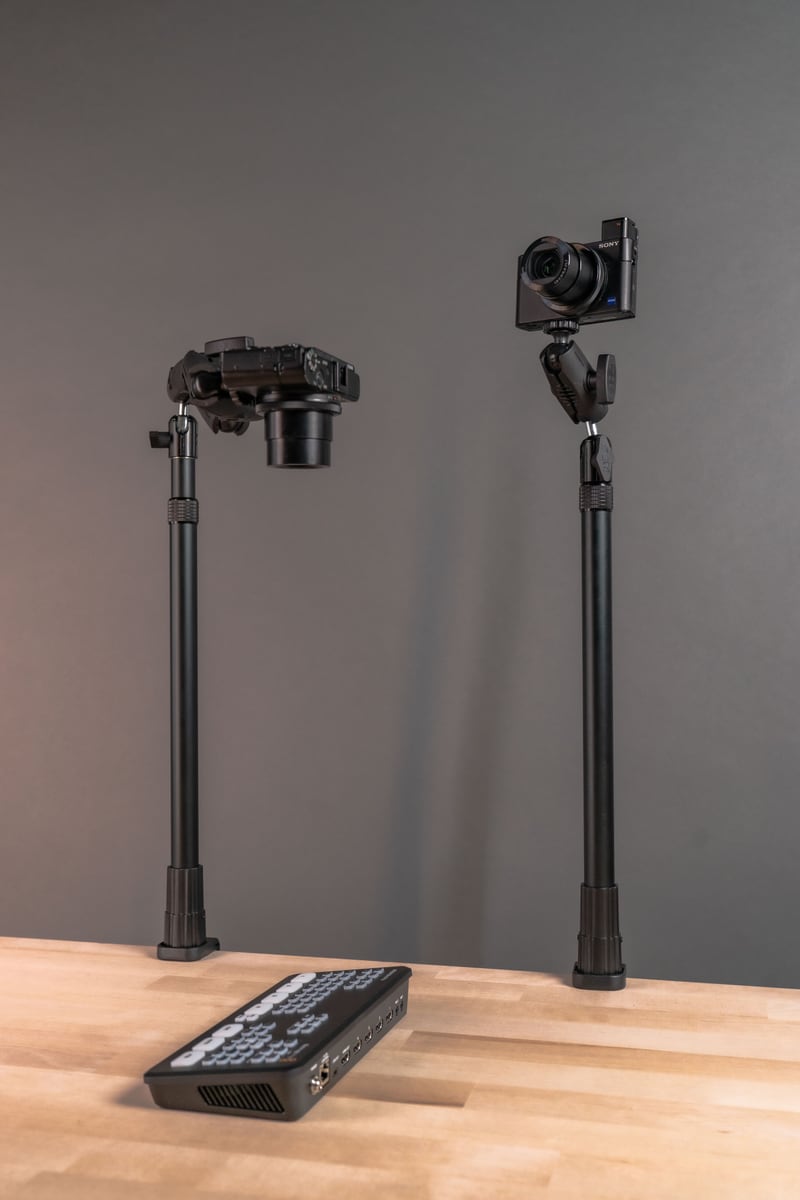
Live streaming, tutorial recording, and online teaching all depend on one unglamorous requirement: the camera has to stay put. A phone that drifts, tilts, or shakes mid-session pulls attention away from the content itself, and viewers notice within seconds. Getting a stable, repeatable phone position is less about expensive gear and more about choosing a mounting system that fits your desk, your device, and your workflow.

One approach used across studio setups, classrooms, and home streaming desks is an AMPS phone mount. The AMPS pattern is a widely used four-hole mounting interface, and its standardization is the real advantage: a phone holder built on this pattern can connect to different arms, bases, and clamps without forcing you to redesign your setup every time your recording needs change.
What an AMPS Phone Mount Actually Is
AMPS stands for Advanced Mobile Phone System, and it refers to a mounting pattern rather than a single product. The pattern consists of four screw holes arranged in a rectangular layout, which is why so many phone holders, mounting arms, and bases are described as "AMPS-compatible."
Because the interface is standardized, you are not locked into one manufacturer's ecosystem. A phone holder with an AMPS pattern can be paired with a desk clamp from one source and a tripod adapter from another, as long as both sides use the same hole spacing. That said, always confirm the specific AMPS hole spacing and screw type on any two components before assuming they will bolt together, since minor variations exist across different product lines.
Why Mount Stability Affects Stream Quality
Viewers forgive a lot of things: imperfect lighting, background noise, an off-brand microphone. What they do not forgive easily is a shaky or drifting frame. A secure mount addresses this directly by:
- Eliminating hand tremor and incidental bumps during long sessions
- Keeping framing consistent from the start of a stream to the end
- Freeing both hands for demonstrations, typing, or gameplay
- Reducing fatigue during multi-hour recording or teaching sessions
- Making it possible to return to the same camera position session after session
That last point matters more than creators often expect. If your setup requires you to eyeball the angle every time you sit down, you lose consistency across episodes. A mount with a fixed, repeatable position removes that guesswork.
Where AMPS Mounts Get Used in Content Creation
Overhead and Top-Down Recording
Cooking demonstrations, craft tutorials, unboxings, and repair walkthroughs often need a straight-down camera angle. An AMPS-based arm mounted to a desk clamp or pole can hold that overhead position steady, which is difficult to replicate with a handheld phone or a simple tripod alone.
Desk and Studio Streaming
For talking-head streams, podcasts recorded on video, virtual classes, and product demos, the goal is usually eye-level framing. A desk-mounted arm with an AMPS phone holder lets you dial in that height once and leave it there, which matters if you are streaming daily or running back-to-back sessions.
Multi-Camera and Multi-Device Setups
Creators running a phone camera alongside a webcam, ring light, or second device benefit from the modularity of AMPS-based systems. Because the mounting interface is standardized, you can often add a second arm or adapter to the same base rather than rebuilding your whole desk setup from scratch.
What to Verify Before You Buy
Not every AMPS mount fits every setup. Before purchasing, check the following:
- Phone size and case fit: Confirm the holder's clamping range covers your phone's width and thickness, including any protective case. Thick cases and popsocket-style grips can push a phone outside a holder's stated range.
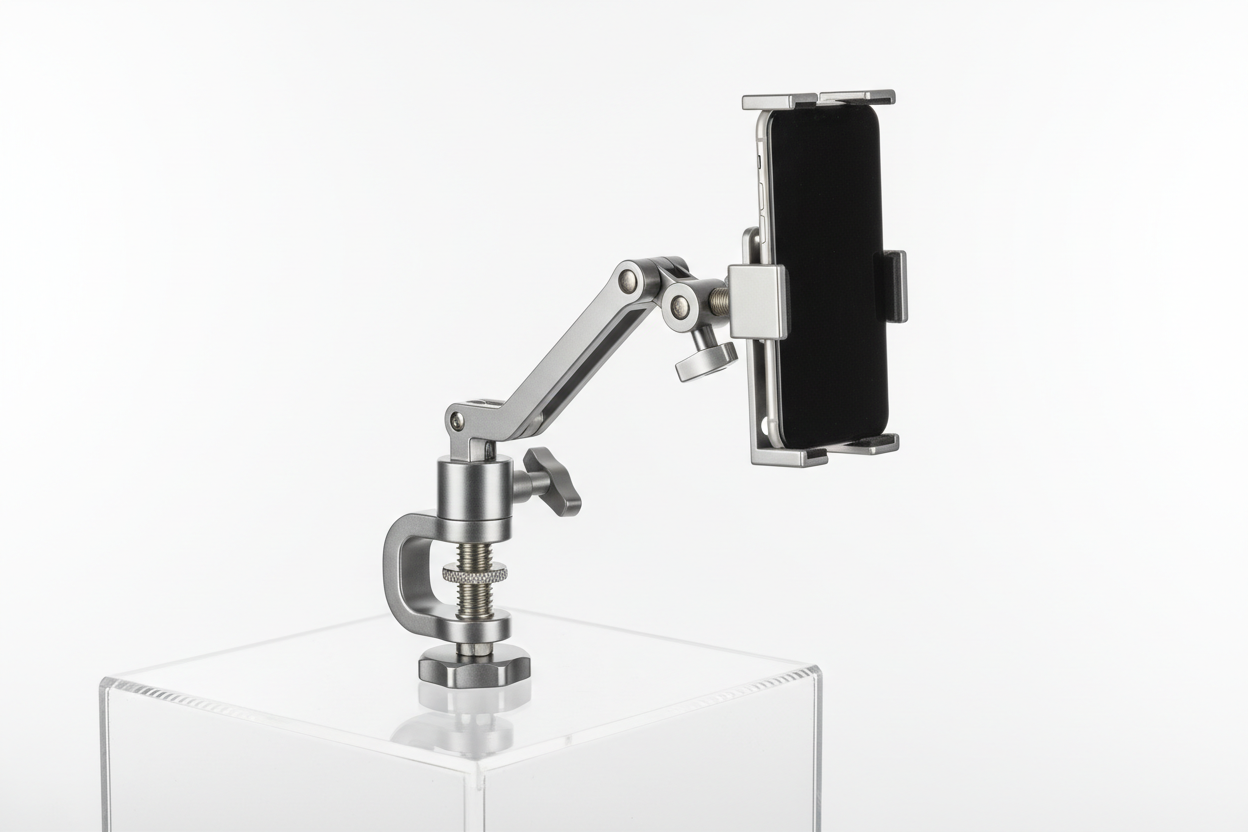
- Mounting surface: Desk clamps, wall plates, pole mounts, and tripod adapters all attach differently. Measure your desk edge thickness or wall type before ordering a clamp-style base.
- AMPS hole pattern match: If you are pairing a phone holder from one source with an arm from another, verify both use the same AMPS spacing rather than assuming universal compatibility.
- Cable routing: If your phone stays plugged in during long streams, check that the holder does not block the charging port or force an awkward cable angle that adds strain on the connector.
- Adjustability range: Look at how far the arm extends and how many pivot points it has. A single-joint mount may not reach the overhead angle needed for tutorials.
- Removal frequency: If you swap the phone in and out daily, a quick-release holder saves time versus a mount that requires re-threading a case each session.
Practical Setup Tips for Streaming and Recording
A good mount performs better when the rest of the setup supports it. A few habits worth building in:
- Position the phone at eye level for talking-head content to keep framing natural.
- Attach the mount to a surface rigid enough to resist desk bumps or foot traffic vibration.
- Test framing and focus before going live, not after.
- Route charging and audio cables along the arm to prevent snagging or accidental pulls.
- Add lighting appropriate to the mounted angle, since overhead and eye-level shots often need different light placement.
- Re-check the holder's grip periodically, especially after moving the mount or swapping devices.
These are small adjustments, but they are the difference between a setup that looks intentional and one that looks improvised.
Choosing the Right AMPS Setup for Your Workflow
There is no single best configuration, because creators have different rooms, desks, and recording styles. Someone doing daily overhead cooking videos needs a long-reach arm and a stable clamp base. Someone streaming from a fixed desk setup may only need a short arm and a solid phone holder. The value of building around the AMPS phone mount pattern is that your setup can grow with you: start with a basic arm and holder, then add a second mount, a different base, or a longer arm later without discarding what you already own.
Related iBOLT Mounting Options

iBOLT Dual Tablet- Tripod Slider Bar
A good fit for phone and camera setups used in recording, streaming, and overhead shots.

3 Camera Slide Bar with Phone Holder - 10 inch
A good fit for phone and camera setups used in recording, streaming, and overhead shots.

iBolt 20mm to 20mm Metal Extension Ball Adapter
A good fit for phone and camera setups used in recording, streaming, and overhead shots.

3 Camera Phone & Tablet Slide Bar - 10 inch
A good fit for phone and camera setups used in recording, streaming, and overhead shots.
Frequently Asked Questions
What is an AMPS phone mount?
It is a smartphone mounting system built around the AMPS four-hole mounting pattern, which allows the phone holder to connect to a range of compatible arms, clamps, and bases.
Will an AMPS mount work with my specific phone and case?
Most phone holders accommodate a range of widths and thicknesses, but always check the stated clamping range against your phone plus case before ordering, especially with thicker protective cases.
Can I use an AMPS mount for overhead cooking or craft videos?
Yes. A long-reach arm paired with an AMPS phone holder is a common setup for top-down tutorial filming, as long as the arm extends far enough for your desk or counter depth.
Do all AMPS mounts fit together regardless of brand?
The AMPS pattern is standardized, but slight variations in hole spacing and screw type exist. Verify compatibility between specific components rather than assuming any two AMPS-labeled parts will interchange.
What surfaces can an AMPS mounting base attach to?
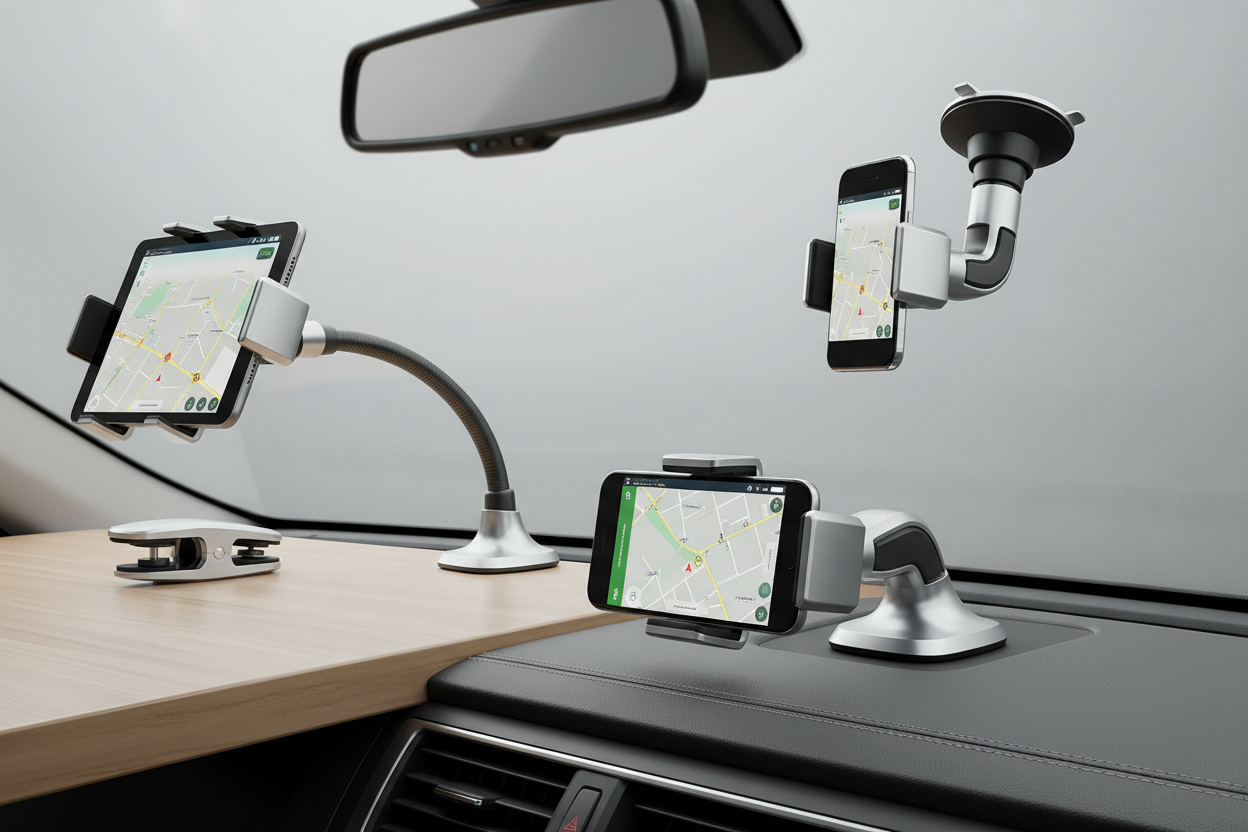
Depending on the base style, options include desk clamps, wall plates, pole mounts, and tripod adapters. Match the base to your actual desk, wall, or stand before buying.
Does a phone mount improve video quality?
A mount will not improve your camera's resolution, but it removes shake and keeps framing consistent, which noticeably improves how professional the footage looks and feels to viewers.

Leave a comment
This site is protected by hCaptcha and the hCaptcha Privacy Policy and Terms of Service apply.