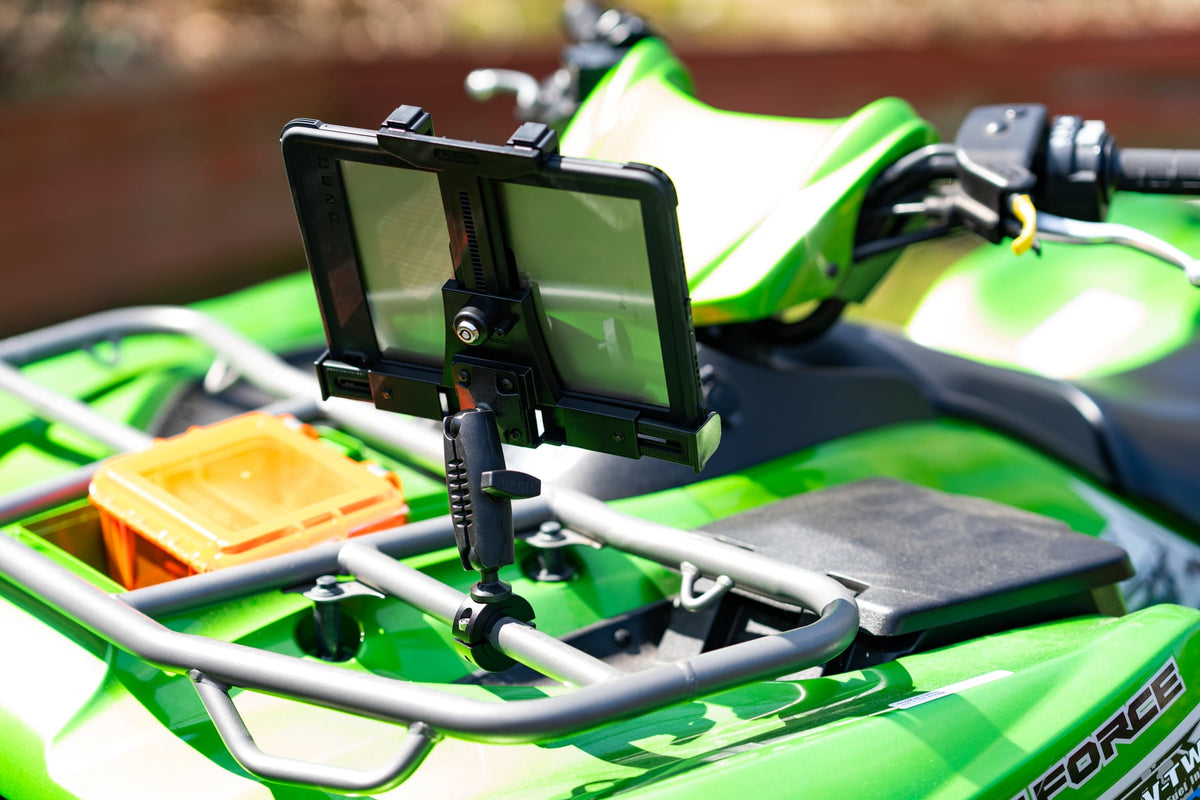
Overlanding navigation demands screen real estate that smartphones can't deliver. Whether you're running Gaia GPS through the Mojave or using onX Offroad to find hunting access, a 10-inch tablet shows trail details, waypoints, and terrain features that matter when cell service disappears. The challenge is keeping that tablet stable and accessible when washboard roads try to shake everything loose.

Trail vibration exposes weak tablet mounts immediately. A holder that works fine on city streets can dump your navigation device at the first creek crossing or rocky descent. Overlanding tablet mounting requires hardware built for commercial vehicle environments, not desktop convenience.
What overlanding tablet mounting must handle
Start with the environment. Trail vibration, device weight with protective cases, dashboard space constraints, and passenger access all determine whether a mount will actually work. A 10-inch iPad in an OtterBox weighs significantly more than the naked device, and that weight matters when bouncing through ruts at 15 mph.
Dashboard real estate is limited in most overlanding vehicles. The mount needs to position the screen where both driver and navigator can see it without blocking gauges, switches, or sightlines. Cable routing for charging becomes critical on multi-day trips where the tablet runs navigation apps for 8-12 hours daily.

iBOLT TabDock™ IncrediBOLT™ 360 Suction- Heavy Duty Metal 6 inch Multi-Angle Mount for All 7" - 10" Tablets for Commercial Vehicles, Trucks, and ELD Devices - $74.95
iBOLT's modular approach addresses these challenges by separating the holder from the base. You can choose the TabDock holder that fits your tablet and case, then pair it with the base that actually works in your mounting location. This modularity matters because overlanding vehicles range from stock pickup trucks to custom expedition rigs with completely different interior layouts.
Choosing the right base for your vehicle
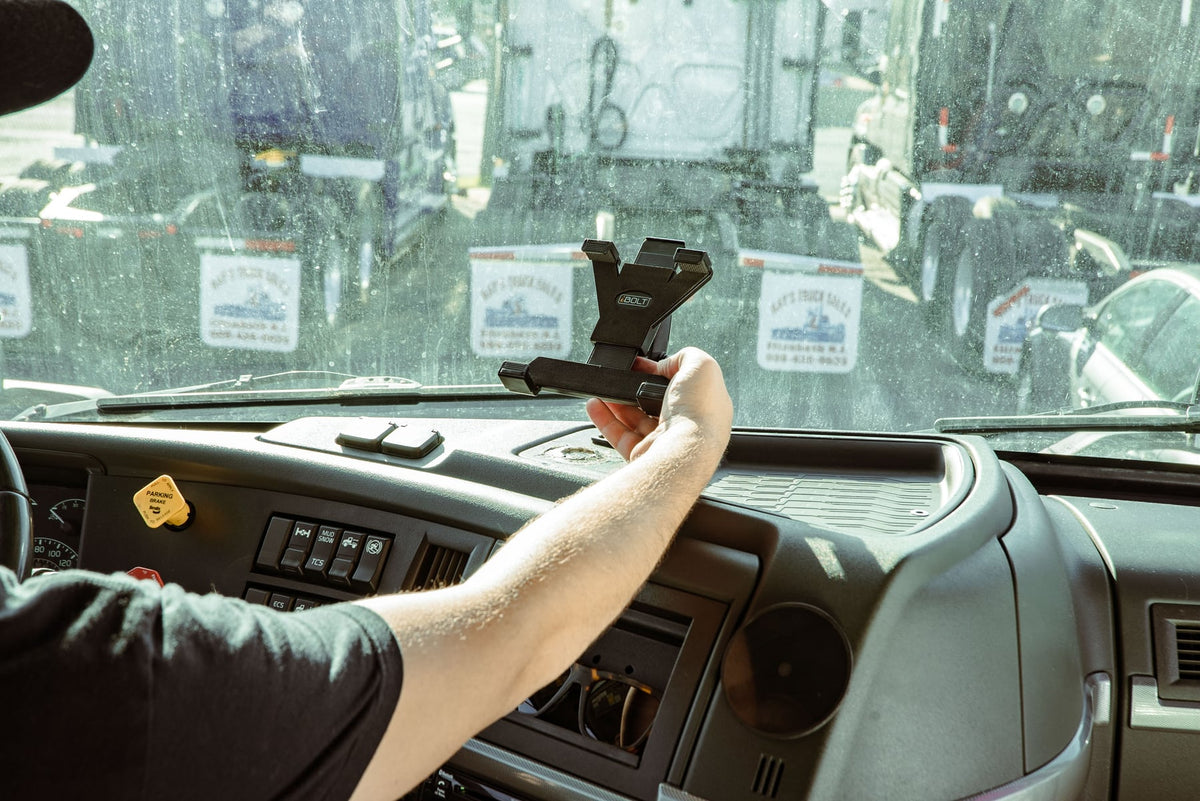
The base determines everything. If your vehicle has smooth dashboard surfaces and you need removable mounting, the iBOLT TabDock™ IncrediBOLT™ 360 Suction provides heavy-duty retention without permanent modification. The 6-inch suction base handles trail vibration better than smaller consumer suction mounts.
Console mounting works well for navigator-side positioning. The iBOLT TabDock™ IncrediBOLT™ 360 Wedge fits between seats and console without drilling, making it ideal for leased vehicles or setups that need to move between rigs. Check your console gap dimensions before ordering, as this varies significantly between vehicle models.

iBOLT TabDock™ IncrediBOLT™ 360 Wedge - Heavy Duty Vehicle Console Seat Gap Mount for All 7" - 10" Tablets - $56.00
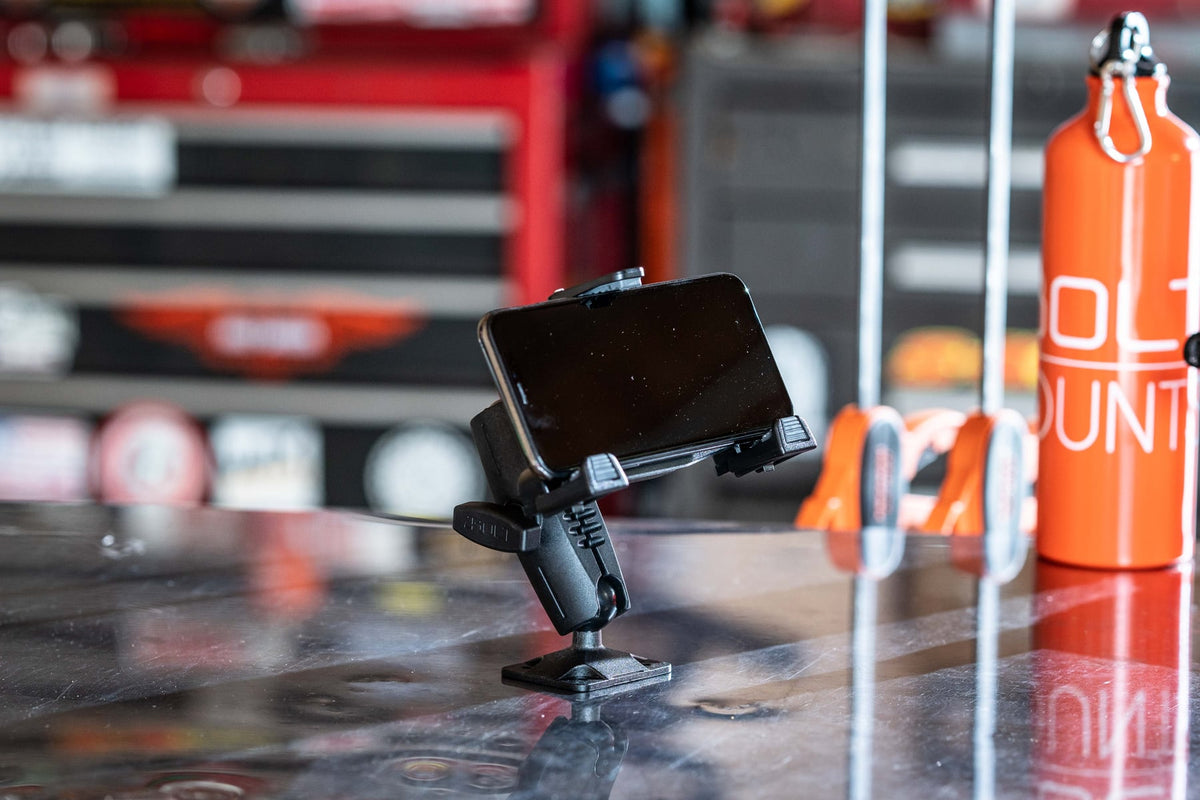
For permanent expedition vehicle builds, the iBOLT™ TabDock™ Bizmount™ AMPs provides the most secure mounting. The AMPS pattern allows integration with other commercial mounting hardware, and the drill-base design handles extreme vibration. This works best when you control the vehicle and can modify the interior.
Watch: iBOLT TabDock BizMount AMPS (IBBZ-33921)
See the standard TabDock holder, four-prong adapter, 25 mm BizMount arm, and AMPS drill base being assembled and adjusted.
Watch the short vertical demo (20 seconds)
Device compatibility and case considerations
Measure your tablet with its protective case installed. Overlanding tablets typically run in heavy-duty cases like OtterBox Defender or similar protection, and these cases change the device dimensions significantly. The TabDock holder adjusts for tablets from 7 to 10 inches, but case thickness affects the grip.
Port access matters for charging and data connections. Position the mount so charging cables don't cross the driver's workspace or interfere with gear shifts, climate controls, or radio operation. Some overlanders run external GPS antennas or cellular boosters, requiring additional cable management planning.

Screen orientation flexibility is crucial. Navigation apps work better in landscape mode for most trail use, but some mapping functions prefer portrait orientation. The 360-degree rotation in iBOLT TabDock mounts handles both orientations without removing the tablet from the holder.
Installation planning and verification
Before ordering, confirm your mounting surface. Suction mounts require smooth, non-porous surfaces free of texture or coating. Wedge mounts need adequate console gap width and depth. Drill-base mounts require access to the back side of the mounting surface for hardware installation.
Test the mounting position with a cardboard mockup before final installation. Sit in both driver and passenger seats to verify screen visibility, reach, and interference with normal vehicle operation. The mount should position the screen within easy reach but not block critical controls or sightlines.
Consider removal frequency. If the tablet needs to come out nightly for security or charging, choose hardware that makes this convenient. If the tablet stays mounted for weeks at a time, prioritize retention strength over quick-release features.
Comparing iBOLT to other overlanding mount options
RAM Mounts dominates overlanding forums, and their ball-mount system offers extensive modularity. However, RAM's consumer-grade tablet holders often lack the retention strength needed for heavy tablets in protective cases. iBOLT TabDock holders provide stronger grip pressure and better case accommodation.
ProClip USA offers vehicle-specific mounting solutions, but their catalog doesn't cover many overlanding vehicles or aftermarket interior modifications. iBOLT's universal bases work across vehicle types and custom builds.
Tackform and similar brands focus on consumer convenience over commercial durability. Their mounts work fine for occasional use but may not handle the sustained vibration and daily use that overlanding demands.
Frequently Asked Questions
Which iBOLT mount works best for overlanding navigation tablets?
Start with the iBOLT TabDock™ IncrediBOLT™ 360 Suction for removable mounting, or the iBOLT TabDock™ IncrediBOLT™ 360 Wedge for console installation. The right choice depends on your vehicle's interior layout and whether you need permanent or removable mounting.
Will these mounts handle rough trail conditions?
Yes, iBOLT TabDock mounts are designed for commercial vehicle environments with similar vibration levels. The heavy-duty construction and strong grip pressure retain tablets through washboard roads and trail obstacles that defeat lighter consumer mounts.
Can I use my tablet's protective case with these mounts?
The TabDock holder accommodates most protective cases, including OtterBox and similar heavy-duty protection. Measure your cased tablet dimensions and compare them to the holder specifications to verify fit.
Do I need to drill holes for installation?
Only the AMPS drill-base mount requires permanent modification. The suction and wedge options install without drilling, making them suitable for leased vehicles or temporary setups.
Will these mounts work with external GPS antennas?
The mounts don't interfere with external antenna connections, but plan cable routing during installation. Position the mount so antenna cables don't create trip hazards or interfere with vehicle operation.

Leave a comment
This site is protected by hCaptcha and the hCaptcha Privacy Policy and Terms of Service apply.