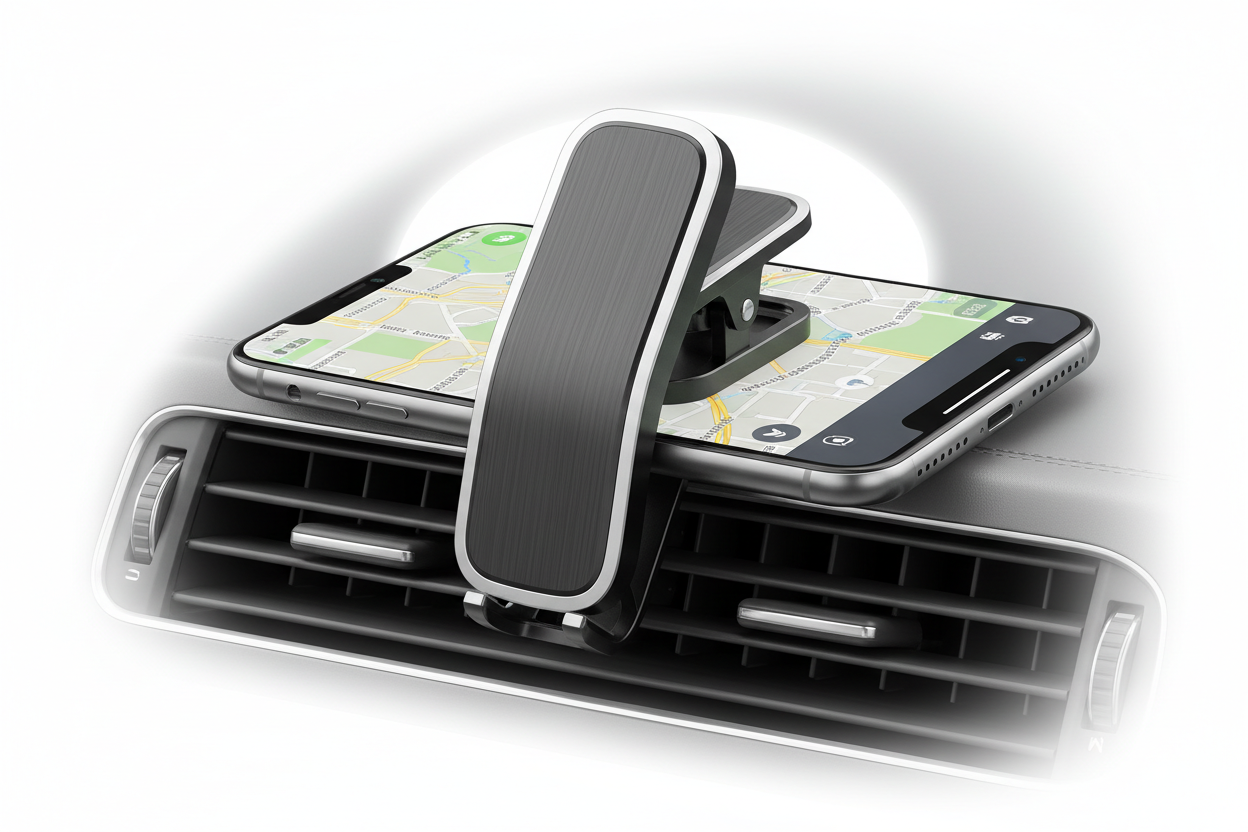
A phone that is always sliding off a desk, buried in a bag, or propped against a stack of books is a productivity problem hiding in plain sight. A clip on phone mount solves this without drilling holes or committing to a permanent installation. It clamps to an existing surface, whether that is a desk edge, a shelf, a piece of equipment, or a rail, and holds the phone at a fixed, repeatable position.
This guide breaks down how clamping mounts work, where they perform best, and what to check before buying one, so you end up with a mount that matches your surface, device, and environment instead of a generic clip that loosens after a week.
What a Clip On Phone Mount Actually Is
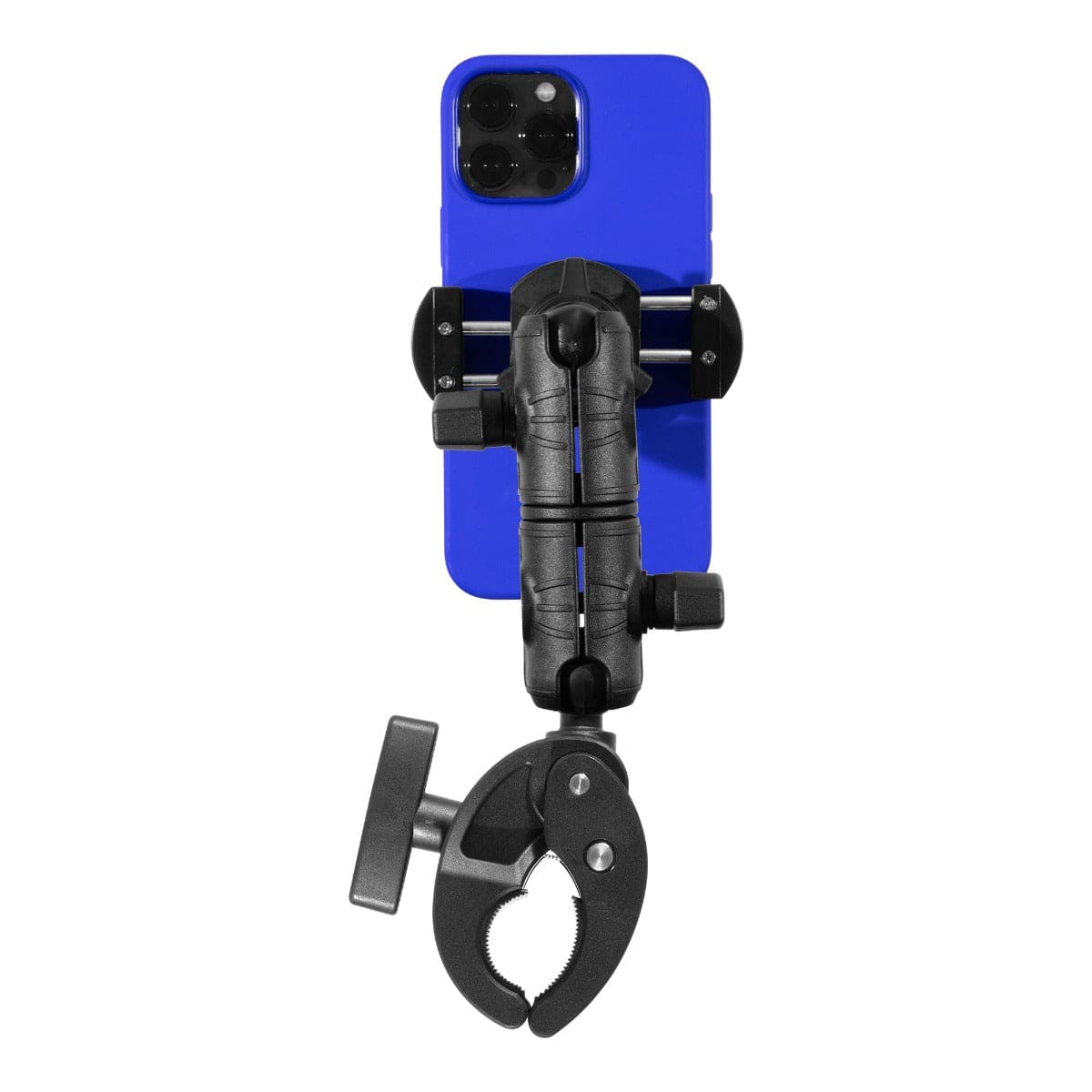
A clip on phone mount has two working parts: a clamp that grips the surface, and a phone cradle or holder attached to it, usually connected by an adjustable arm or rotating joint. Instead of adhesive or fasteners, the clamp uses mechanical pressure to stay in place, which is what makes these mounts removable and repositionable.
The tradeoff is that clamp performance depends entirely on matching the mount to the surface it is meant to grip. A clamp built for a 1-inch desk edge will not perform the same way on a thin shelf lip or a thick equipment rail, so surface dimensions matter as much as the phone holder itself.
How the Clamping Mechanism Works
Clamping phone mounts rely on one of a few common mechanisms, and each has different strengths:
- Screw-tightening clamps apply consistent, adjustable pressure and tend to hold up best in environments with vibration or repeated handling, since the tension can be set firmly and checked.
- Spring-loaded clips are fast to attach and remove, which suits users who move a phone between locations throughout the day, but they generally provide less holding force than a screw clamp.
- Locking clamps combine quick engagement with a secondary lock, useful when you want speed without sacrificing security.
Most quality clamps add rubber or silicone padding at the contact point. This does two things: it protects the mounting surface from scratches and marring, and it increases friction so the clamp resists slipping under vibration or repeated bumping.
Where Clip On Mounts Get Used
Office and Desk Setups
Positioning a phone next to a monitor keeps notifications, two-factor codes, and messaging apps visible without reaching for a pocket or bag. A clamp that attaches to the desk edge frees up desktop space compared to a weighted stand.
Content Creation
Creators use clamp mounts on desks, shelves, and equipment for recording, streaming, and product demos. A rigid clamp reduces frame drift during longer recordings, which matters more than it seems once you are reviewing footage for a wobble that a tighter clamp would have prevented.
Warehouse and Industrial Use
Phones used for barcode scanning, inventory apps, or radio-style communication benefit from being clamped to a cart, workstation, or equipment rail at eye level. In these environments, vibration resistance and clamp tension matter more than aesthetics, since a mount that loosens over a shift creates a dropped-device risk.
Transportation and Field Work
Delivery drivers and field technicians often move a clamp mount between vehicles or job sites. Quick-release clamps suit this use case, but if the mount will stay in one vehicle long-term, a screw-tightened clamp paired with proper cable routing is usually the more durable choice.
Accessibility and Assistive Setups
Clamp mounts are also used on wheelchairs, walkers, and exercise equipment to keep a phone within reach for communication or device control. In these cases, grip size range and one-handed operation of the clamp are worth checking before purchase.
What to Verify Before Buying
A clamp mount that looks right in a product photo can still be wrong for your setup. Check these details first:
- Surface thickness or diameter: Measure the desk edge, shelf lip, pole, or rail the clamp will attach to, and confirm it falls within the mount's stated clamp range.
- Phone size with case on: Measure your phone with the case you actually use, not the bare device. Cradle width and depth need to accommodate the case, not just the phone.
- Vibration exposure: A desk mount and a mount used on a cart, vehicle, or piece of moving equipment have very different vibration demands. Screw-tightened clamps generally hold up better under sustained vibration than spring clips.
- Cable routing: If the phone will stay charging while mounted, check that the arm or clamp design allows the cable to run without excessive bending at the charging port.
- Removal frequency: If the phone comes off the mount several times a day, a quick-release cradle saves wear on both the mount and the phone. If it stays mounted for extended periods, a firmer, less frequently adjusted grip is fine.
- Weight capacity: Confirm the mount's rated capacity accounts for the phone, case, and any attached accessories like a battery pack or card reader.
- Build materials: Metal clamp components and reinforced joints generally outlast lightweight plastic versions, particularly in industrial or vehicle use where the mount stays installed for months.
Fitment specifics vary by model, so confirm clamp range and device compatibility against the current product listing before ordering.
Keeping the Mount Secure Over Time
Clamp mounts are low-maintenance, but a few habits extend their working life and prevent a dropped device:
- Fully seat and tighten the clamp before first use, and recheck tension after the first few days as materials settle.
- Inspect moving joints and clamp padding periodically for wear, especially in mounts that get repositioned often.
- Stay within the rated weight capacity, particularly if the phone case adds meaningful bulk or weight.
- Make sure the mounting surface itself is clean, dry, and structurally stable. A clamp is only as secure as the surface it grips.
- In vehicles or on equipment that vibrates, recheck clamp tightness on a regular schedule rather than assuming it will hold indefinitely.
Choosing the Right Mount for Your Environment
A clip on phone mount earns its place by matching the job in front of it. A screw-tightened clamp with metal reinforcement suits warehouse carts and vehicles where vibration is constant. A spring-loaded clip suits a desk where the phone moves on and off several times a day. A locking clamp with padded contact points suits shared equipment where multiple people rely on the same mount.
The right choice comes down to matching clamp range to your surface, cradle size to your phone and case, and mechanism type to how often the mount gets adjusted or moved. Getting those three details right up front avoids the common failure mode of a clamp that fits on day one and slips by week three.
Related iBOLT Mounting Options

iBOLT ComfortiBOLT Bedside Mount Kit – Tablet & Phone Holder
A related iBOLT option that matches the mounting needs covered in this article.

iBOLT™ xProDock™ Bizmount™ Wedge
A related iBOLT option that matches the mounting needs covered in this article.

iBOLT™ xProDock™ NFC Bizmount™ - Phone Holder/Mount with Heavy Duty Suction Cup Base and 1.5m USB-C Cable
A related iBOLT option that matches the mounting needs covered in this article.

iBOLT Moto-Vise™ XL Holder w/ 25mm / 1-inch Ball
A related iBOLT option that matches the mounting needs covered in this article.
Frequently Asked Questions
What is a clip on phone mount used for?
It holds a smartphone in a fixed, hands-free position by clamping to a surface such as a desk, shelf, pole, or equipment rail, without requiring drilling or adhesive.
How do I know if a clamp will fit my desk or shelf?
Measure the thickness of the surface edge and compare it against the mount's stated clamp range. Most listings specify a minimum and maximum grip thickness.
Will a clip on mount work with my phone case?
In most cases yes, but measure your phone with the case on and check that dimension against the cradle's stated width and depth before buying.
Are clamp mounts strong enough for vehicles or vibrating equipment?
Screw-tightened clamps generally hold up better than spring clips under sustained vibration. Check the mount's rated use case and recheck tightness periodically if it stays installed long-term.
Can I charge my phone while it is clamped?
Many setups allow this, but confirm the arm and cradle design lets the charging cable run without sharp bends at the port, especially if the mount rotates or articulates.
Do clamp mounts damage the surface they attach to?
Quality clamps use rubber or silicone padding at the contact point specifically to protect against scratching. Check for padded contact surfaces if this is a concern.


Leave a comment
This site is protected by hCaptcha and the hCaptcha Privacy Policy and Terms of Service apply.