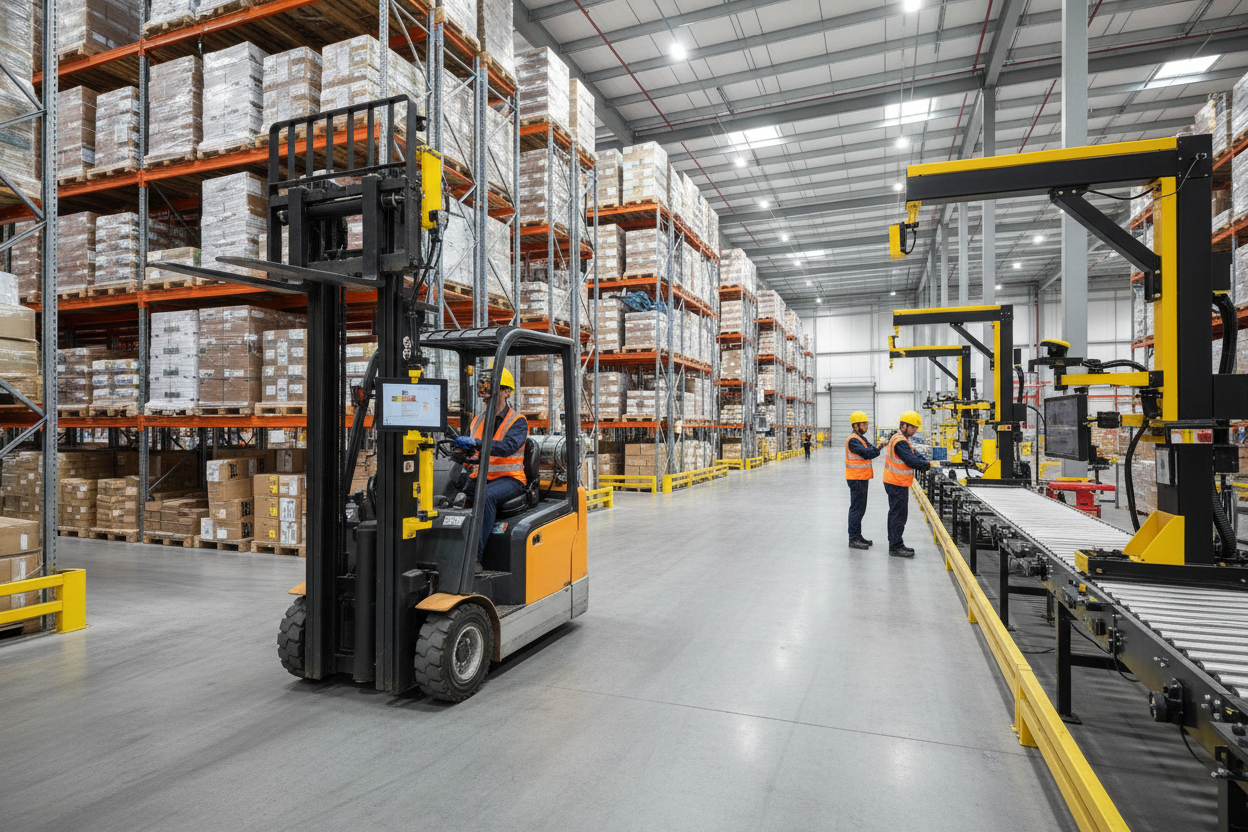
Warehouses and distribution centers now run on connected devices. Tablets, barcode scanners, handheld computers, and monitors guide picking, receiving, cycle counts, and fleet tracking. When one of these devices is loose, poorly placed, or knocked off a bracket mid-shift, the delay is not just an annoyance. It stops a pick, stalls a scan, or pulls an operator's attention away from a moving vehicle.
That is why heavy duty modular mounting solutions have become standard infrastructure in material handling environments rather than an afterthought. A mount on a forklift, pallet jack, or packing station needs to survive vibration, repeated impacts, and long duty cycles while keeping a screen exactly where an operator expects it.
What Modular Mounting Actually Means
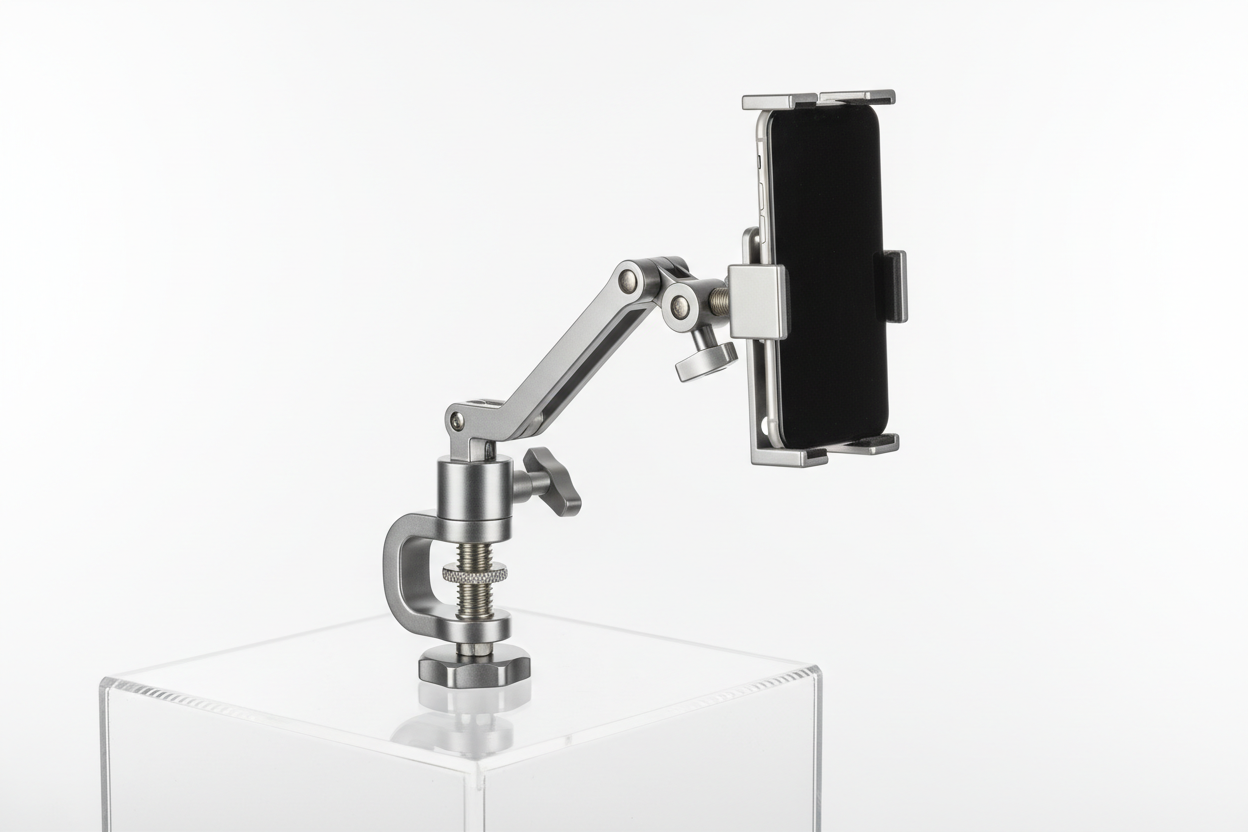
A modular mounting system is built from separable parts: a base that attaches to the vehicle or surface, an arm or extension for reach and angle, and a device holder or cradle sized to the tablet, scanner, or phone in use. These parts connect through standardized interfaces, most commonly AMPS hole patterns, VESA plates for monitors, or ball-and-socket joints in common sizes like 1 inch or 1.5 inch.
The advantage of standardization is straightforward: if a base uses a common AMPS pattern, a facility can swap the arm length, change the device holder when the fleet moves to a new tablet, or add a second monitor mount without re-engineering the whole installation. Proprietary, non-standard mounts lock a facility into a single vendor and a single device generation, which becomes a real cost when hardware refreshes happen every three to five years.
Where These Mounts Go to Work
Forklifts and Warehouse Vehicles
Forklift cabs are a harsh mounting environment. Constant low-frequency vibration, sudden stops, and tight cab space mean a mount needs a locking arm joint, not just friction, and a base rated for vehicle use rather than desk use. Devices should sit within the operator's natural sightline without blocking mast visibility or overhead guard sightlines.
Barcode Scanners
Handheld scanners get dropped more than any other device on a warehouse floor. A dedicated scanner holder near the operator's dominant hand reduces drop frequency and keeps the scanner charged if the holder includes a cradle connection, rather than sitting loose in a pouch.
Monitors and Displays at Workstations
Packing stations and QC benches benefit from VESA-compatible arms that let an operator adjust height and tilt without tools. This matters more than it sounds, since a single fixed monitor height rarely suits every shift or every operator.
Mobile Carts and Portable Workstations
Cycle counting carts and mobile pick stations need mounts that tolerate being wheeled over uneven floors and dock plates all day. A modular base here should be rated for repeated vibration, not just static load.
What to Verify Before You Buy
Specs on a product page do not always answer the questions that matter on a warehouse floor. Before ordering mounts for a fleet, confirm the following:
- Mounting surface: Does the base fit the actual cab surface, whether that is a RAM ball pattern, an existing AMPS plate, a flat panel for adhesive or bolt-through mounting, or a pole/rail clamp?
- Vibration rating: Forklifts and pallet jacks generate sustained vibration, not just occasional bumps. Confirm the arm joint locks under load and does not creep or droop over a shift.
- Device size and weight: A holder sized for a 7 inch tablet will not securely grip a 10 or 12 inch rugged tablet with a protective case. Check the holder's adjustable width range against the device plus its case.
- Charging and cable routing: If the device needs to stay powered during a shift, confirm the holder allows a charging cable to stay connected without stressing the port, and check whether the mount has a routing path or clip so cables are not hanging into the operator's workspace.
- Removal frequency: If the device is docked and undocked frequently, a quick-release holder saves time over a cradle requiring two hands and a latch every cycle. If the device stays mounted for the full shift, a more secure locking cradle is worth the extra step.
- Security: Shared vehicles and public-facing carts benefit from locking cradles or key-locked bases so devices are not an easy grab-and-go target.
- Compatibility with existing equipment: If some vehicles already use AMPS or a specific ball size, matching new purchases to that standard avoids a mixed-fleet mounting problem later.
Why Durability and Adjustability Both Matter
A mount that is durable but not adjustable will hold a device securely in the wrong position. A mount that is adjustable but not durable will loosen within weeks of vibration exposure. Effective industrial mounts are built from steel or aluminum components at the stress points, use locking joints rather than friction-only adjustment, and are rated for continuous vibration rather than occasional consumer use.
Adjustability also affects ergonomics. An operator reaching or twisting to see a screen all shift is a fatigue and safety issue, not just a comfort one. Arms that articulate to the operator's eye line, and monitor mounts that tilt without tools, reduce that strain across a full shift.
Planning for Scale
Warehouses rarely deploy one device on one vehicle and stop there. A modular approach lets a facility standardize a base across a forklift fleet, then swap holders as tablets or scanners are refreshed, without re-purchasing bases or re-drilling mounting points. This matters most at renewal time: facilities using a single non-standard mount often discover the entire fleet needs new brackets when a device model changes, while a standardized AMPS or VESA setup only requires a new holder or adapter plate.
Related iBOLT Mounting Options

iBOLT Dock’n Lock Bizmount™- Forklift Locking Tablet 38mm Mount
Built for work environments where tablets and handheld devices need a stable mounting point.

iBOLT XL Forklift Barcode Scanner Holder 38mm Mount
Built for work environments where tablets and handheld devices need a stable mounting point.

iBOLT VESA 100x100 triMag Magnetic Monitor Mount
Built for work environments where tablets and handheld devices need a stable mounting point.

iBOLT™ TabDock™ Bizmount™ AMPs
Built for work environments where tablets and handheld devices need a stable mounting point.
Watch: iBOLT TabDock BizMount AMPS (IBBZ-33921)
See the standard TabDock holder, four-prong adapter, 25 mm BizMount arm, and AMPS drill base being assembled and adjusted.
Watch the short vertical demo (20 seconds)
FAQ
What is a heavy duty modular mounting solution?
It is a mounting system built from interchangeable parts, typically a base, an arm, and a device holder, connected through standard interfaces like AMPS or VESA. This allows a facility to reconfigure or upgrade mounts without replacing the entire assembly.
Are these mounts suitable for forklifts and pallet jacks?
Yes, when the mount is rated for vehicle vibration and uses a locking arm joint rather than friction alone. Always confirm the base fits the cab surface you have, whether that is an existing bolt pattern, a rail, or a flat panel.
Will a modular mount fit my current tablet or scanner?
Check the holder's adjustable width range against your device including its protective case, and confirm the connection between holder and arm matches your existing bases if you are expanding a fleet. Fitment should always be verified against exact device dimensions before ordering in volume.
Can I charge a device while it is mounted?
Many holders allow a charging cable to stay connected while docked. Confirm the holder does not stress the charging port during vibration and check whether the mount includes a cable routing clip.
How do I choose between a quick-release holder and a locking cradle?
Quick-release holders suit devices that are docked and undocked frequently during a shift. Locking cradles suit devices that stay mounted for the full shift or that need theft deterrence on shared vehicles.
What materials should I look for in industrial mounts?
Steel and aluminum components at load-bearing points hold up best under continuous vibration and repeated impacts common in warehouse and forklift environments.


Leave a comment
This site is protected by hCaptcha and the hCaptcha Privacy Policy and Terms of Service apply.