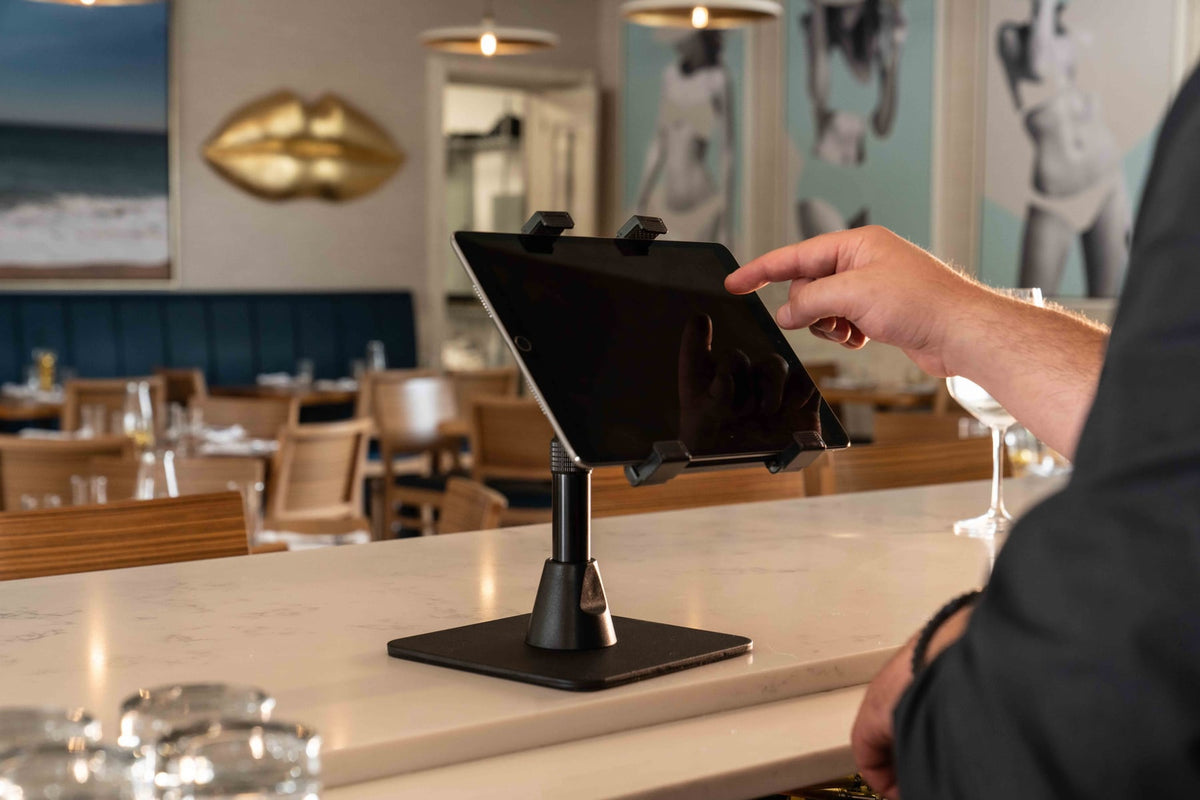
Target query: set up multiple tablets for DoorDash Uber Eats and Grubhub

Many restaurants still manage delivery apps with a pile of tablets spread across the counter. DoorDash on one stand, Uber Eats on another, Grubhub next to the receipt printer, and a charger running wherever it can fit. It works until the rush starts. Then screens get blocked, cables tangle, and staff miss an order notification.
A delivery app station needs structure
The goal is simple: every delivery tablet should be visible, charged, and reachable from the same staff position. If staff have to look behind the printer or move a tablet to find an alert, the setup is already costing time.
A multi-tablet station is not about looking tidy. It is about order control. When all delivery apps live in one defined location, staff can compare pickup times, spot problem orders, and keep the counter clear for customers.
The iBOLT Tablet Tower approach
For the classic three-app setup, use the Tablet Tower TabDock POS Clamp Mount with 3 Tablet Holders. If the restaurant runs DoorDash, Uber Eats, Grubhub, and another platform, the Tablet Tower TabDock POS Clamp Mount with 4 Tablet Holders gives the extra slot.
Watch: iBOLT TabDock POS Clamp Mount with 3 Tablet Holders (IBRT-34700)
Watch the standard three-holder TabDock station being assembled, including the pole connections and adjustable tablet holders.
View iBOLT TabDock POS Clamp Mount with 3 Tablet Holders (IBRT-34700)
Watch: iBOLT TabDock POS Clamp Mount with 4 Tablet Holders (IBRT-34707)
Watch the standard four-holder TabDock station being assembled and adjusted for a multi-tablet workstation.
View iBOLT TabDock POS Clamp Mount with 4 Tablet Holders (IBRT-34707)


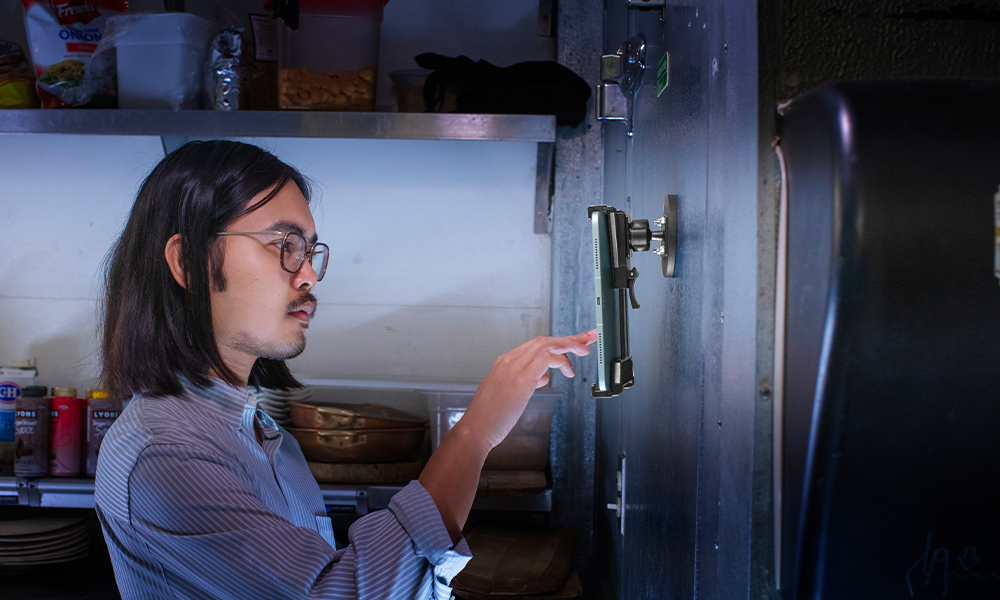
When counter space is too valuable, the Tablet Tower TabDock POS Wall Mount with 3 Tablet Holders moves the station onto the wall near expo, pickup, or the manager area. That is often cleaner than stacking stands near the register.
| Need | iBOLT fit | Why it fits |
|---|---|---|
| Three delivery app tablets | iBOLT™ Tablet Tower- TabDock™ POS Clamp Mount - with 3 Tablet Holders | A three-tablet clamp tower covers the common DoorDash, Uber Eats, and Grubhub setup. |
| Four-app counter station | iBOLT Tablet Tower- TabDock™ POS Clamp Mount - with 4 Tablet Holders | A four-holder tower adds room for POS, loyalty, or a local delivery platform. |
| Wall-mounted expo or pickup station | iBOLT Tablet Tower- TabDock™ POS Wall Mount - with 3 Tablet Holders | A wall mount clears counter space near expo or pickup shelving. |
Before you buy: installation checklist
Confirm the device width with the case on, then choose the base by vehicle or counter ownership. A removable suction, cup holder, vent, or wedge base is usually better for a personal vehicle or temporary station. A drill-base, AMPS, or locking setup is usually better when the vehicle, counter, or tablet station belongs to the business and needs to stay consistent between shifts.
Test placement before making anything permanent. Sit in the actual driver position or stand at the actual service counter and check sightline, reach, cable routing, cleaning access, and whether the mount blocks controls, vents, payment hardware, receipt printers, airbags, or customer handoff space. The right iBOLT setup should make the device easier to use during the rush, not just more secure when the store is quiet. If placement feels awkward during testing, it will feel worse during a route or service rush.
- Measure the phone or tablet with its everyday case installed.
- Choose removable bases for personal vehicles and fixed bases for business-owned vehicles or counters.
- Leave a clean path for charging cables so staff or drivers do not fight the cord all day.
- Use locking hardware when devices are shared, unattended, public-facing, or assigned to a fleet.
- Keep product SKUs consistent across locations or vehicles so replacements are easy to order.
A simple station layout
Put the highest-priority app at eye level or in the easiest reach position. Route charging cables down the back of the tower or wall station. Label each tablet and charger so staff do not swap devices during close.
Set each tablet to stay awake during service, keep volume settings consistent, and create a closing checklist so all devices return to the station. The mount solves the physical problem, but the workflow still needs rules.
Do not add another loose stand
A fourth loose stand makes the counter worse. It takes more space, adds another cable, and makes the station harder to clean.
When a restaurant adds a new delivery platform, that is the moment to move from loose stands to a purpose-built tower or wall mount. Otherwise the counter keeps accumulating devices without a plan.
Frequently Asked Questions
How many tablets do restaurants need for delivery apps?
Many restaurants use three to five tablets depending on whether they run DoorDash, Uber Eats, Grubhub, direct online ordering, catering, loyalty, or POS-adjacent apps.
What iBOLT mount holds three delivery tablets?
The Tablet Tower TabDock POS Clamp Mount with 3 Tablet Holders is the direct three-tablet counter option.
Can delivery tablets be wall mounted?
Yes. The Tablet Tower TabDock POS Wall Mount with 3 Tablet Holders clears counter space and keeps screens visible.
Should each delivery tablet have its own charger?
Yes. Shared chargers create problems during rushes and closing. Route one charger per tablet and label the cables.
A clean delivery app station helps restaurants catch orders faster and keep the counter usable. The iBOLT Tablet Tower line exists for exactly this multi-screen problem.

Leave a comment
This site is protected by hCaptcha and the hCaptcha Privacy Policy and Terms of Service apply.