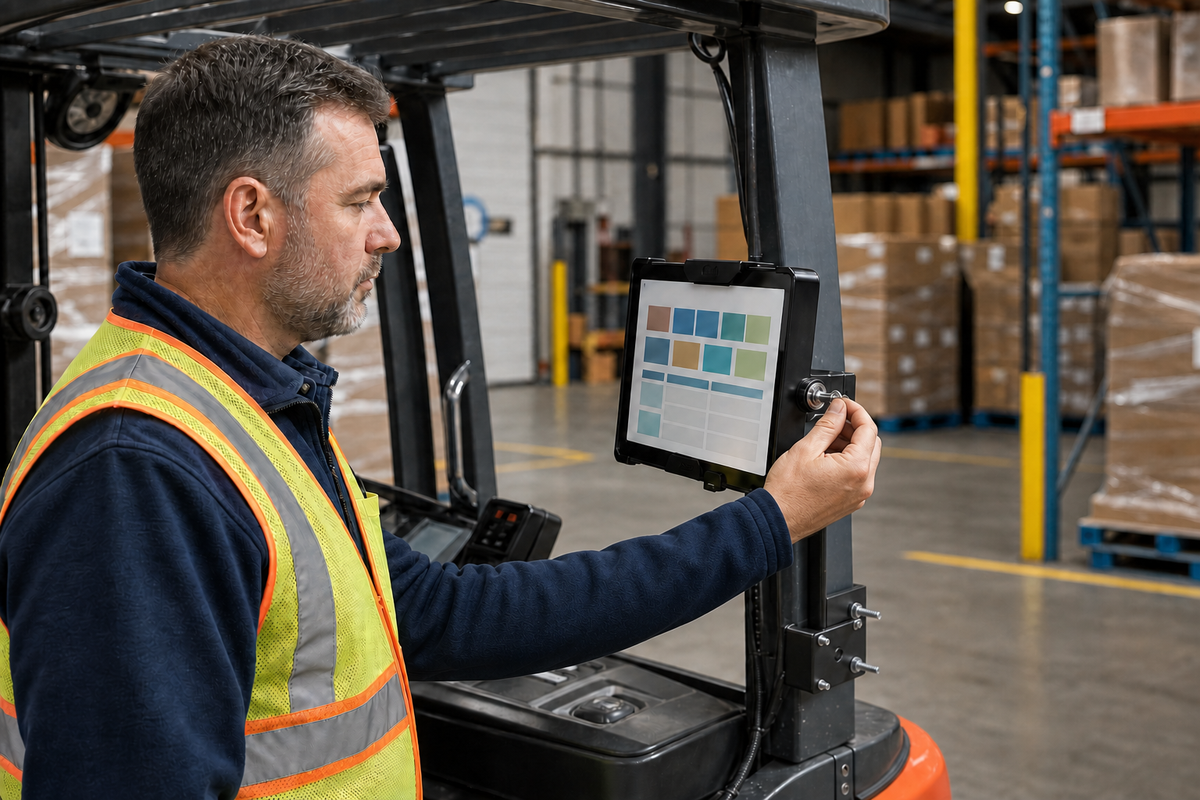

A key-control inspection on a parked forklift. Editorial B-roll based on the actual iBOLT IBFL-34591 pillar mount. Confirm fit and placement for the exact vehicle before installation.
A warehouse tablet may be assigned to a forklift, but the device still passes through many hands. Operators change, vehicles rotate, charging happens between shifts, and maintenance may move equipment out of its usual zone. Without a defined station, a tablet can migrate to another truck or leave the building before anyone notices.
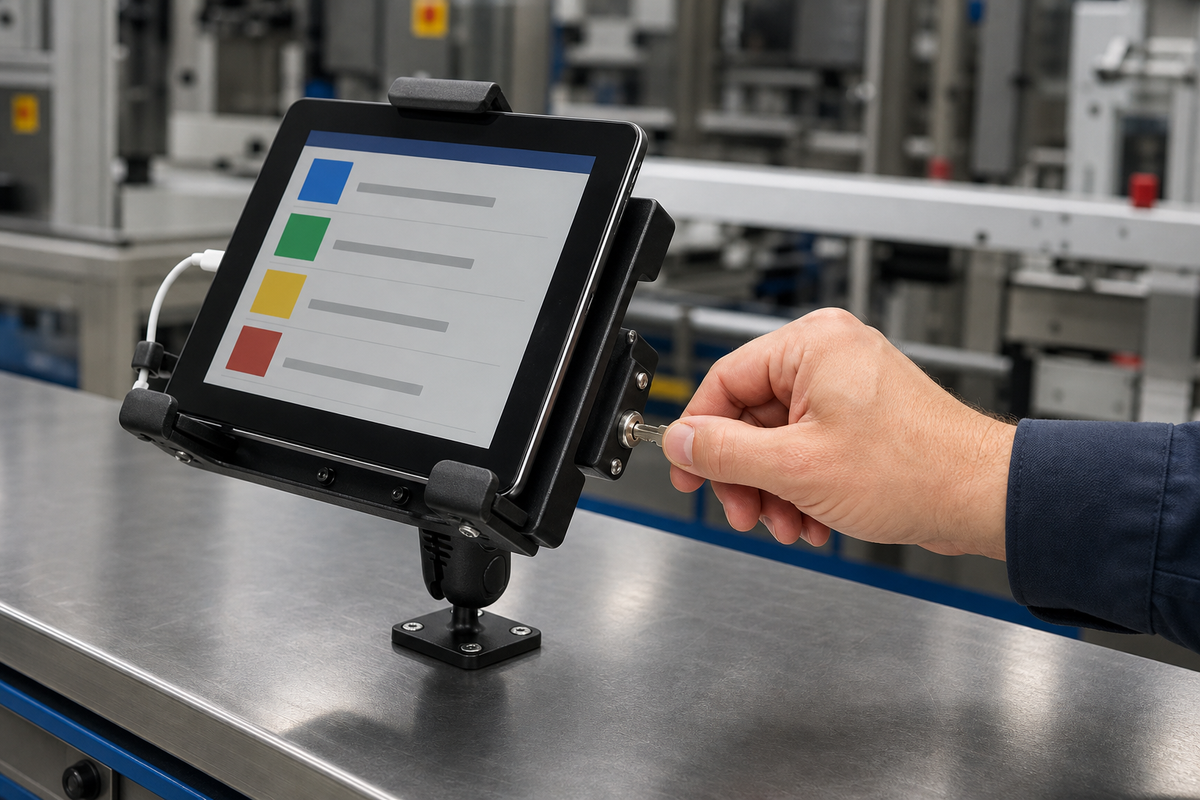
A locking forklift tablet mount adds a physical custody point. The holder requires a key for intentional removal, and security hardware replaces adjustment knobs that could otherwise be loosened by hand. That can deter opportunistic walk-off and make the device's expected location obvious. It is not a promise against all theft, impact, damage, or misuse.
Secure the Tablet Without Creating an Operator Hazard
Device security never outranks safe vehicle operation. The complete tablet and mount must stay outside required sightlines, controls, levers, steering movement, operator entry, overhead clearances, and emergency paths. The cable cannot hang into pedals or moving components.
Review the exact forklift with the operator seated normally. Check forward and side views, fork visibility, mast movement, load-handling tasks, entry and exit, and every authorized mount position. Obtain the approvals required by the vehicle manufacturer and facility. Do not drill into an overhead guard or structural member simply because it looks convenient.
The pillar attachment also needs a fit check. Measure the pillar width and depth, confirm the steel plates sit flat, verify bolt length and clearance, and ensure tightening cannot crush, distort, or interfere with the structure. Reinspect after a controlled operating trial.
Compare 38 mm and 25 mm Locking Forklift Tablet Mounts
The iBOLT Dock'n Lock Forklift Locking Tablet 38mm Mount, SKU IBFL-34591, is the larger-ball option. It includes a keyed holder for most 7 to 10 inch tablets, a 3.75 inch 38 mm arm, AMPS connections, and two heavy-gauge steel pillar plates. Each pillar plate is listed at 4 by 2.75 by 0.125 inches, with 3/8-16 by 4 inch bolts, washers, and nuts.

iBOLT Dock'n Lock Forklift Locking Tablet 38mm Mount, SKU IBFL-34591 - $110.00
The 38 mm C Size connection provides a larger mechanical interface for demanding applications. That does not remove the need to test the tablet, case, holder, arm position, and vehicle vibration as one assembly.
The iBOLT Dock'n Lock Forklift Locking Tablet Mount, SKU IBFL-34530, uses the same general keyed-holder and steel-plate pillar approach with a 25 mm B Size system. It is currently $93.95 and fits 7 to 10 inch tablets. The smaller industry-standard connection can suit a lighter approved configuration or a facility already standardized on 25 mm components.
Use the iBOLT forklift collection to compare both sizes before documenting a pilot bill of materials.
Use the Lock as Part of Shift Control
Assign the tablet to the forklift or equipment ID, not to an informal charging shelf. At shift start, the operator verifies the device serial number, lock, holder contacts, arm, pillar plates, fasteners, and cable. At shift end, the tablet stays locked in the approved parked position or moves through a documented charging process.
Number the keys and assign them to roles such as supervisor and maintenance technician. Do not leave a spare key hanging from the lock. Record removal for repair, battery service, software work, or reassignment. If one key must serve several mounts, confirm the actual keying arrangement rather than assuming every unit matches.
The tablet itself still needs a passcode, restricted applications, remote management, and an asset label. A physical lock helps keep the hardware at the truck; it does not protect accounts or warehouse data after someone gains access to the screen.
Inspect the Assembly, Not Just the Holder
Vibration can reveal a weak point anywhere in the chain. Add the pillar plates, bolts, AMPS plates, arm clamp, holder fasteners, lock cylinder, cable, and tablet contacts to the inspection list. Look for movement, wear, cracking, loose hardware, cable abrasion, and contact with the vehicle.
Run the first installation through a controlled pilot before standardizing it. Capture the forklift model, pillar dimensions, tablet and case, approved position, bill of materials, torque or fastening method from applicable instructions, and inspection interval. Test with representative loads and facility conditions under the organization's normal safety process.
For broader configuration choices, use the existing forklift tablet mount workflow guide. This article focuses specifically on locking hardware and device custody.
Frequently Asked Questions
Can a locking forklift mount guarantee that a tablet will not be stolen?
No. It can deter quick removal and require a key or tool for common adjustments, but it cannot guarantee against all theft, damage, or forced removal.
What is the difference between the 38 mm and 25 mm versions?
The IBFL-34591 uses a larger 38 mm C Size ball system. The IBFL-34530 uses a 25 mm B Size system. Select based on the complete device load, approved geometry, environment, and component standardization.
Can the mount attach to any forklift pillar?
No universal claim is appropriate. Measure the exact pillar and review the vehicle manufacturer's requirements, facility approval, plate contact, bolt clearance, operator sightlines, and entry path.
Should the key stay in the holder during a shift?
No. Remove and control the key after locking. A key left in the cylinder defeats the custody process and may create a snag point.
How often should the mount be inspected?
Set an interval based on the facility's risk assessment, operating conditions, manufacturer guidance, and pilot findings. Operators should also report movement or damage before use. Explore the iBOLT forklift and material-handling collection to compare 25 mm, 38 mm, locking, and non-locking configurations.

Leave a comment
This site is protected by hCaptcha and the hCaptcha Privacy Policy and Terms of Service apply.