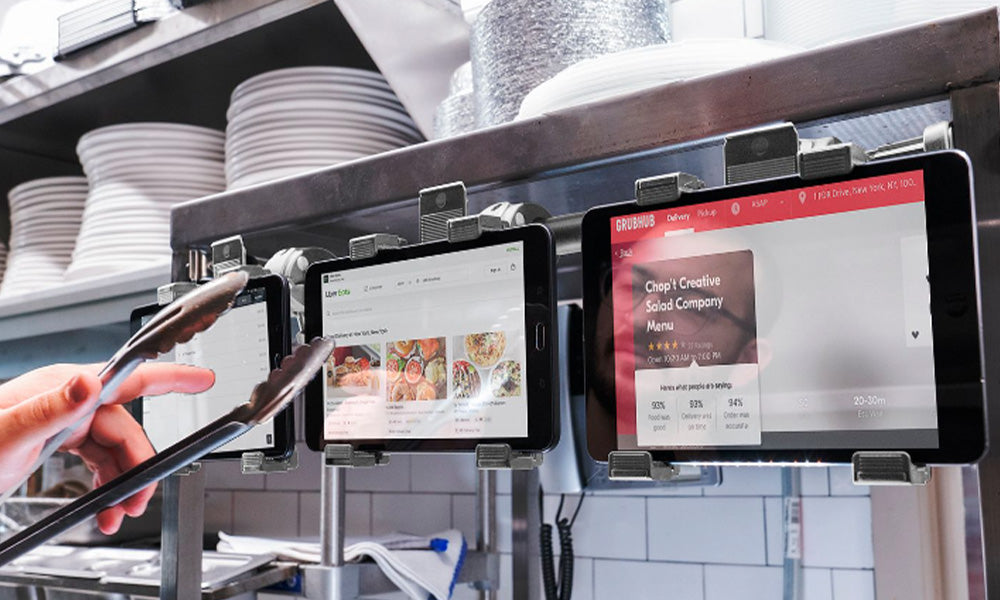
Most restaurant tablet problems do not start with the tablet. They start with the station. One screen is for DoorDash, another is for Uber Eats, another is for Grubhub, and the POS tablet is sitting somewhere between the receipt printer and the expo marker. During a slow hour, the setup looks manageable. During the dinner rush, it turns into missed orders, tangled charging cables, greasy screens, and staff asking which tablet made the sound.
A better multi-tablet setup gives every screen a defined place. The goal is not to make the counter look cleaner for photos. The goal is to help staff notice new orders faster, keep delivery platforms separated, protect hardware, and make charging predictable.
Start with the workflow, not the device count
Before choosing a multiple tablet holder, list the jobs each screen handles. A quick-service counter may only need a POS tablet and one delivery tablet. A ghost kitchen may need four or five delivery platforms visible at once. A full-service restaurant may need one station for pickup orders and another tablet near the host stand.
The best restaurant tablet mount is the one that matches the point in the workflow where staff make decisions. If tablets are used for accepting orders, they need to be visible near the person watching incoming tickets. If they are used for pickup coordination, they need to sit near bags, labels, or the expo line. If they are used for payment, security and customer-facing placement matter more.
Use one station for delivery apps
Multiple single-tablet stands take up more counter space than most restaurants expect. They also move around during cleaning, shift changes, and rush periods. A multi-tablet station keeps all screens in a consistent footprint and gives the team one place to check when an order alert comes in.

iBOLT Tablet Tower POS Clamp Mount with 3 Tablet Holders
$79.95 | Restaurant Multi-Tablet Clamp Mount
The iBOLT Tablet Tower POS Clamp Mount with 3 Tablet Holders is a strong starting point for restaurants running three delivery apps or a delivery plus POS mix. For higher-volume operations, the 5-tablet clamp mount gives more room without spreading devices across the counter.

iBOLT Tablet Tower POS Clamp Mount with 5 Tablet Holders
$99.95 | Restaurant Multi-Tablet Clamp Mount
Move tablets to the wall when counter space is gone
If the counter is already packed with bags, labels, printers, payment hardware, and prep tools, a wall-mounted tablet station may be cleaner. Wall placement keeps tablets at eye level, helps route charging cables away from food prep areas, and makes the station feel like part of the kitchen instead of a temporary pile of devices.

iBOLT Tablet Tower POS Wall Mount with 4 Tablet Holders
$134.95 | Restaurant Multi-Tablet Wall Mount
The iBOLT Tablet Tower POS Wall Mount with 4 Tablet Holders is built for restaurants that want the tablets visible but off the work surface. It works especially well near pickup shelves, expo lines, or back-of-house order stations, as long as the wall location is away from heat and splash zones.
Plan charging, cleaning, and tablet ownership
A restaurant tablet station should be easy to clean around, easy to charge, and easy to understand during shift changes. Label the holder positions if each tablet belongs to a platform. Keep cables routed behind the station or along the wall. Do not place tablets where staff have to reach across hot equipment or wet counters.
For customer-facing tablets, add locking holders or a fixed drill-base stand. For back-of-house delivery app tablets, visibility and organization usually matter first. If devices are shared across shifts or left unattended, security should move higher on the list.
Recommended setup by restaurant type
- Small takeout counter: one POS tablet plus one delivery tablet on separate secure stands.
- Full-service restaurant: a 3-tablet tower for delivery apps plus a separate POS stand at checkout.
- Ghost kitchen: a 4 or 5-tablet station where all delivery platforms stay visible.
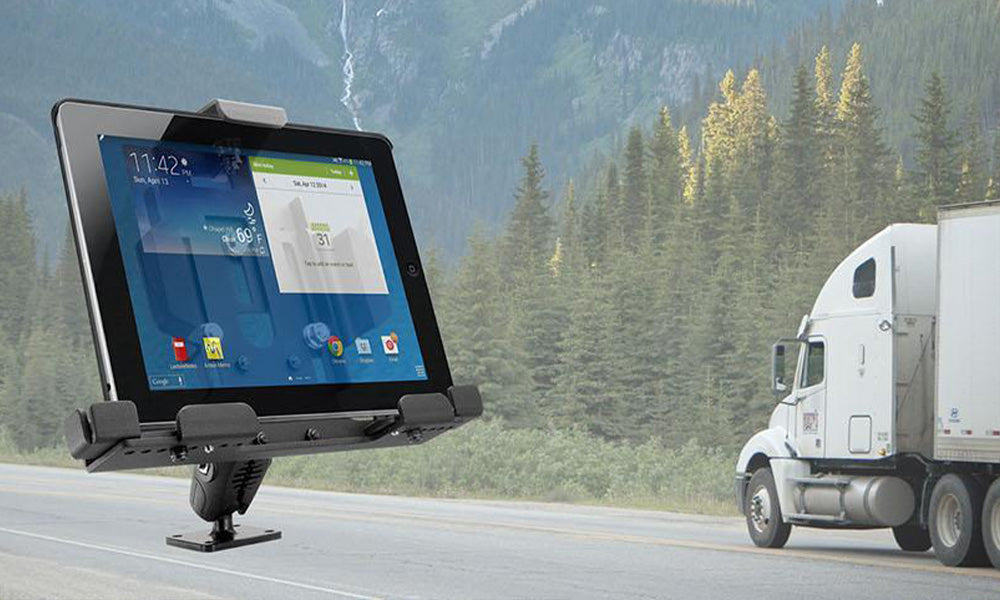
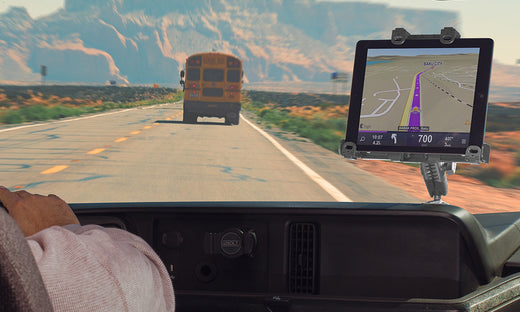
- Food truck: a compact clamp, suction, or locking stand that can be removed or secured at close.
- High-volume pickup area: a wall-mounted tablet station close to bags, shelves, and labels.
Frequently Asked Questions
How many tablets should a restaurant delivery station hold?
Most restaurants need one holder per active platform, plus room for POS or pickup apps if they run in the same station. Three holders is a common starting point, while ghost kitchens often need four or five.
Is a wall mount better than a counter stand?
A wall mount is better when counter space is tight or tablets need to stay at eye level. A clamp or counter stand is better when the setup may move or when drilling is not allowed.
Can one tablet tower hold iPads and Android tablets?
Yes, iBOLT Tablet Tower holders are designed for common 7 to 11 inch tablets, including iPads, Samsung Galaxy Tabs, and similar Android tablets.
Should restaurant tablets be locked?
Locking holders are best for customer-facing or unattended tablets. Back-of-house delivery app tablets may not need locks, but they still need stable placement.
Where should charging cables go?
Route cables behind the station or along the wall, away from food prep areas, walk paths, heat, and cleaning spray.
A multi-tablet setup should make the rush easier to manage. Start with the workflow, choose the base that fits the counter or wall, and give every delivery platform a visible home.

Leave a comment
This site is protected by hCaptcha and the hCaptcha Privacy Policy and Terms of Service apply.