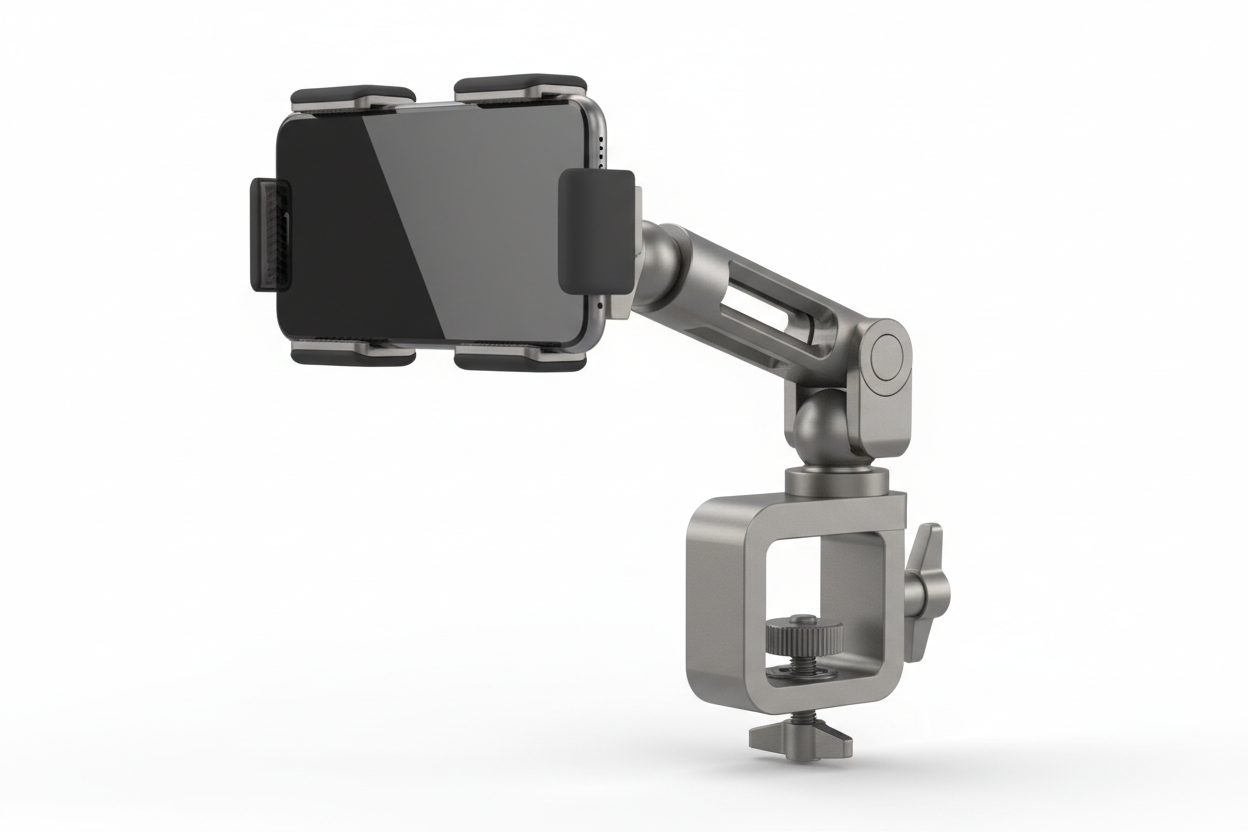
Phones and small tablets have become everyday tools in restaurants and other point-of-sale environments. Servers use them to fire orders, hosts use them to manage waitlists, and counter staff use them to run payments. When a device needs to stay put at a host stand, a expo line, or a POS counter, but also needs to move between shifts or stations, a phone clamp mount is often the practical answer.
A phone clamp holds the device with mechanical pressure instead of adhesive or magnets, and a clamp mount attaches that holder to a counter edge, shelf, pole, or workstation without drilling. That combination gives restaurant operators a stable mounting point they can install fast, remove for cleaning or events, and reposition as the floor plan changes.
What Is a Phone Clamp Mount System
A phone clamp mount is made up of two working parts:
- A phone holder that grips the device by its edges or back
- A clamp base that attaches to a surface using mechanical pressure, usually a screw-tightened jaw
This is different from suction cup or adhesive mounts, which rely on surface contact and can loosen with heat, cleaning chemicals, or repeated wiping down. A clamp mount grips the counter or shelf edge directly, which tends to hold up better in spaces that get wiped, sanitized, and bumped throughout a shift.
Typical mounting points in food service and retail settings include:
- Host stand counters
- Expo and pass-through shelves
- POS counters and checkout stands
- Prep tables
- Rolling carts
- Bar rails
How the Clamp and Holder Work Together
Most clamp mounts share a few core components, and understanding them helps you evaluate fit before buying.
Adjustable Phone Holder
The holder arms expand and contract to fit different phone widths, and often need extra clearance if staff use protective cases. Measure the phone with its case on, not just the phone alone.
Clamp Jaw and Opening Range
The base clamps onto the counter, shelf, or pole using a screw mechanism or spring tension. Opening range varies by product, with many C-clamp styles handling roughly 0.25 inches up to 1.5 inches of surface thickness. Measure the counter edge or shelf lip you plan to use before ordering, since a mount that fits a thin host stand ledge will not necessarily fit a thick prep table edge.
Ball Joint or Articulating Arm
Most systems use a ball joint, often a common size like 17mm or 1 inch, or a short articulating arm to set the tilt and rotation angle. This lets staff angle the screen for order entry without repositioning the whole mount.
Locking Pressure
Once tightened, the clamp should hold the device steady through normal bumping, counter traffic, and staff turnover, without requiring re-tightening every shift.
Why Restaurants and POS Setups Rely on Clamp Mounts
Food service and retail counters are shared, high-traffic surfaces. A few reasons clamp mounts fit well here:
No Drilling Into Counters or Furniture
Leased spaces, rented equipment, and finished counters are common in restaurants. A clamp mount attaches without permanent modification, which matters when equipment moves or a lease ends.
Fast Removal for Cleaning and Events
Counters get sanitized multiple times a day. A clamp that loosens and lifts off in seconds makes it easier to wipe down the surface fully instead of cleaning around a fixed mount.
Repositioning as Layouts Change
Host stands move, new POS terminals get added, and seasonal setups shift the floor plan. Clamp mounts can be relocated to a new counter or shelf without new hardware.
Stability During Busy Service
Because the mount grips the surface mechanically rather than relying on suction, it tends to stay in place better through repeated bumping from trays, bags, and foot traffic near the counter.
What to Verify Before You Buy
Fitment problems are the most common reason a clamp mount underperforms. Check these before ordering:
- Mounting surface thickness: Measure the counter edge, shelf lip, or rail where the clamp will attach, and compare it to the product's stated opening range.
- Device size with case: Confirm the holder's width range covers your phone or small tablet with its case installed, not just the bare device.
- Charging and cable routing: If the device stays mounted for a full shift, check whether the holder blocks the charging port and plan a route for the charging cable that will not create a trip or snag hazard behind the counter.
- Vibration and bump resistance: Counters near ovens, dish pits, or high foot traffic see more vibration and impact than a quiet office desk. Look for clamp mounts built for commercial or vehicle-grade use rather than light home use.
- Removal frequency: If staff will remove the device dozens of times a day, a holder with a smooth, low-effort release mechanism will hold up better than one that requires force each time.
- Security: In a public-facing setting, consider whether the mount needs a locking holder or a base that is harder to remove without a tool.
- Ball size and adapter compatibility: If you plan to swap mounting arms or add accessories later, confirm the ball joint size (commonly 17mm or 1 inch) so future components will actually connect.
Manufacturers list these specs on the product page, but if a spec is not listed, it is worth confirming with iBOLT support before ordering, especially for opening range and ball size, since those two details cause most fitment issues.
Other Common Applications
While restaurant and POS counters are a strong fit, the same clamp mount design shows up in several other settings:
Vehicle Navigation
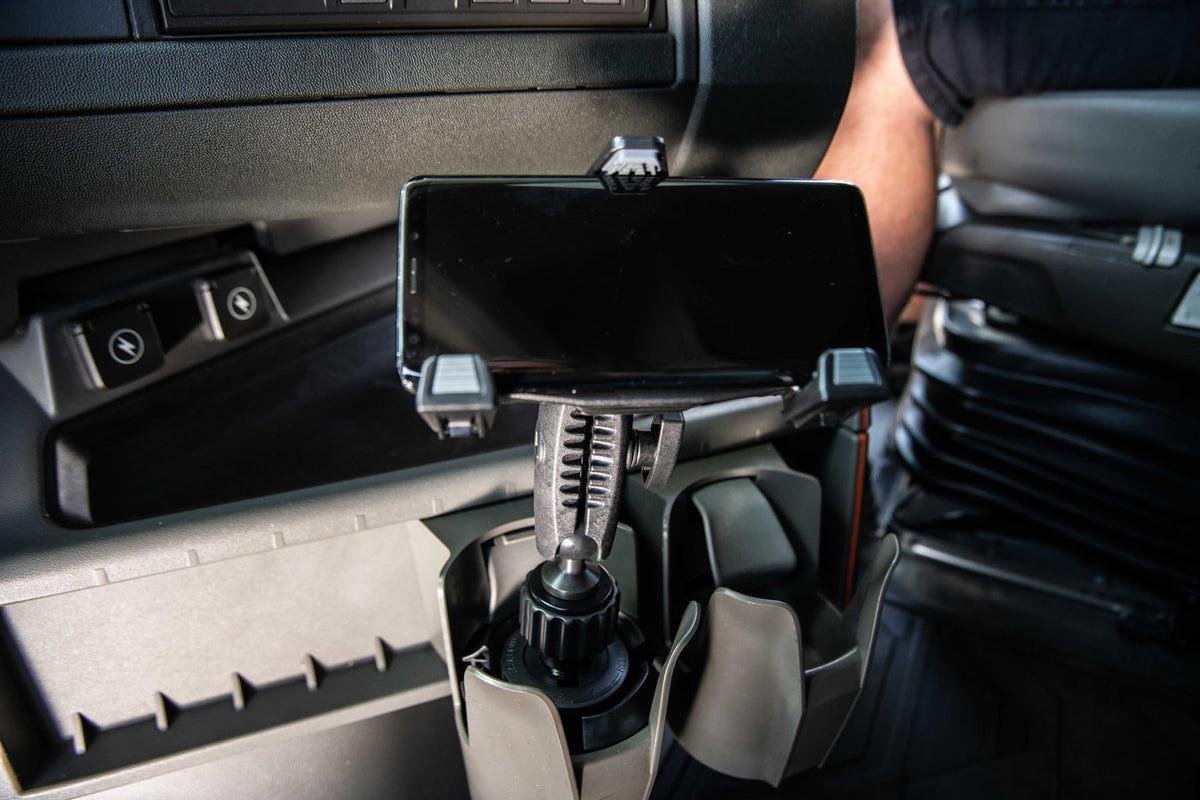
Drivers use clamp mounts on dash rails or center consoles to keep a phone visible for navigation without handling it while driving.
Content Creation and Live Streaming
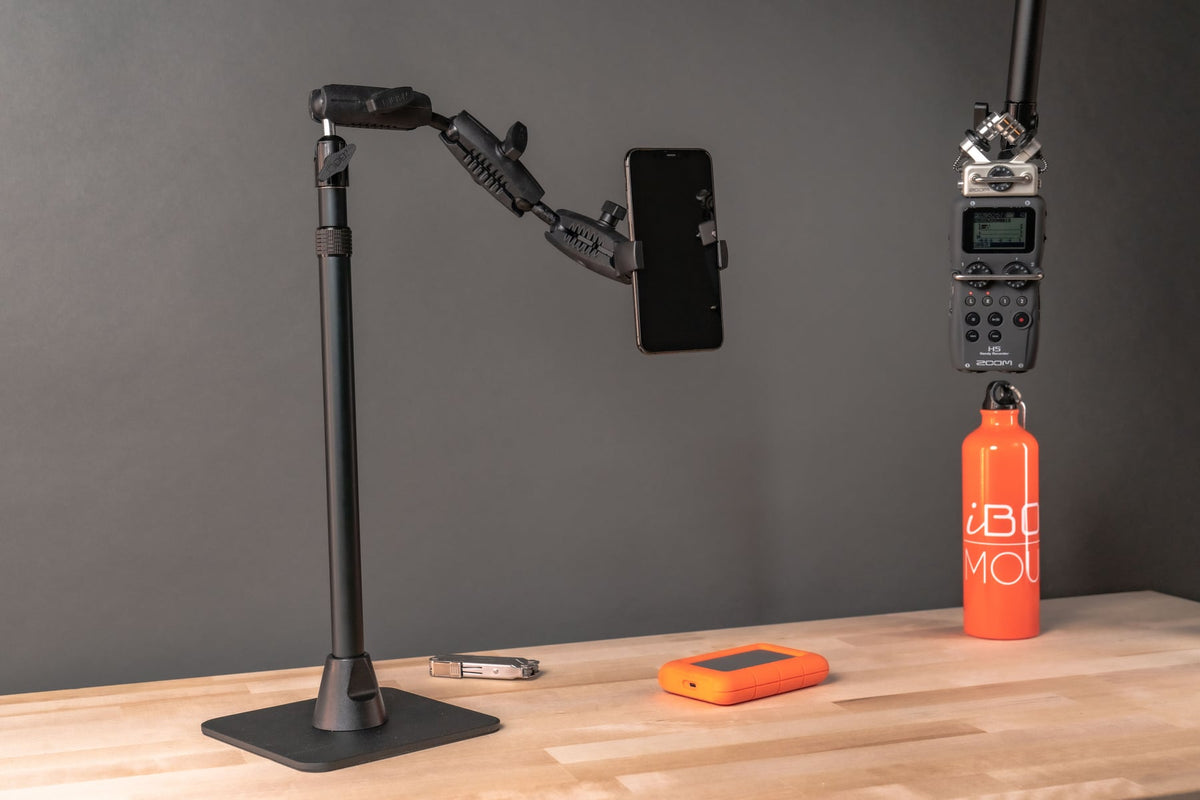
Creators attach clamp mounts to desks for overhead shots, tutorials, and video calls, since the clamp holds steady through desk vibration from typing or movement.
Warehouse and Inventory Work
Clamp mounts on carts and workstations keep phones or scanners positioned for barcode scanning and order tracking in environments with regular movement and vibration.
Fitness Equipment
Gyms and home fitness setups use clamp mounts on machine frames so users can view workout apps or video during a session.
Choosing the Right Clamp Mount for Your Setting
Match the mount to where and how it will actually be used. A host stand mount that stays in one place all day has different requirements than a mount that gets clamped and unclamped between rolling carts. For restaurant and POS use, prioritize a clean release mechanism for high removal frequency, confirm the clamp opening fits your specific counter or shelf edge, and plan cable routing if the device charges while mounted. For vehicle, warehouse, or fitness use, prioritize vibration resistance and a secure locking arm.
Related iBOLT Mounting Options

iBOLT ComfortiBOLT Bedside Mount Kit – Tablet & Phone Holder
A related iBOLT option that matches the mounting needs covered in this article.

iBOLT™ xProDock™ Bizmount™ Amps
A related iBOLT option that matches the mounting needs covered in this article.

iBOLT™ xProDock™ Bizmount™ Wedge
A related iBOLT option that matches the mounting needs covered in this article.

iBOLT™ xProDock™ Bizmount™ Console- Phone Cup Holder Mount
A related iBOLT option that matches the mounting needs covered in this article.
FAQ
What is a phone clamp mount?
A phone clamp mount is a two-part system: a holder that grips the phone by its edges, and a clamp base that attaches to a counter, shelf, pole, or other surface using mechanical pressure rather than adhesive or suction.
Will a clamp mount damage my counter or furniture?
Most clamp mounts are designed to attach without drilling or adhesive, using a screw-tightened jaw that grips the edge of the surface. Always check the manufacturer's stated opening range and material guidance for your specific counter before clamping.
How do I know if a clamp mount will fit my counter or shelf?
Measure the thickness of the counter edge or shelf lip where you plan to attach the mount, then compare that measurement to the product's stated clamp opening range, which for many C-clamp styles falls between roughly 0.25 and 1.5 inches.
Can I use a phone clamp mount for a tablet at a POS station?
Many clamp mount holders are sized for phones, while others are built for small tablets. Confirm the holder's width and thickness range against your specific device with its case before buying, since phone-sized and tablet-sized holders are not interchangeable.
Do clamp mounts hold up to frequent removal during a shift?
Quality clamp mounts are built for repeated use, but if staff will remove the device dozens of times a day, look for a holder with a smooth release mechanism rather than one that requires significant force each time.
What should I check before ordering a clamp mount for commercial use?
Verify the mounting surface thickness, device size including case, charging and cable routing needs, expected vibration or bump exposure, removal frequency, and ball joint size if you plan to add other accessories later.

Leave a comment
This site is protected by hCaptcha and the hCaptcha Privacy Policy and Terms of Service apply.