Live streaming has become a standard way to reach audiences, whether you're teaching a class, selling products, coaching workouts, or running a gaming channel. Most of that streaming happens on a smartphone, and the single biggest difference between an amateur-looking stream and a professional one is often not the camera. It's the mount.

A shaky frame, a phone that drifts out of position mid-stream, or a setup that requires you to hold the device the entire session all work against viewer engagement. A dependable phone holder for streaming or phone stand for streaming solves this by locking your device in place so you can focus on content instead of camera management.
Why Mounting Stability Actually Matters for Streaming
Audio, lighting, and internet connection get a lot of attention in streaming setup guides, but camera stability is just as important and often overlooked. Handheld streaming introduces problems that are hard to fix in post because there is no post, the stream is live:
- Visible camera shake, especially on longer sessions as arm fatigue sets in
- Framing that drifts, cutting off your face or the product you're demonstrating
- Reduced ability to use both hands for cooking, crafting, teaching, or product demos
- Viewer drop-off when the stream feels unstable or unprofessional
A dedicated mount removes all of these variables at once. Once the phone is locked into position, framing stays consistent for the entire session.
Phone Holder vs. Phone Stand: What's the Difference
These two terms get used interchangeably, but they describe different parts of a mounting system.
A phone holder for streaming is the gripping mechanism, the part that actually clamps onto the phone. Look for:
- Spring-loaded or adjustable gripping arms that accommodate different phone widths
- A rotating head that lets you switch between portrait and landscape without unclamping the device
- Enough clearance to fit the phone with its case still on, since removing a case for every stream gets old fast
A phone stand is the support structure underneath the holder, the part that determines height, distance from your face, and how much the setup can be repositioned. Stands typically add:
- Height adjustment, useful for switching between sitting and standing streams
- Tilt and rotation control for dialing in the exact angle
- An extendable arm or gooseneck for reaching over a desk or workstation
- A weighted or wide base to resist tipping when the arm is extended
Most complete streaming setups use both pieces together: a holder to grip the phone and a stand to position it.
Common Mount Types and Where Each One Works Best
Desktop Mounts
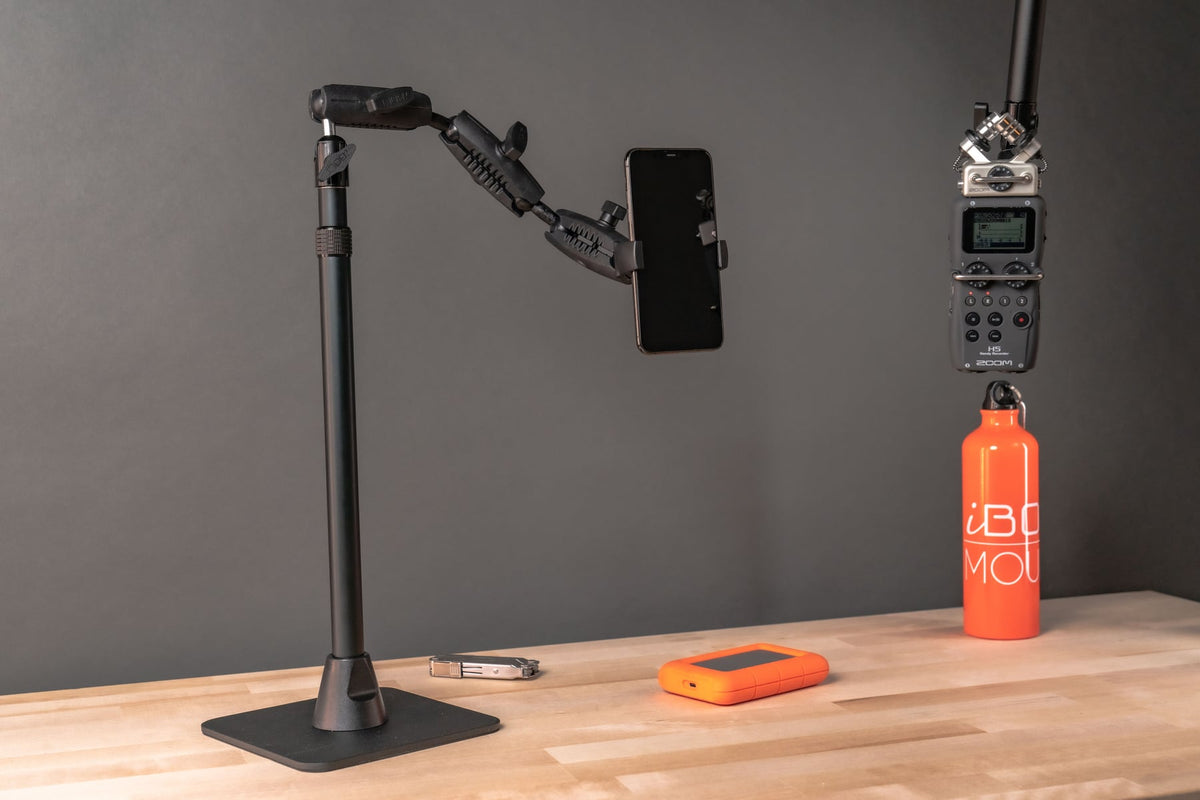
A weighted base with an adjustable arm is the standard choice for podcasts, video conferencing, online teaching, and product reviews recorded from a fixed indoor location. Good for setups where the phone stays in one spot for the entire session.
Clamp Mounts
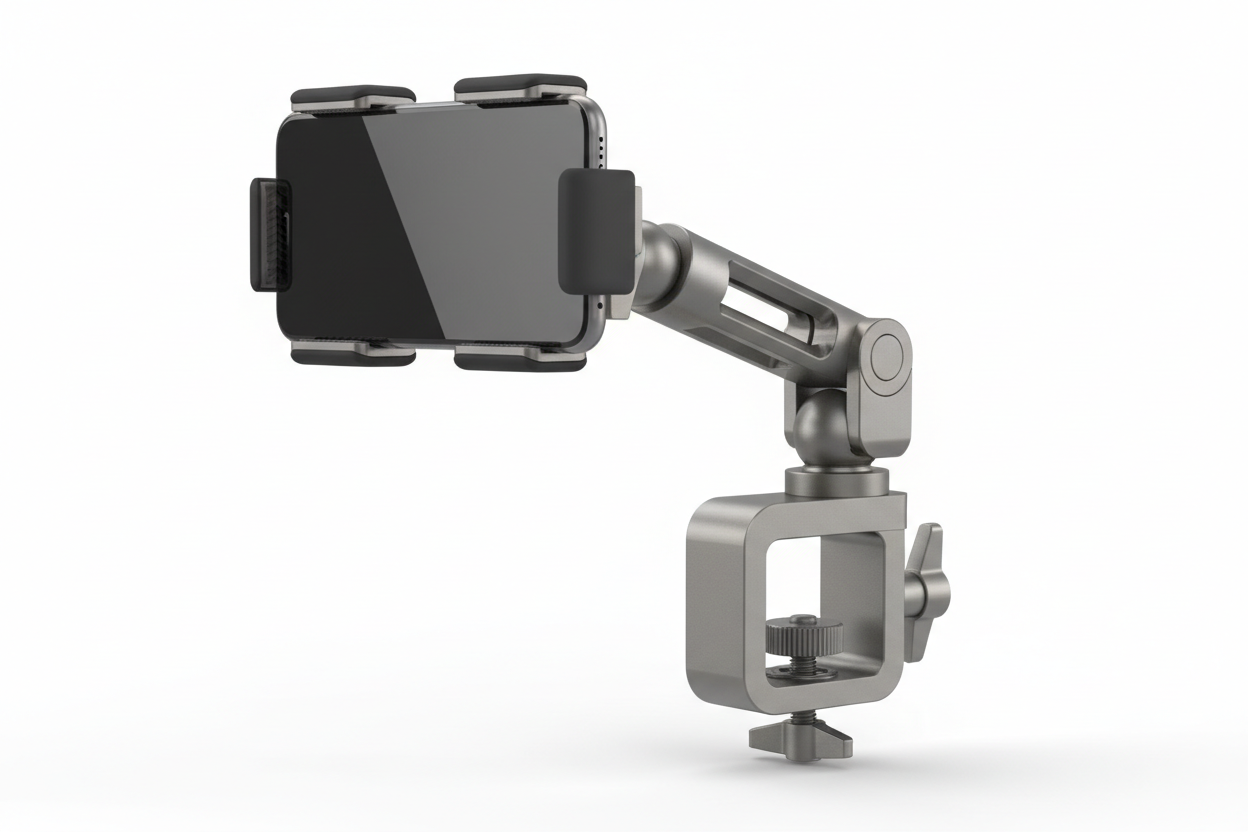
These attach directly to a desk edge, shelf, or table and free up desk space compared to a base-style stand. Before buying, check the clamp's maximum jaw opening against the surface you plan to use, thin desks and thick standing-desk edges both need to be verified against the spec.
Overhead Mounts
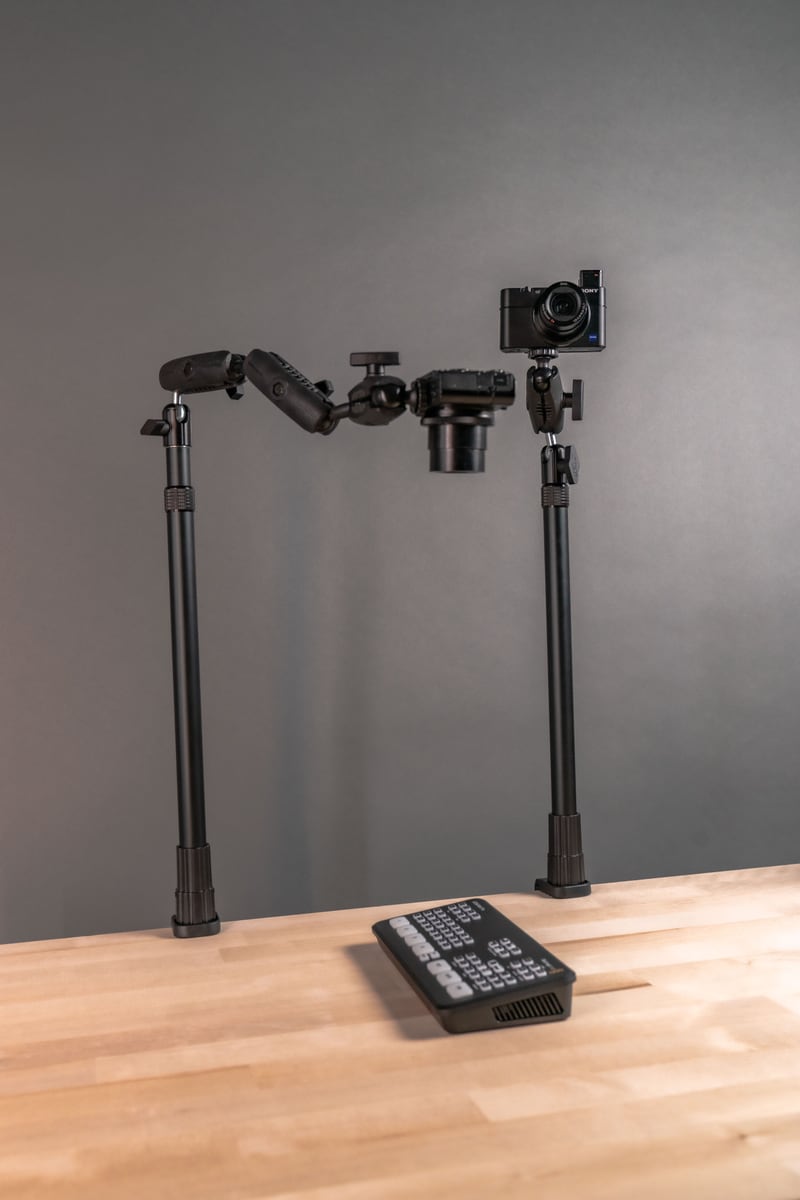
Positioned directly above a work surface, these give a top-down view that's difficult to get any other way. Common for cooking demonstrations, craft tutorials, and product unboxing where viewers need to see hands working on a surface.
Tripod Mounts
Portable and usable indoors or outdoors, tripods are the go-to for vloggers, fitness instructors, and anyone streaming from a location that changes session to session. Check the tripod's load rating against your phone's weight, especially if you're adding a ring light or external mic to the same mount.
Articulating Arm Mounts
Multiple pivot points let you reach over a desk, around a monitor, or into an angle a straight stand can't achieve. These are common in professional streaming setups where camera placement needs to be precise and repeatable session after session.
What to Verify Before You Buy a Streaming Mount
Specs matter more than they get credit for. Before ordering, confirm the following against your actual setup:
- Mounting surface: Desk clamp, wall, tripod, or overhead arm all require different hardware. Measure the surface thickness or check for existing mounting holes if you're going wall or ceiling mounted.
- Device size and weight: Larger phones and phones in rugged cases need a holder with enough grip width and clamp tension to hold securely, not just fit.
- Vibration exposure: If the mount will sit near a desk that gets bumped often, or in a space with foot traffic, prioritize a holder with locking tension rather than a simple friction grip.
- Charging and cable routing: Long streams drain a phone battery quickly. Confirm the holder leaves the charging port accessible, and plan your cable route before you're mid-stream fishing for a cord.
- Removal frequency: If you're pulling the phone off the mount between every session, a quick-release holder saves real time over one that requires readjusting the grip each use.
- Accessory attachment points: If you're running a ring light, external mic, or second phone on the same rig, check whether the mount has additional attachment points or if you'll need a separate stand.
- Security: For retail live-selling setups or shared workspaces, a locking mechanism prevents the phone from being bumped loose or walked off with between shifts.
Where These Mounts Get Used
The applications span far beyond personal content creation:
- Social media creators use stands for live broadcasts, tutorials, and interviews where consistent framing builds viewer trust.
- Online educators mount phones for virtual classrooms and instructional videos, often needing quick angle changes between showing their face and a whiteboard or product.
- E-commerce sellers rely on overhead or desktop mounts for live selling, where product visibility matters as much as presenter visibility.
- Fitness instructors need a mount stable enough to survive a full workout session without drifting out of frame.
- Gamers and commentators often run a phone as a secondary camera alongside a main gaming rig, which usually calls for an articulating arm or clamp mount that stays out of the way.
Related iBOLT Mounting Options

iBOLT Dual Tablet- Tripod Slider Bar
A good fit for phone and camera setups used in recording, streaming, and overhead shots.

iBOLT Stream-Cast Dual Phone and Tablet Stand
A good fit for phone and camera setups used in recording, streaming, and overhead shots.

iBOLT Stream-Cast Dual sPro2™ Phone Stand
A good fit for phone and camera setups used in recording, streaming, and overhead shots.

Stream-Cast Stand Adjustable Overhead Phone Mount for Live Streaming
A good fit for phone and camera setups used in recording, streaming, and overhead shots.
FAQ
What's the difference between a phone holder and a phone stand for streaming?
The holder is the clamping mechanism that grips the phone. The stand is the structure underneath it that controls height, tilt, and positioning. Most streaming setups use both together.
Will a streaming mount work with my phone case still on?
Most universal holders accommodate cased phones, but check the maximum grip width listed for the holder against your phone plus case dimensions before buying, especially with thicker rugged cases.
Do I need a weighted base or a clamp mount?
A weighted base works well when you have open desk space and want easy repositioning. A clamp mount is better when desk space is limited or you need the setup to stay fixed in one exact spot session after session.
Can I run a microphone or ring light off the same mount?
Some articulating arm and desktop systems include additional attachment points for accessories. If your mount doesn't, plan for a second stand rather than overloading one arm with a phone, light, and mic.
How do I keep the phone charged during long streams?
Choose a holder that leaves the charging port clear and plan your cable route to the mount before your stream starts, rather than troubleshooting it live.
What should I check first for a live-selling setup in a retail space?
Prioritize a mount with a locking or high-tension grip, confirm the clamp fits your actual counter or shelf thickness, and consider a mount that discourages the phone from being easily removed between shifts.

Leave a comment
This site is protected by hCaptcha and the hCaptcha Privacy Policy and Terms of Service apply.