Live streaming has moved well past a novelty feature on social apps. Creators run shows on YouTube, Facebook Live, Instagram, TikTok, and Twitch, while businesses, educators, and coaches use the same tools for product demos, virtual classes, and remote training. Across all of these use cases, one piece of gear determines whether the video looks intentional or accidental: the phone stand.

A properly chosen phone stand for live streaming keeps the frame steady, puts the phone at the right height and angle, and frees up your hands to work, cook, teach, or play. This guide walks through the stand types available, what actually matters when comparing them, and how to match a mount to your workflow instead of guessing.
Why a Dedicated Stand Beats Holding the Phone
Handheld streaming works for a quick update. It falls apart during longer sessions because of a few predictable problems:
- Camera shake that shows up clearly on screen, even from small hand movements
- Framing that drifts as your arm tires or shifts position
- Fatigue that shortens how long you can realistically stream
- No free hands for demonstrating products, writing, cooking, or interacting with a chat window
A mounted phone removes all four issues at once. Once the frame is locked, viewers stop noticing the camera and start paying attention to the content, which is the actual goal of any stream.
Common Stand Types and Where Each One Fits
Desktop Stands
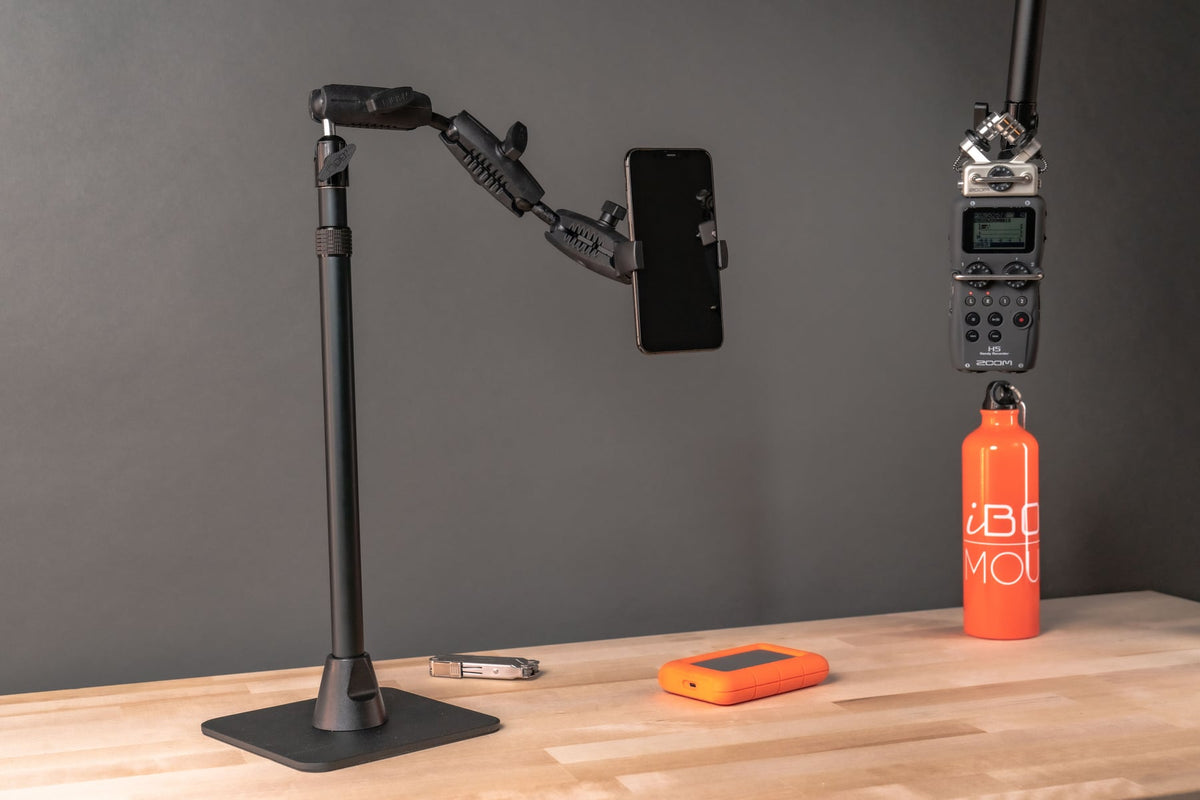
Desktop stands sit directly on a desk, counter, or table with no clamping or drilling required. They work well for podcasts, talking-head content, video calls, and any setup where the phone stays in one fixed spot for the whole session. The tradeoff is footprint: a desktop base needs a few inches of stable, flat surface in front of you.
Clamp Mounts
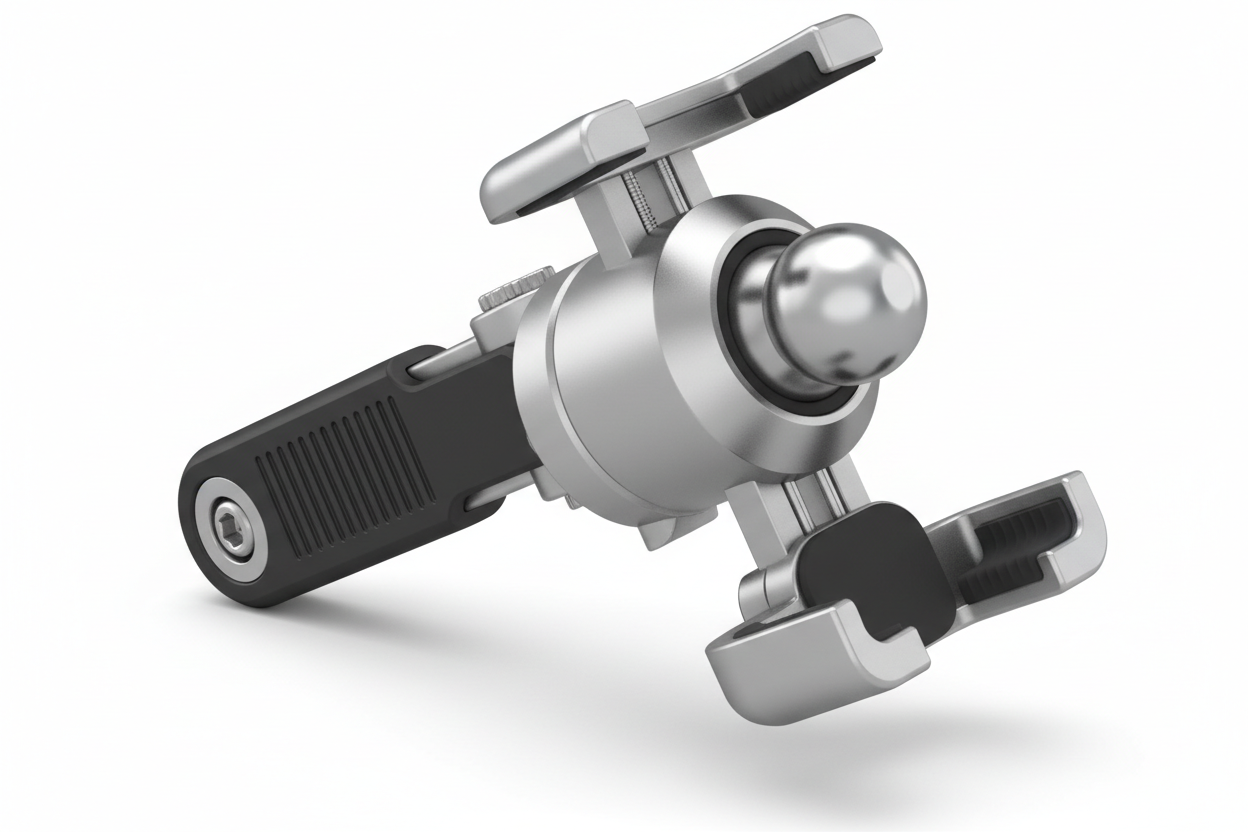
Clamp-based stands attach to the edge of a desk, shelf, or workstation, which frees up surface space and lets you position the phone above or beside your normal work area. These are a good fit for creators who share a desk with other equipment, or who want the phone out of the way of a keyboard, camera, or notebook.
Overhead Mounts
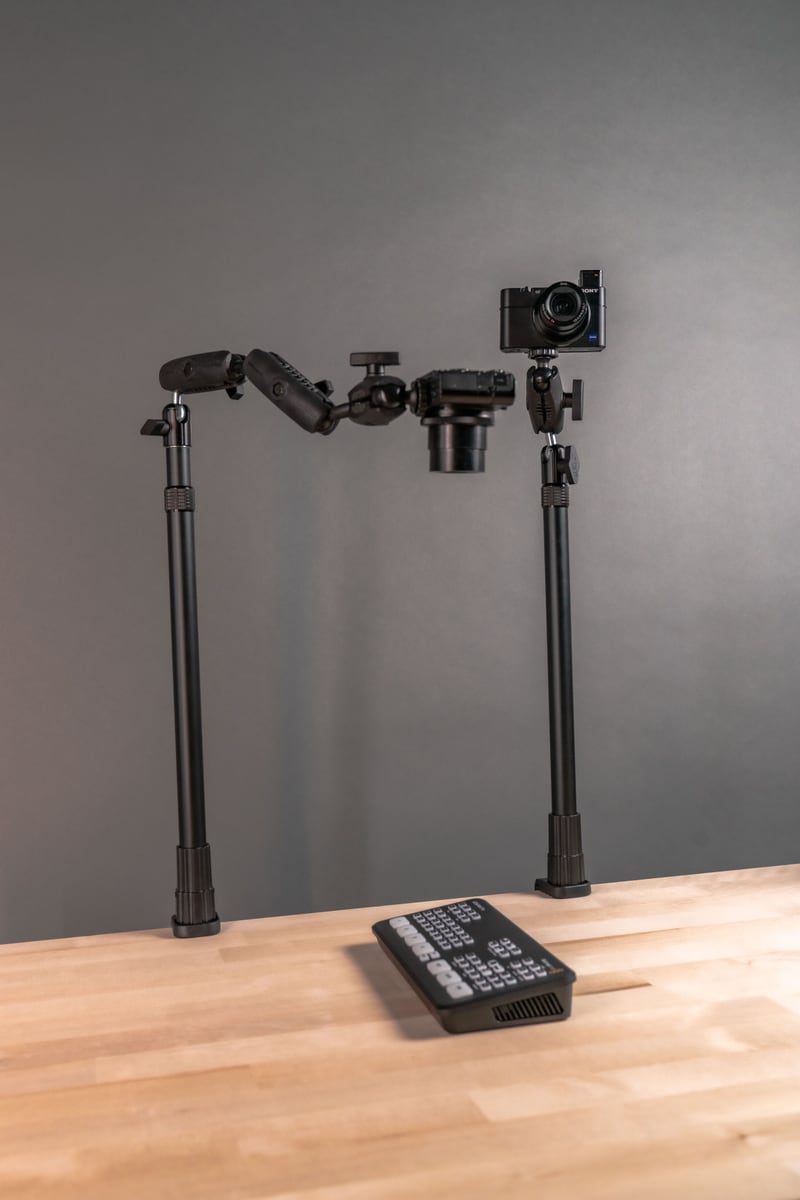
Overhead setups position the phone directly above a work surface, pointed straight down. This is the standard configuration for cooking demonstrations, craft tutorials, unboxings, and any content where viewers need to see hands working on a flat surface. A standard tripod cannot easily produce this top-down angle, which is why overhead mounts exist as their own category.
Tripod-Based Stands
Tripods remain the most flexible option because they adjust in height, fold down for travel, and work indoors or outdoors. They are the right call for event coverage, outdoor streaming, fitness instruction, or any situation where the stand needs to move between locations rather than living permanently on one desk.
What to Verify Before You Buy
Specs on a product page rarely tell the whole story. Before adding a stand to your cart, check the following:
- Phone size and case fit. Measure your phone width with the case on. Some clamp-style holders have a narrower range than advertised once a thick case is added.
- Weight and stability rating. Larger phones with heavy cases or attached lenses put more load on the mount arm. A stand rated for lightweight use may sag or drift over a long stream.
- Surface type. Confirm whether the mounting surface is a hard desk edge, a soft or uneven table, glass, or an outdoor tripod leg. Clamp mounts need a compatible edge thickness; suction or adhesive bases need a smooth, clean surface.
- Vibration exposure. If the stand will be near a treadmill, a workbench, a vehicle, or foot traffic, look for a locking joint rather than a friction-only joint, since friction joints loosen over time under repeated vibration.
- Accessory mounting points. If you plan to add a ring light, microphone, or second phone, check whether the stand includes a cold shoe or additional mounting arm, or whether you will need a separate accessory bar.
- Cable routing. If the phone stays plugged in during long streams, check that the charging cable can reach the port without pulling on the phone or the mount head.
- Removal frequency. If you break down your setup after every session, look for a mount that tightens and releases quickly. If the phone stays mounted long-term, a screw-clamp or more permanent attachment is fine and often more stable.
Matching the Stand to Your Content Type
Different formats call for different mounting priorities:
Social Media and Talk-Format Streams
A desktop or clamp stand with tilt and rotation adjustment covers most needs here. Height adjustment matters more than portability since the setup usually stays in one place.
Cooking, Crafts, and Product Demos
An overhead mount is worth the extra setup step. It is the only configuration that reliably gives viewers a clean top-down view of hands and materials.
Fitness, Coaching, and Outdoor Content
Tripod-based stands make the most sense because the setup needs to move between rooms or locations, and height needs to adjust quickly between sessions.
Gaming and Multi-Device Setups
Look for a stand or arm system that supports a second device or accessory, since gaming streams often combine a phone camera with a separate screen or controller view.
Finding the Best Phone Stand for Live Streaming
There is no single best phone stand for live streaming that works for every creator. The right choice depends on your workspace, how often you break the setup down, how heavy your phone and case are, and whether you need room for lights or a microphone. Prioritize a stand with a locking adjustment, a holder rated for your actual phone weight with its case, and a mounting method that matches your desk, shelf, or floor space. Get those details right and the stand disappears into the background, which is exactly what you want while you are live.
Related iBOLT Mounting Options

iBOLT Stream-Cast Dual sPro2™ Phone Stand
A good fit for phone and camera setups used in recording, streaming, and overhead shots.

iBOLT Stream-Cast Dual Phone and Tablet Stand
A good fit for phone and camera setups used in recording, streaming, and overhead shots.

iBOLT Stream-Cast sPro2™ Phone Stand- Weighted Base Mount
A good fit for phone and camera setups used in recording, streaming, and overhead shots.

Stream-Cast Stand Adjustable Overhead Phone Mount for Live Streaming
A good fit for phone and camera setups used in recording, streaming, and overhead shots.
FAQ
What is a phone stand for live streaming?
It is a mount designed to hold a smartphone steady during a live broadcast or recording, typically with adjustable height, tilt, and rotation so the camera angle can be set once and left in place.
Do I need a clamp mount or a desktop stand?
Choose a clamp mount if desk space is limited or you want the phone positioned above your work area. Choose a desktop stand if you have open surface space and want a setup that requires no attachment to furniture.
Will a phone stand work with my case on?
Most universal holders accommodate cases, but always check the stated width range against your phone's measured width with the case attached, since thicker cases can exceed narrower holder ranges.
Can these stands hold lights or a microphone too?
Some can, if they include a cold shoe mount or a secondary accessory arm. If accessory support matters to you, confirm it is included before buying rather than assuming a standard phone holder will accept it.
What causes a mounted phone to drift or sag during a stream?
Usually an underrated joint holding a phone heavier than the stand was designed for, or a friction joint that loosens with vibration over time. A locking joint rated for your phone's actual weight avoids this.
Is an overhead mount necessary for cooking or craft content?
If your content needs a top-down view of a surface, yes. Standard desktop and tripod stands are built for forward-facing angles and cannot easily replicate a true overhead shot.

Leave a comment
This site is protected by hCaptcha and the hCaptcha Privacy Policy and Terms of Service apply.