Phone vs Camera Overhead Rig for Product Photography: Which Setup Actually Works Better?
You've got a new product lined up on a clean white surface, the lighting looks great, and you're ready to shoot. So you hold your phone above it, try to keep your hand steady, and tap the shutter. The result? A slightly tilted image with your shadow creeping into the frame. You try again. This time your arm shakes halfway through. By the fifth attempt, you've got five photos that all look a little different, and none of them look professional.

This is the exact moment most sellers, crafters, and small business owners realize they need an overhead product photo setup. Consistency is what separates a listing that converts from one that gets scrolled past. And consistency starts with a stable, repeatable shooting position.
But before you invest in a rig, there's a bigger question worth answering first: should you mount a phone or a camera overhead? The answer depends on what you're shooting, where you're selling, and how much control you actually need.
Phone vs Camera for Overhead Product Photography: An Honest Comparison
For most e-commerce listings, social media content, and Etsy shops, a modern smartphone is more than capable. Flagship phones from Apple, Samsung, and Google now shoot 48MP or higher, handle white balance automatically, and let you preview your composition in real time. You can shoot, edit, and upload a listing photo without ever leaving the device. That speed matters when you have dozens of SKUs to photograph.
Dedicated cameras, whether DSLR or mirrorless, still hold the advantage in a few key areas. RAW file capture gives you far more flexibility in post-processing. Interchangeable lenses let you control depth of field, minimize distortion, and get tack-sharp detail across the entire frame. For catalog work or print materials where resolution and color accuracy are non-negotiable, a proper camera body paired with a macro or standard prime lens is still the better tool.
But here is the part most comparison articles skip over: the device you choose matters less than the stability of the rig holding it. A $1,200 mirrorless camera on a wobbly arm will produce worse results than a phone locked into a solid overhead mount. Vibration, drift, and inconsistent framing are the real enemies of overhead product photography, not megapixel counts. When you're choosing between a phone and a camera for overhead shooting, the rig itself deserves just as much attention as the device sitting on top of it.
What to Look for in the Best Overhead Camera Rig for Product Photography
Stability and zero drift under load should be at the top of your list. The best overhead camera rig for product photography holds its position for hours, not minutes. That means heavy-gauge steel or aluminum construction, not plastic joints that slowly give way. A weighted or clamped base is equally important; if your rig can tip, it will tip, usually right onto your product.
Adjustable height and angle matters more than you might think. A flat lay of jewelry demands a different working distance than a top-down shot of a large cutting board. Look for rigs that let you fine-tune both vertical reach and camera tilt without loosening the entire assembly.
Then there is the connector that ties everything together: the 1/4-20 camera screw. This industry-standard thread is the universal language of mounting hardware. It lets you swap between a DSLR, a GoPro, a phone holder, or a ring light on the same rig without any adapters or workarounds.
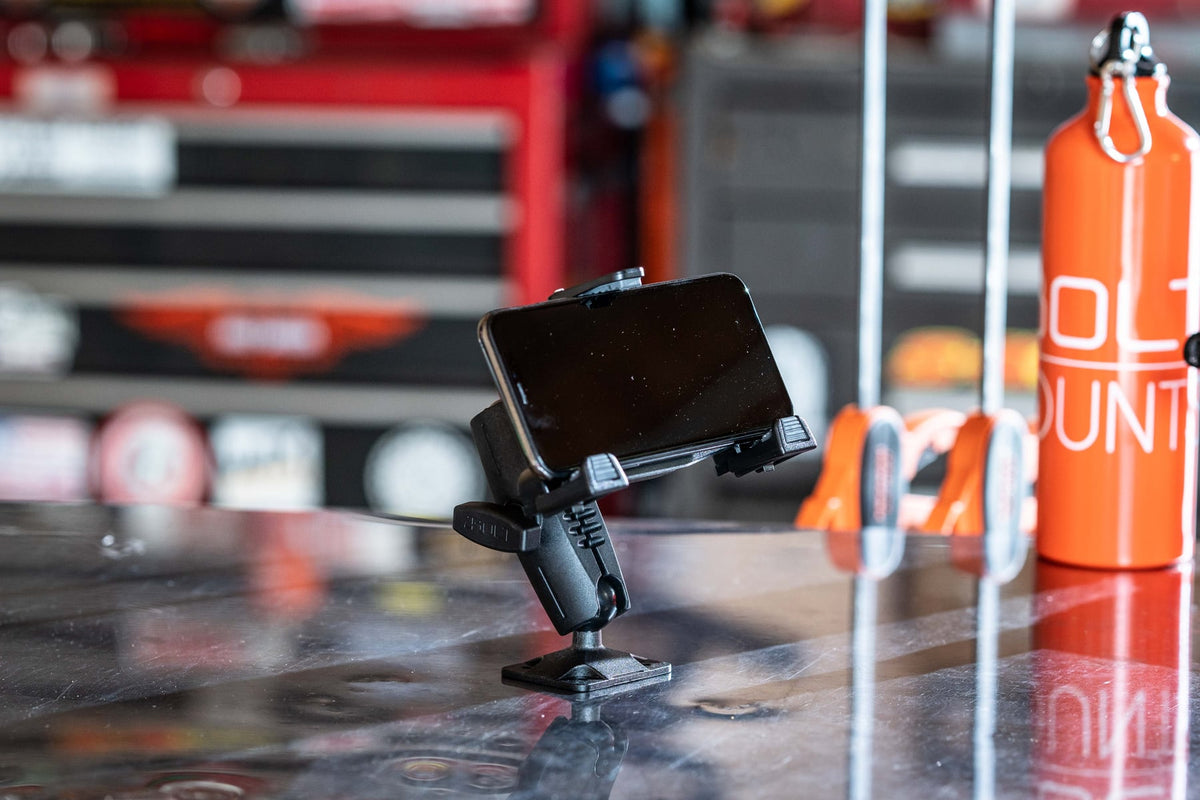
This is exactly where a modular mounting system shines. Instead of buying a single-purpose rig that locks you into one device forever, a system built around interchangeable parts lets you start with a phone holder today and upgrade to a full DSLR setup tomorrow. Same base, same arm, different head. iBOLT's Stream-Cast line was designed with this philosophy. The same engineering approach behind iBOLT's industrial forklift and fleet mounts, heavy-gauge materials, modular components, and zero-drift joints, drives the Stream-Cast creator lineup. With 300+ parts in the broader ecosystem and cross-compatibility with RAM and other industry-standard mounting systems (17mm, 20mm, 25mm, and 38mm ball sizes), you're never locked into a single configuration.
Overhead Rig Options: Desk Mounts, Stands, and Permanent Installs
Once you've settled on your device, the next decision is how you're actually mounting it. Overhead rigs generally fall into three categories, and each one fits a different workflow.
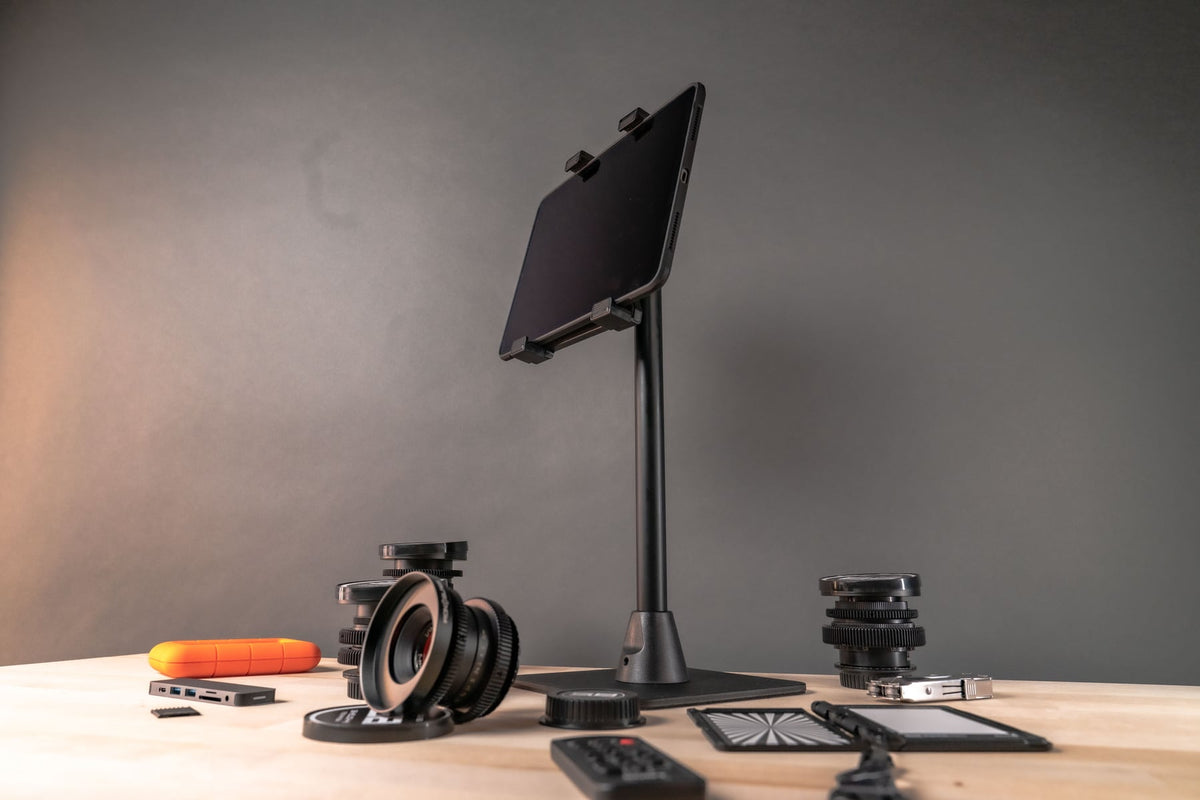
Desk clamp rigs are ideal if you have a dedicated workstation. They attach directly to the edge of your desk or table, keeping the floor clear and the camera locked in position. The Stream-Cast Clamp Adjustable Overhead Phone Mount is a strong pick for phone users who need a stable, articulating arm that holds position without drifting mid-shoot.
Freestanding stands give you more flexibility. You can move them between rooms, reposition them for different product sizes, and pack them away when you're done. The iBOLT Stream-Cast IncrediBOLT Stand Adjustable Overhead Phone Mount is purpose-built for exactly this scenario, holding phones steady at overhead angles with a weighted base that resists tipping.
If you're shooting with a DSLR or mirrorless camera, you'll need something heavier duty. The iBOLT Stream-Cast Overhead Camera Rig Desk Mount features a standard 1/4-20 camera screw connection and supports both top-down and front-facing photography. It's the best overhead camera rig for product photography when you need repeatable, rock-solid framing.
For creators building a permanent studio, the iBOLT Stream-Cast Overhead Ceiling/Wall Mount installs directly to a ceiling joist or wall stud, keeping your entire work surface clear.
Using a Tablet as a Monitor Alongside Your Overhead Rig
There's one more frustration worth solving: checking your shots. Every time you need to verify focus or framing, you're craning your neck to look at a tiny screen mounted above your workspace.
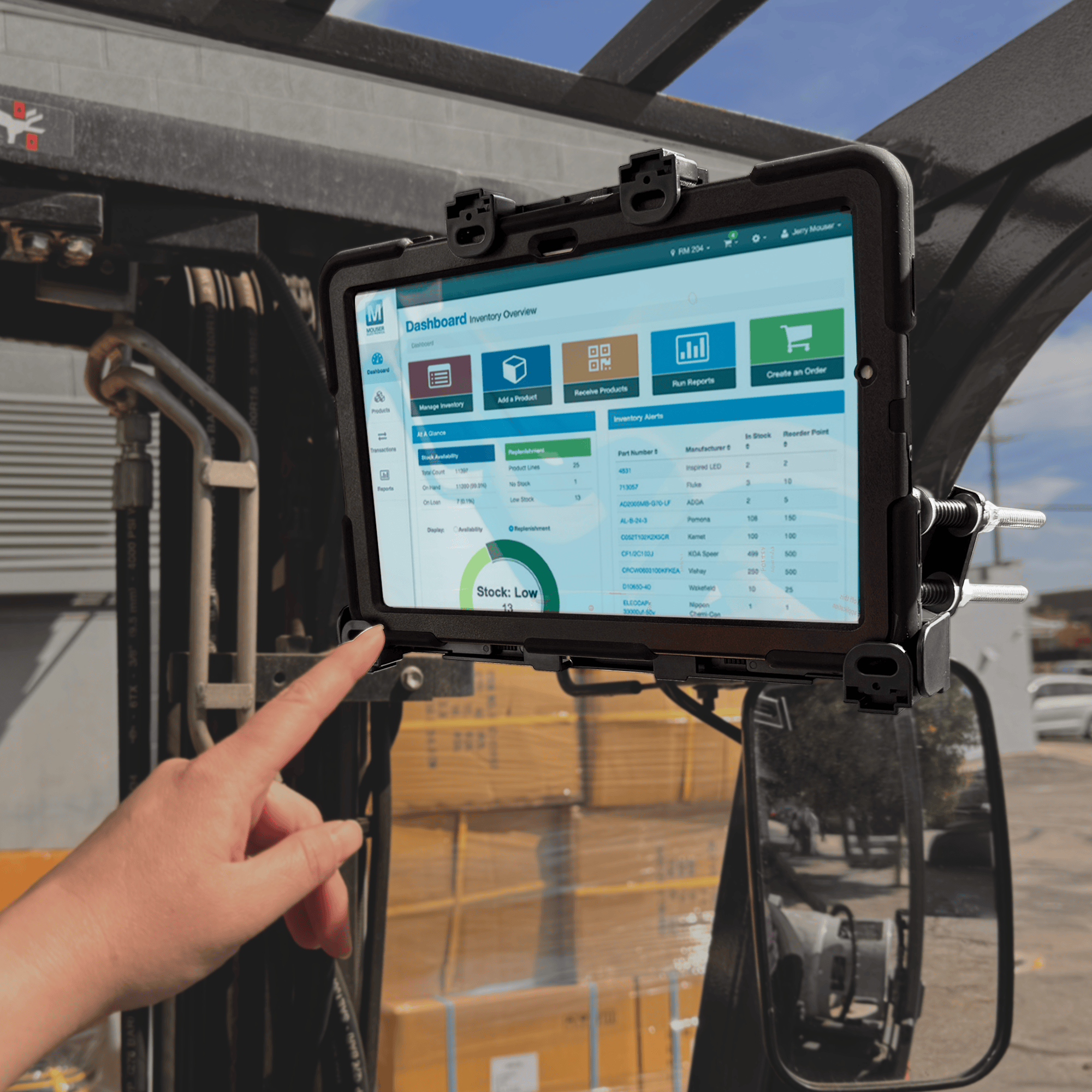
More creators are adding a tablet as a dedicated monitor. Tethered to your camera or mirroring your phone's screen, a tablet gives you a large, clear live preview right at eye level. The iBOLT Stream-Cast Dual Phone and Tablet Stand holds a phone for shooting and a tablet as your monitor on a single heavy-duty weighted base. For tripod setups, the iBOLT Dual Tablet Tripod Slider Bar positions a tablet monitor right next to your camera on the same tripod head.
Building a Modular Setup That Grows with You
Here's something worth considering before you commit to any single rig: your needs will change. The creator shooting product photos on an iPhone today might pick up a mirrorless camera six months from now. The small business owner filming flat lays for Etsy might expand into full tutorial videos that need multiple angles.
That's why modularity matters more than finding the "perfect" setup right now. The iBOLT Stream-Cast Creator Custom Mount Kit was designed with exactly this philosophy. With over 60 configurations in a single box, you can build desk mounts, overhead rigs, and multi-device setups as your work evolves. Small adapters like the 1/4-20 Camera Screw to GoPro Adapter let you connect action cameras, DSLRs, and phones to the same mounting infrastructure without buying entirely new hardware.
Every iBOLT product ships within 24 business hours and comes backed by a 2-year warranty, so you can build your setup confidently knowing each piece will last.
Product Options


Frequently Asked Questions
Q: Can a phone really produce professional-quality overhead product photos?
A: Yes, modern flagship smartphones shooting at 48MP or higher are more than sufficient for e-commerce listings, social media, and marketplace platforms like Etsy or Amazon. The key is pairing your phone with a stable overhead mount and good lighting, since those two factors impact image quality far more than the camera itself.
Q: What is a 1/4-20 camera screw, and why does it matter for overhead rigs?
A: The 1/4-20 screw is the industry-standard threading used on nearly all cameras, tripods, and mounting accessories. Choosing an overhead rig with a native 1/4-20 connection means you can swap between phones, DSLRs, GoPros, and other devices without needing special adapters, giving your setup long-term versatility.
Q: How do I keep my overhead camera rig from drifting or sagging during a shoot?
A: Look for rigs made from heavy-gauge steel or aluminum rather than plastic. A weighted base or secure clamp attachment prevents tipping, while metal joints hold position without gradually loosening under load. If drift is still an issue, a permanently mounted ceiling or wall rig eliminates the problem entirely.
Q: Is a desk clamp mount or freestanding stand better for product photography?
A: It depends on your workspace. Desk clamp mounts are ideal for dedicated shooting stations because they lock firmly to your table edge and keep the floor clear. Freestanding stands are better if you need to move your setup between rooms or store it between sessions.
Q: Can I use a tablet as a monitor for my overhead camera setup?
A: Absolutely. By tethering your camera or mirroring your phone's screen to a tablet, you get a large live preview at eye level so you don't have to crane your neck. Dual-device mounts and slider bars let you hold both your shooting device and your tablet monitor on a single rig.
Q: Do I need to replace my whole rig if I upgrade from a phone to a DSLR?
A: Not if your rig is built on a modular system with industry-standard connections. With a 1/4-20 based mount, you simply swap the phone holder for a camera screw head and keep the same base and arm.
Find Your Setup
Whether you're shooting flat lays on a phone or producing catalog images with a mirrorless camera, the right overhead rig makes every shot more consistent and every session more productive. The best part of a modular approach is that you don't have to get it perfect on day one; you just need a solid foundation you can build on.
Explore the full iBOLT Stream-Cast lineup to see which combination fits your space, your device, and your workflow.

Leave a comment
This site is protected by hCaptcha and the hCaptcha Privacy Policy and Terms of Service apply.