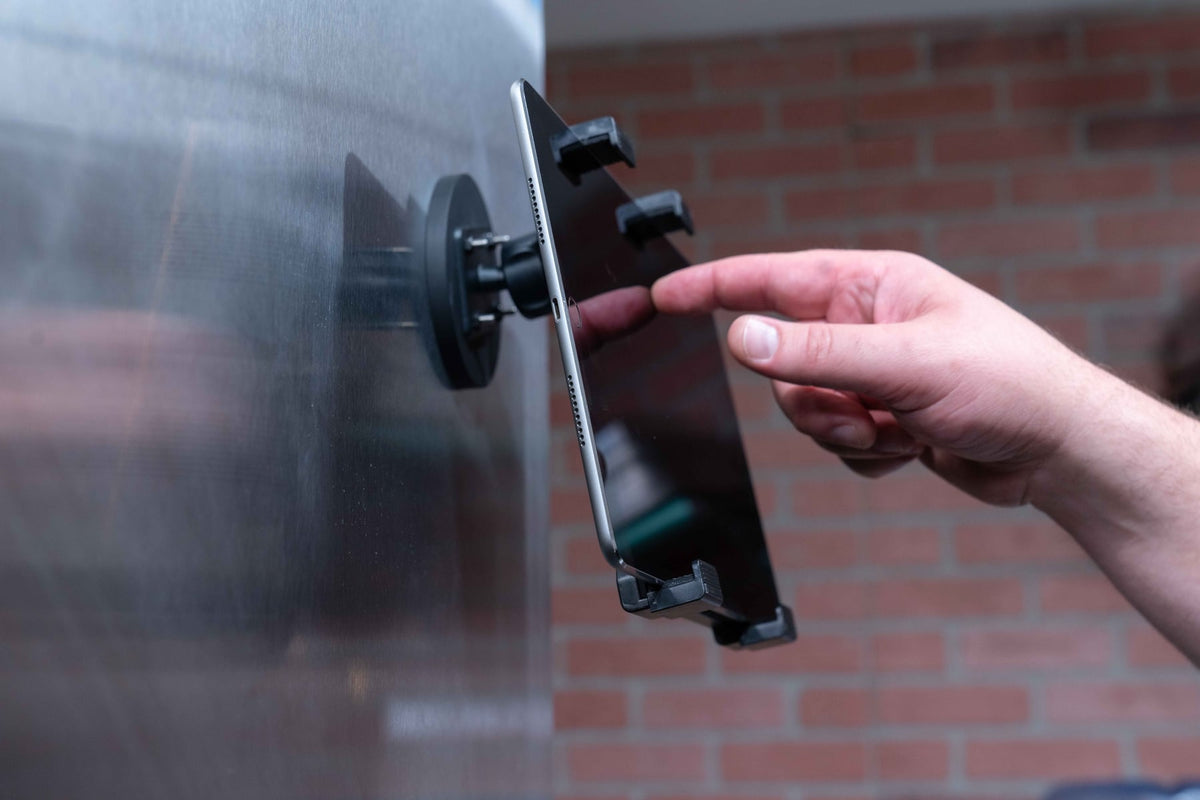
Tablets have quietly become one of the most important tools in a restaurant's daily operation. Point-of-sale transactions, online order management, delivery app coordination, kitchen display screens, and host-stand check-ins all run through devices that used to be an afterthought propped against a monitor or wedged behind a register. As the number of platforms grows, so does the number of tablets restaurants are trying to manage at once, and that creates a real operational problem: where do these devices live, and how do you keep them stable, visible, and safe during a rush.

A restaurant tablet mount solves this by giving each device a fixed, purpose-built position instead of leaving it loose on a counter where it can slide, get knocked over, or disappear into a pile of receipts and packing slips.
Why Restaurants Are Standardizing on Mounted Tablets
Most restaurants now juggle several devices for different jobs: one for POS checkout, one or more for delivery apps like DoorDash or Uber Eats, sometimes a separate tablet for reservations or waitlist management, and occasionally a customer-facing kiosk for self-ordering. When these devices sit loose, a few predictable problems show up during service:
- Staff waste time hunting for the right tablet during a rush
- Devices get pushed around, spilled on, or knocked to the floor
- Counter space shrinks as tablets, chargers, and cables pile up
- Customer-facing devices become easy to grab or walk off with
Mounting each tablet in a fixed location fixes the workflow problem first, then the durability and security problems follow naturally once the device isn't moving around all day.
What to Verify Before Buying a Restaurant Tablet Mount
Not every mount fits every setup, and getting this wrong usually means a return or an awkward workaround. Before ordering, confirm the following:
- Mounting surface - counter, wall, host stand, or kiosk enclosure each require different hardware (clamp, adhesive, drill-through, or grommet mount)
- Tablet size and case fit - measure the tablet with its case on, since many restaurants keep protective cases on POS tablets and a snug holder needs the real dimensions
- Charging needs - decide if the mount needs to route a charging cable continuously (for tablets that stay powered all shift) or just hold the device between charges
- Removal frequency - a host-stand tablet that gets picked up constantly needs a quick-release mechanism, while a fixed kitchen display can use a more permanent bracket
- Security - customer-facing kiosks and front-counter POS units in high-traffic areas often need locking mounts to prevent theft or accidental removal
- Adjustability - tilt and rotation matter for shared workstations where multiple staff members of different heights use the same screen
If you're outfitting more than one station, it's worth mapping out how many tablets you're running and where each one sits before choosing hardware, since a single-tablet counter mount and a multi-device delivery station call for different builds.
Where Mounts Make the Biggest Difference
Front Counter POS Stations
This is the highest-traffic spot in most restaurants. A stable, mounted POS tablet keeps checkout consistent even when the counter is stacked with bags, receipts, and payment terminals.
Delivery Order Stations
Restaurants running two or three delivery platforms at once benefit the most from mounting, since staff need to glance between screens quickly without shuffling loose tablets around.
Kitchen Display Areas
Mounting keeps tablets off prep surfaces and out of splash zones, which matters for both device longevity and health code cleanliness around food prep.
Self-Service Kiosks
Customer-facing tablets need secure, tamper-resistant mounting since they're unattended for long stretches and represent a real theft risk if the mount isn't locked down.
Host and Reservation Desks
A mounted tablet at the host stand keeps check-in and waitlist tools in a consistent spot, which speeds up training for new hosts and reduces fumbling during a rush.
Durability and Compatibility Considerations
Restaurant environments are hard on hardware. Heat near the kitchen, moisture from cleaning and spills, and constant handling all wear down cheap plastic hardware quickly. Look for mounts built with metal components, corrosion-resistant finishes, and hardware rated for repeated daily use rather than occasional home or office handling.
Compatibility also matters more than it seems at first glance. Restaurants frequently mix tablet brands across stations, iPads at the front counter, Android tablets in the kitchen, so a mount that only fits one exact model can create headaches when devices get swapped or upgraded. Always check the compatible screen size range and whether the mount accommodates the tablet with a protective case attached, since removing cases just to fit a mount defeats the purpose of protecting the device in the first place.
Choosing the Right Setup for Your Operation
There isn't a single mount that fits every restaurant. A small café running one POS tablet has very different needs than a high-volume restaurant coordinating three delivery apps and a kitchen display. Before choosing:
- Count how many tablets you're mounting now and whether that number is likely to grow
- Decide which stations are staff-only versus customer-facing, since security requirements differ
- Check available counter or wall space at each station
- Confirm whether you need permanent installation or the flexibility to move mounts later
Getting these decisions right up front avoids buying hardware that has to be replaced once the restaurant's tech setup grows past what a single-tablet mount can support.
Related iBOLT Mounting Options

iBOLT™ Tablet Tower- TabDock™ POS Clamp Mount - with 5 Tablet Holders
Helpful for organizing tablets used for orders, delivery apps, and point-of-sale workflows.

iBOLT Tablet Tower- TabDock™ POS Clamp Mount - with 4 Tablet Holders
Helpful for organizing tablets used for orders, delivery apps, and point-of-sale workflows.

iBOLT™ Tablet Tower- TabDock™ POS Clamp Mount - with 3 Tablet Holders
Helpful for organizing tablets used for orders, delivery apps, and point-of-sale workflows.

iBOLT Tablet Tower- Dock’n Lock POS Locking Drill Base Mount - with 3 Tablet Holders
Helpful for organizing tablets used for orders, delivery apps, and point-of-sale workflows.
Watch: iBOLT TabDock POS Clamp Mount with 3 Tablet Holders (IBRT-34700)
Watch the standard three-holder TabDock station being assembled, including the pole connections and adjustable tablet holders.
View iBOLT TabDock POS Clamp Mount with 3 Tablet Holders (IBRT-34700)
Watch: iBOLT TabDock POS Clamp Mount with 4 Tablet Holders (IBRT-34707)
Watch the standard four-holder TabDock station being assembled and adjusted for a multi-tablet workstation.
View iBOLT TabDock POS Clamp Mount with 4 Tablet Holders (IBRT-34707)
Frequently Asked Questions
What is a restaurant tablet mount?
It's a hardware bracket or stand designed to hold a tablet securely in place at a POS station, kitchen area, host stand, or customer-facing kiosk, instead of leaving the device loose on a counter.
Do these mounts work with both iPads and Android tablets?
Many mounts are built to fit a range of screen sizes rather than one specific model, but always check the listed compatible size range and whether the tablet's case is accounted for before ordering.
Will a tablet mount help with cable clutter around the register?
Mounts with built-in cable routing keep charging cables organized and out of the way, which reduces tripping hazards and cable wear at busy counters.
What kind of mount is best for a self-service kiosk?
Customer-facing kiosks generally need a locking or tamper-resistant mount since the device sits unattended and is more exposed to theft or accidental damage than staff-only stations.
Can one mounting system work for a restaurant running multiple delivery apps?
Multi-tablet mounting systems are built for exactly this, letting staff monitor several delivery platforms from adjacent, fixed positions instead of juggling loose devices.
How do I know if a mount will fit my counter or wall?
Check the mount's base type (clamp, adhesive, or drill-through) against your actual surface, and confirm counter thickness or wall material before purchase to avoid fitment issues.

Leave a comment
This site is protected by hCaptcha and the hCaptcha Privacy Policy and Terms of Service apply.