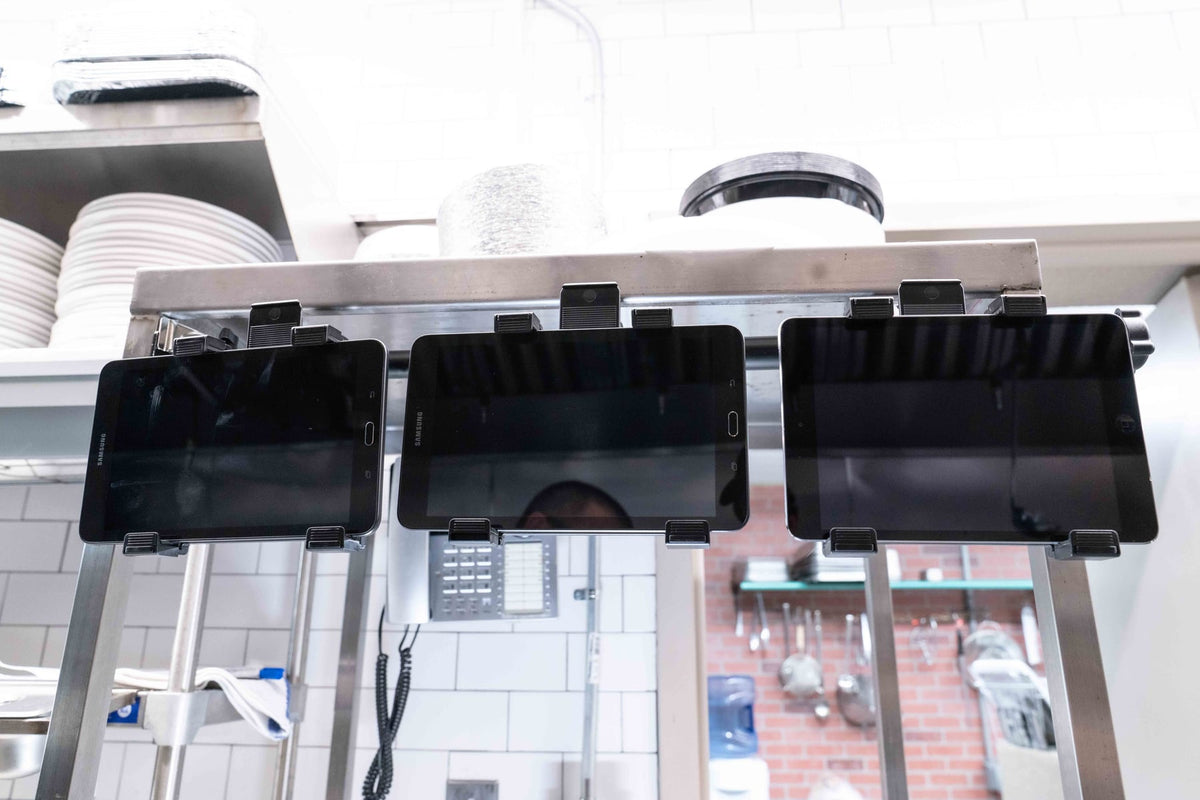
The dinner rush starts, three delivery apps chime at once, and a staff member reaches behind the receipt printer for the tablet that just received an order. Another tablet is charging against the wall. The POS screen still needs to stay clear for checkout. The problem is not a lack of technology. It is that several devices now have to share one busy counter without slowing the team down.

That is the useful way to think about a restaurant tablet mount. Start with the work taking place at the station, then choose a mounting format that gives each device a consistent home.
Count the Devices Before Choosing a Stand
A restaurant may use separate tablets for DoorDash, Uber Eats, Grubhub, online ordering, loyalty programs, and its main POS. Some systems combine those functions, while others still require dedicated hardware. Before choosing a stand, list the devices that must stay active during service and note who needs to reach each one.
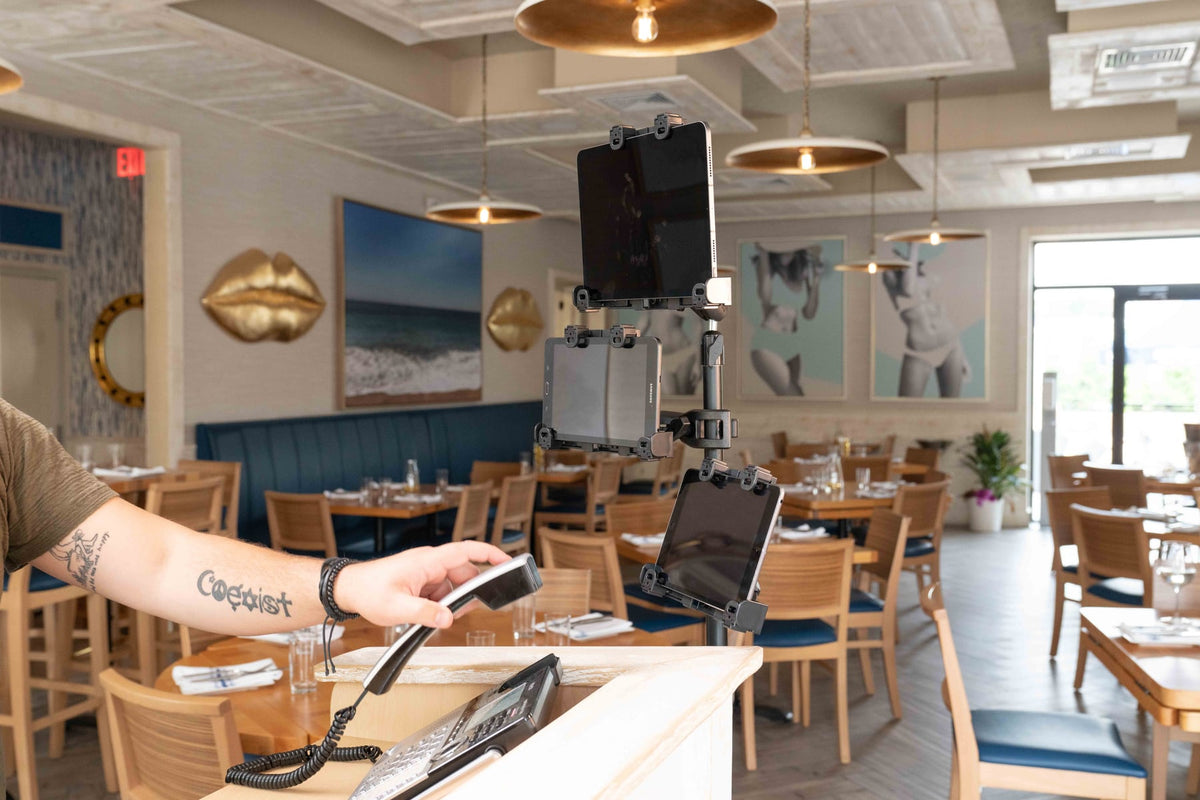
For four active tablets in one location, the iBOLT Quad Tablet Tower TabDock Stand places four holders around a single freestanding pole. The standard TabDock version is $149.95 and fits tablets with 7 to 10 inch screens. Each holder rotates 360 degrees. The pole adjusts from 17.5 to 28.5 inches, and the weighted base is listed at 3.4 pounds.
That format works well when a restaurant needs a movable station or cannot drill into a counter. It also keeps the mounting footprint predictable: one base, one pole, and four defined device positions.

iBOLT Quad Tablet Tower TabDock Stand - $149.95
If three devices are enough, the iBOLT Three-Tablet POS Clamp Mount offers a different installation choice. It includes a clamp for flat surfaces up to 2.5 inches wide and a drill base for a permanent installation. Its holders fit tablets from 7 to 11 inches and rotate 360 degrees. At $79.95, it is a practical way to build a defined multi-device station without committing to a floor stand.
Watch: iBOLT TabDock POS Clamp Mount with 3 Tablet Holders (IBRT-34700)
Watch the standard three-holder TabDock station being assembled, including the pole connections and adjustable tablet holders.
View iBOLT TabDock POS Clamp Mount with 3 Tablet Holders (IBRT-34700)

iBOLT Three-Tablet POS Clamp Mount - $79.95
Match the Base to the Counter
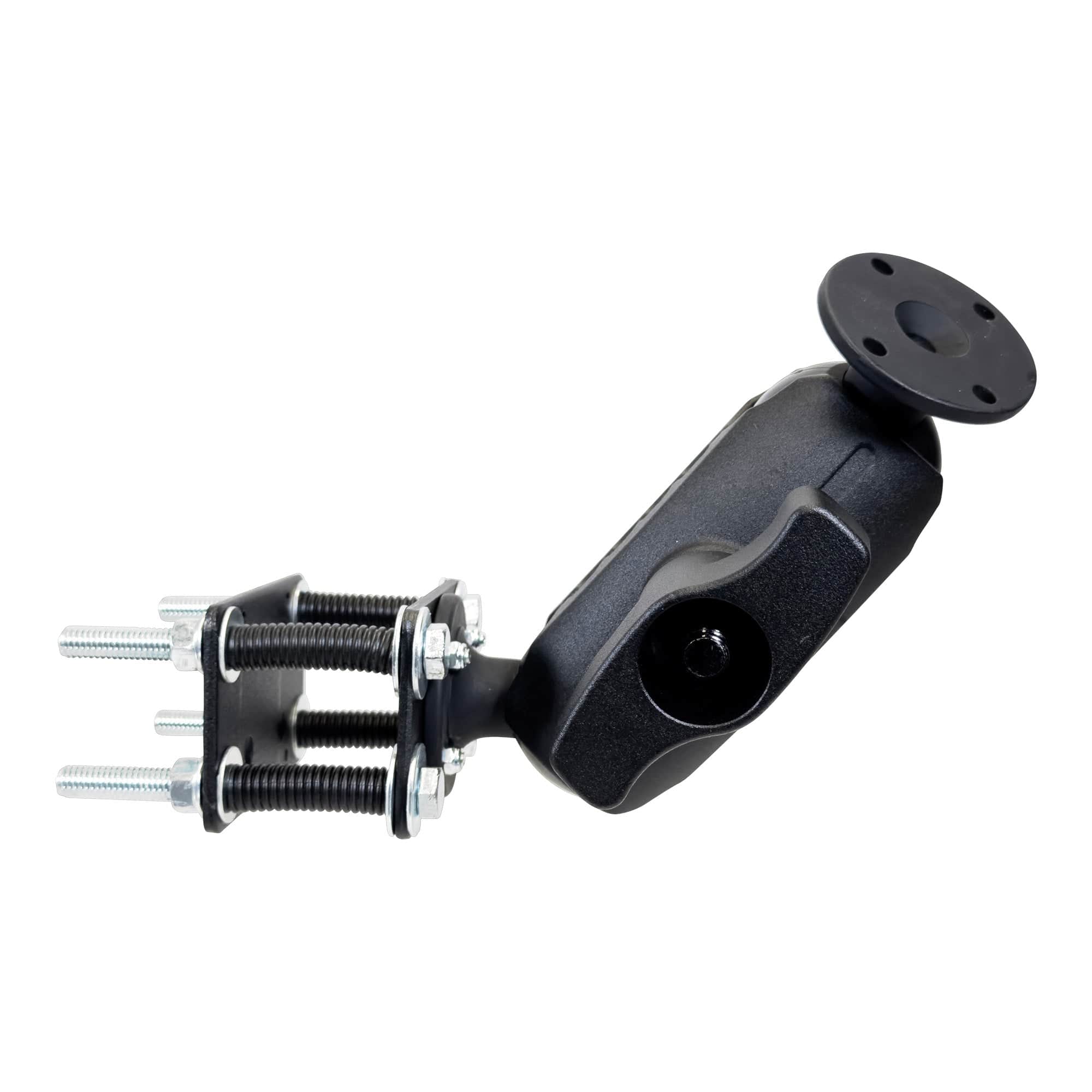
The base determines how the station behaves during a shift. A freestanding base can move when the layout changes. A clamp preserves counter space and can be removed without drilling. A drill base creates a fixed location that staff can learn and return to automatically.
There is no single correct answer for every restaurant. A temporary pickup station may benefit from a movable tower. A permanent cashier station may call for a fixed mount. A shared prep counter may need a clamp that leaves the work surface open.
Security is a separate decision. The iBOLT LockPro Drill Base POS Tablet Stand uses an aluminum locking holder for 7 to 10 inch tablets. It attaches to a flat surface with screws, rotates 360 degrees, and costs $139.95. This is the stronger fit when a tablet stays in a public-facing or unattended location and routine removal is not part of the workflow.

iBOLT LockPro Drill Base POS Tablet Stand - $139.95
Build the Station Around Staff Movement
Good placement is about more than clearing clutter. The screen should be visible without blocking customer interaction, receipt printing, food handoff, or access to the cash drawer. Charging cables should have a defined route, and each tablet should return to the same position after use.
During setup, run a short service simulation. Ask the team to accept an order, check an item, rotate a screen, remove a tablet, and reconnect its charger. If one device blocks another or forces a long reach, adjust the holder before the station becomes part of the daily routine.
iBOLT uses modular holders, arms, bases, and adapters across its catalog. That matters when the restaurant changes hardware later. A different holder or connection may be enough, instead of replacing every part of the station. For a complete counter layout, read how delivery apps changed restaurant counter design. The Build Your Own Mount collection explains the base, arm, and holder approach for custom configurations.
Frequently Asked Questions
How many tablets can the iBOLT Quad Tablet Tower hold?
It holds four tablets in separate rotating holders. The standard holders fit tablets with 7 to 10 inch screens, and a TabDock XL variant is also available.
Can a restaurant tablet mount attach without drilling?
Yes. The Quad Tablet Tower uses a weighted freestanding base, while the three-tablet POS system includes a clamp for surfaces up to 2.5 inches wide. Choose a drill base when the location should remain fixed.
What is the best mount for a public-facing POS tablet?
A locking, fixed-base stand is worth considering when the tablet remains near customers or in an unattended area. Confirm the tablet dimensions and case size before selecting a locking holder.
Do the tablet holders rotate for portrait and landscape use?
The Quad Tablet Tower, three-tablet clamp system, and LockPro POS stand all list 360 degree rotation. That allows the screen orientation to match the app and viewing position.
How should charging cables be handled at a multi-tablet station?
Plan cable paths before final installation. Keep connectors accessible, provide strain relief, and route cables away from food preparation, moving drawers, and staff walkways.
The right restaurant tablet mount gives every device a known position and gives the team one less thing to hunt for during service. Explore the linked iBOLT configurations, count the devices at your station, and choose the base style that fits how your restaurant actually works.

Leave a comment
This site is protected by hCaptcha and the hCaptcha Privacy Policy and Terms of Service apply.