A forklift cab has very little room for guesswork. A mounted tablet or monitor has to remain accessible to the operator without covering sightlines, crowding the controls, or interfering with entry and exit. The device may also be heavier than a consumer tablet and connected to a scanner, charger, or vehicle computer.
Choosing a forklift mount starts with documented requirements: where the mount can attach, what the device weighs, which connection pattern it uses, and how far it must reach. Those facts are more useful than a broad label such as “heavy duty.”
Start With the Vehicle and Attachment Point
Inspect the forklift before choosing the holder. Measure the pillar or overhead guard, note any steel surfaces, and identify areas that must remain clear. Also check whether the installation can use bolts or needs to be removable.
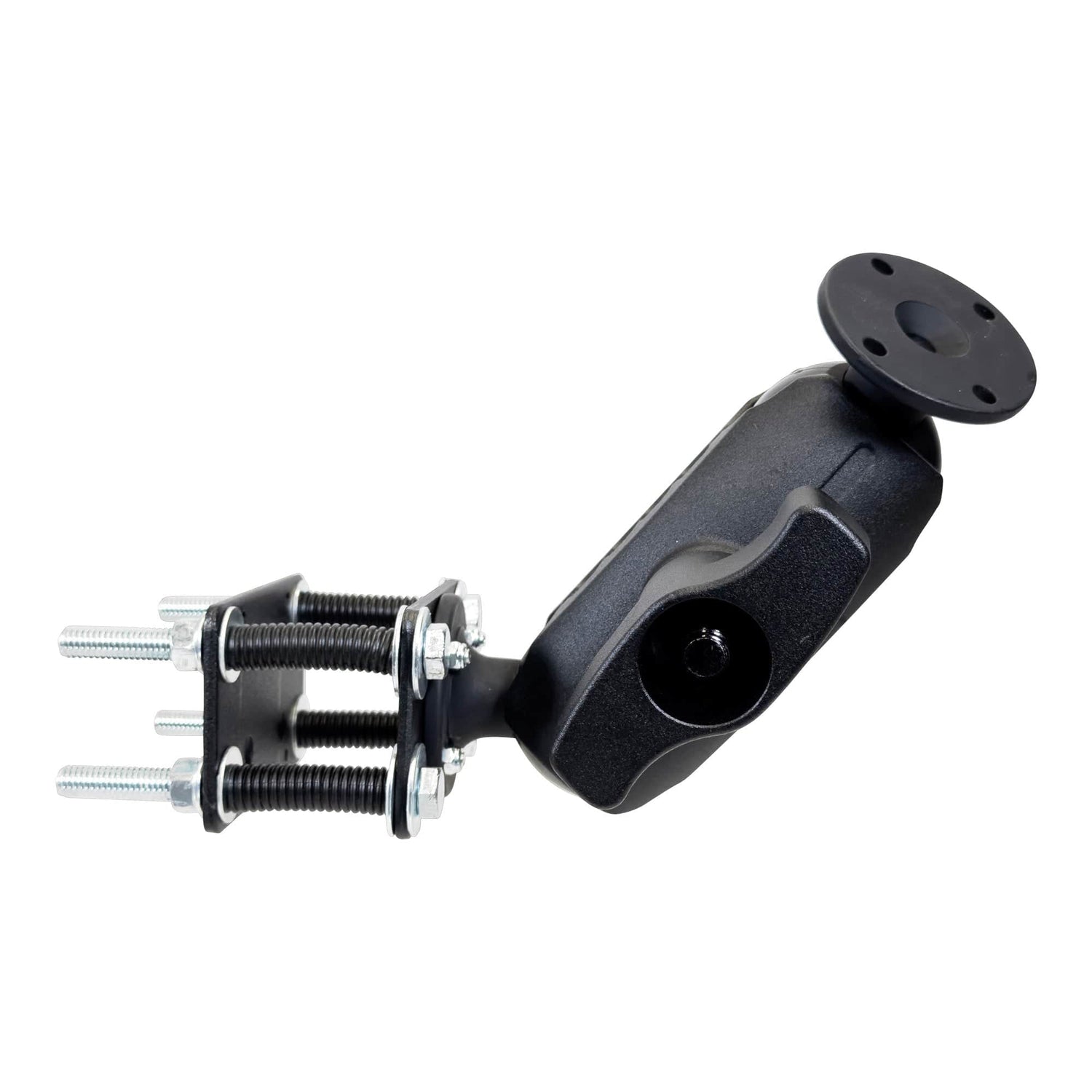
A pillar bracket creates a fixed attachment point on a suitable cage pillar. The iBOLT AMPS Forklift Pillar Mount with 57mm Ball Joint uses a 57mm, or 2.25 inch, joint, a 5.25 inch all-metal arm, and an AMPS plate. Its current product specification lists support for devices up to 8.5 pounds. The mount is $179.95 and is intended for larger rugged devices, monitors, and industrial equipment with a compatible cradle or adapter.

iBOLT 57mm AMPS Forklift Pillar Mount - $179.95
For a steel surface where a removable base is preferred, a magnetic system may fit the installation. The iBOLT 38mm DualMag Base uses two 88mm magnetic bases, a four-hole AMPS interface, and a 38mm ball joint. It costs $79.95. Because the product page does not publish a pull-force or shear-force rating, device weight and operating conditions should be confirmed with iBOLT before using it for a high-load application.

iBOLT 38mm DualMag Base - $79.95
Match Ball Size and Interface to the Device
iBOLT offers components in several ball sizes, including 17mm, 20mm, 22mm, 25mm, 38mm, and 57mm. A larger ball is often used in systems intended for larger equipment, but ball size alone is not a load rating. Use the published rating for the complete mount, and contact the manufacturer when a rating is not listed.
The device interface matters just as much. AMPS is a common four-hole rectangular pattern used on commercial electronics and mounting plates. VESA 75 by 75mm and VESA 100 by 100mm are common on monitors. A tablet holder or barcode scanner holster may connect through an AMPS plate even when the device itself does not.
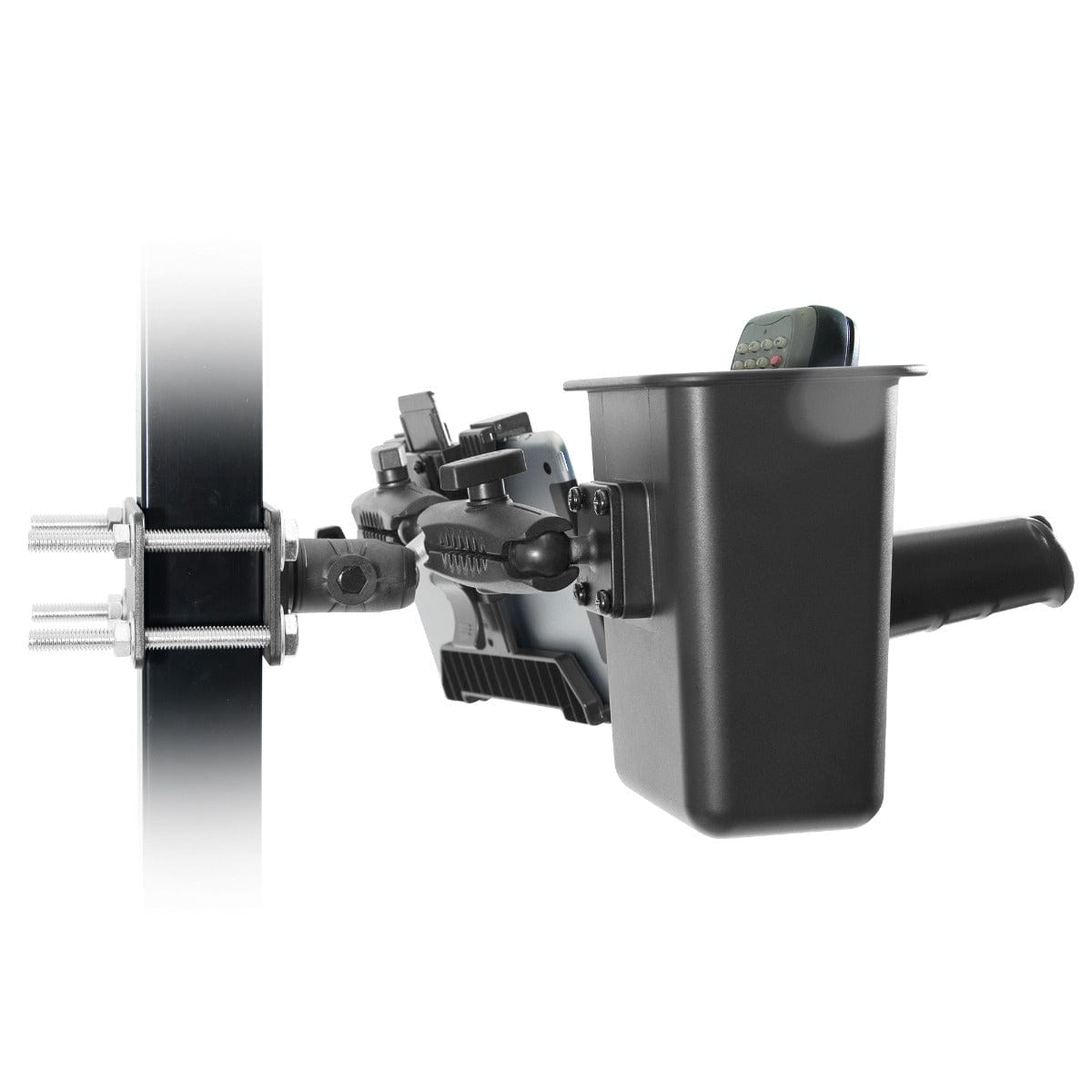
The iBOLT VESA and XL Barcode Scanner Forklift Pillar Mount shows how those interfaces can share one installation. It includes a VESA 75/100 plate, an XL scanner holster, two 6 inch metal arms, a triple 25mm ball joint, and a steel pillar bracket. The current page lists a 2 pound limit for the monitor attached to its VESA plate, so that number should be checked against the exact screen before installation.

iBOLT VESA and XL Scanner Pillar Mount - $139.95
Check Reach, Sightlines, and Service Access
Arm length affects both access and placement. A longer arm can bring the screen closer, but it also changes the forces acting on the base. Choose the shortest arm that reaches the intended viewing position, then verify that the operator can enter, exit, steer, and handle loads without contacting the mount.
Before tightening the final position, sit in the operator seat and check the full working view. Test the device in portrait and landscape if both orientations are needed. Confirm access to charging ports, scanner triggers, power buttons, and any release mechanism. Cables should follow a protected route that does not cross controls or moving parts.
The same review should be repeated whenever the device, case, holder, or arm changes. The iBOLT mounting system guide explains how bases, arms, adapters, and holders relate, while the ball-size compatibility guide covers the connection standards. iBOLT’s Build Your Own Mount collection organizes many components by those categories, but compatibility still depends on the complete setup.
Frequently Asked Questions
What ball size should a forklift mount use?
Use the size specified for the complete mount and device load. iBOLT forklift systems are available in 25mm, 38mm, and 57mm configurations, but only a published complete-system rating should be treated as a load limit.
What is an AMPS plate?
AMPS is a four-hole rectangular mounting pattern used on many vehicle electronics, cradles, and adapters. It allows a compatible holder to attach to a base without requiring a device-specific arm.
Can a monitor and barcode scanner share one forklift mount?
Yes, if the complete system is designed for both devices. The iBOLT VESA and XL Scanner Pillar Mount provides separate arms for a VESA 75/100 screen and a scanner holster.
Are magnetic forklift mounts suitable for every vehicle?
No. They require an appropriate magnetic metal surface and enough clear area for the base. Confirm surface condition, device load, movement, and the absence of a published holding-force limit before choosing a magnetic installation.
Where should a tablet be positioned in a forklift cab?
Place it within comfortable reach while preserving sightlines, control access, and a clear entry and exit path. The final position should be reviewed from the operator seat on the actual vehicle.
A good forklift device mount is a set of matched decisions, not one impressive-looking bracket. Measure the vehicle, verify the device and interface, then explore the iBOLT forklift configurations that meet those documented requirements.

Leave a comment
This site is protected by hCaptcha and the hCaptcha Privacy Policy and Terms of Service apply.