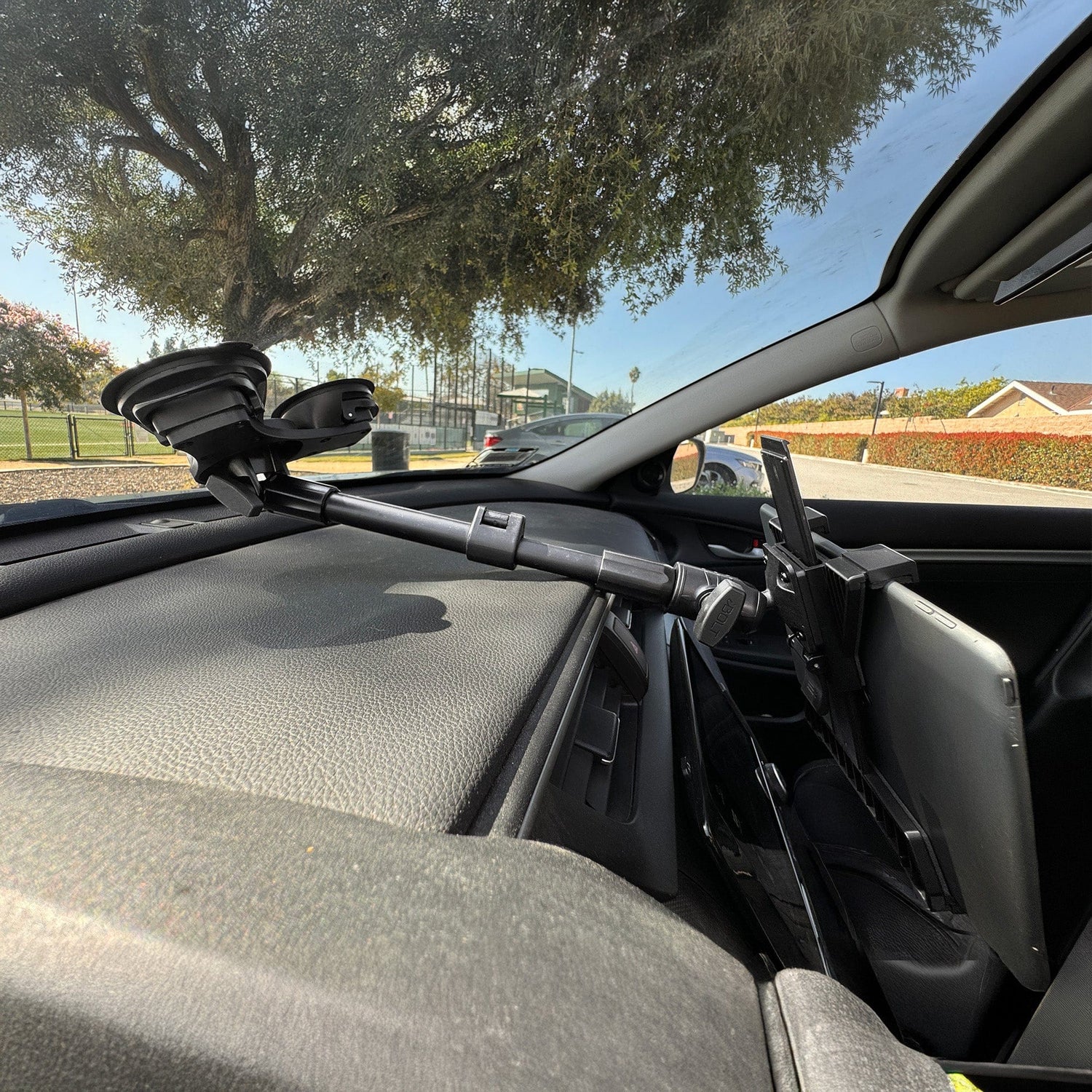
Suppose a warehouse needs a tablet beside a forklift scanner, or a fleet needs a phone positioned beyond a deep dashboard. Searching for a single preassembled mount can be frustrating because the device is only one part of the problem. The installer also has to account for the attachment surface, reach, viewing angle, connection size, vibration, and security.
The iBOLT mounting system separates those decisions into four layers: base, arm, adapter, and holder. Understanding what each layer does makes a catalog of more than 300 modular parts much easier to navigate.
Start With the Base and Mounting Surface
The base determines where the system attaches. Choose it from the surface outward, not from the device backward.
A fixed counter or vehicle console may suit a drill base. A round forklift pillar calls for a bracket designed around that structure. A rail or post may accept a clamp. A windshield can use suction when the environment and local placement rules permit it. Magnetic bases can be useful on suitable ferrous surfaces when removal or repositioning matters.
The important question is not simply whether a base can attach. Ask whether it can stay stable under the expected load and movement, whether the surface can accept the attachment method, and whether the device will remain clear of controls and sightlines.
The iBOLT Clamp Base for 4-Hole AMPS Mounts gives an AMPS component a clamp-based attachment point. It is useful when drilling is not the preferred option and the target structure matches the clamp.

iBOLT Clamp Base for 4-Hole AMPS Mounts - $24.95
Use the Arm to Set Reach and Adjustment
The arm connects the base side of the system to the device side while controlling reach and articulation. A short arm keeps the device close to the attachment point and limits movement. A longer arm reaches around a dashboard, machine frame, or counter equipment, but it also places more force on the base and ball joints.
That tradeoff matters. Choose the shortest arm that places the device where the user can see and operate it comfortably. Then confirm the arm and ball size are appropriate for the device weight and working environment. A phone near a dashboard and an industrial display on a forklift do not impose the same load.
Ball-and-socket arms make angle changes possible without changing the base location. The iBOLT Aluminum 2.75-inch Double Socket Arm, for example, joins two industry-standard 25mm ball components in a compact assembly.

iBOLT Aluminum 2.75 inch Double Socket Arm - $14.95
For heavier installations, larger joints and metal arms provide another class of hardware. The iBOLT 5-inch Metal Double Socket Arm is built for 38mm, or 1.5-inch C-size, ball joints.

iBOLT 5 inch Metal Double Socket Arm for 38mm Ball Joints - $24.95
Match the Adapter Before Choosing the Holder
Adapters translate between connection types. Some provide a ball on an AMPS plate. Others connect two ball sizes or add a camera screw, VESA pattern, or second accessory position. They are not universal shortcuts. Every interface still needs to be checked.
Keep three measurements separate:
- Ball diameter, such as 17mm, 20mm, 22mm, 25mm, 38mm, or 57mm.
- Hole pattern, such as four-hole AMPS or VESA 75 and VESA 100.
- Device-side connection, such as a cradle-specific joint or 1/4-inch 20 camera thread.
The iBOLT 25mm Metal AMPS Adapter Plate connects a 25mm ball interface to an AMPS-pattern component. It does not change a 25mm ball into another ball diameter. For that, a ball-size adapter designed for the exact two sizes is required.
The ball mount size guide provides a fuller compatibility reference. Checking the standard at this stage prevents a common ordering problem: choosing a good base and holder that have no direct way to connect.
Finish With the Holder and the Job It Must Do
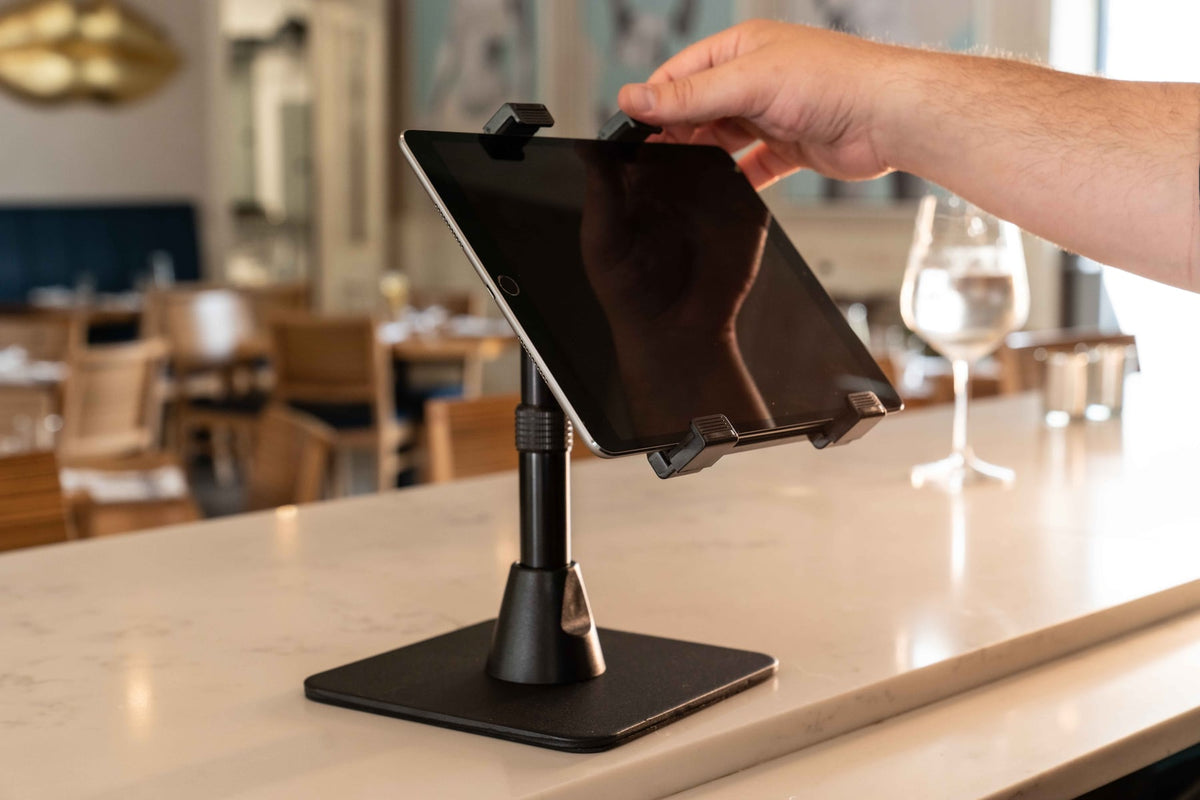
The holder is where the system meets the device. Fit matters, but so do access and security. A universal tablet cradle should accommodate the device dimensions without blocking necessary buttons, cameras, charging ports, or cases. A public POS installation may need a locking metal holder. A scanner mount needs to support quick removal and return during repeated picks. A phone holder in a fleet vehicle needs to support frequent one-handed use without covering the controls.
The iBOLT TabDock AMPS provides an AMPS-connected tablet holder that can be paired with a compatible AMPS adapter or base. Because the interface is defined, the same holder does not have to be permanently tied to one mounting surface.

iBOLT TabDock AMPS - $29.95
Work through the system in order: surface, base, reach, arm, connection, holder, then device access. The commercial device mount selection guide applies those layers to real environments, while five mounting problems a modular system can solve shows how the framework changes across industries. The Mount Configurator follows the same practical logic and helps narrow the available components.
Frequently Asked Questions
What are the four main parts of an iBOLT mount?
Most modular configurations can be understood as a base, arm, adapter, and holder. Some assemblies combine two functions in one component, while others add extensions or accessory branches.
Should I choose the holder or base first?
Record the device dimensions first, but choose the base from the mounting surface. The base determines where the system can attach, while the holder confirms how the device is secured.
Does a longer arm always provide a better setup?
No. Longer arms add reach but also increase force on the base and joints. Use the shortest arm that provides comfortable access and a clear view.
What is the difference between AMPS and a ball size?
AMPS is a hole pattern used to fasten components. A ball size describes the diameter of a ball-and-socket joint. An adapter may include both, but they are different specifications.
Can I combine iBOLT parts with existing mounting hardware?
Often, when the existing hardware uses the same industry-standard ball diameter or hole pattern. Confirm every interface and use a listed adapter when the connections differ.
Ready to map the layers for your setup? Explore the iBOLT Mount Configurator or review why modular systems differ from one-piece holders.


Leave a comment
This site is protected by hCaptcha and the hCaptcha Privacy Policy and Terms of Service apply.