A mount that works on a desk may be wrong for a forklift. A holder that fits a restaurant tablet may be awkward on a wheelchair. A long arm that creates the right overhead camera view may place a fleet screen too far from its base. “Commercial mount” is not one design. It is a set of choices shaped by a specific device, user, surface, and task.
iBOLT’s documented catalog shows a consistent way to evaluate those choices. This is not a claim about a secret engineering process. It is a practical selection method based on the specifications customers can verify before ordering.
Define the Environment and Attachment Surface
Start with where the mount will live. A commercial vehicle may offer a seat rail, floor, dash, pillar, or steel body panel. A restaurant may offer a counter edge or a fixed worktop. A wheelchair may have a round pole or an existing track system. A content station may need a freestanding base or desk clamp.
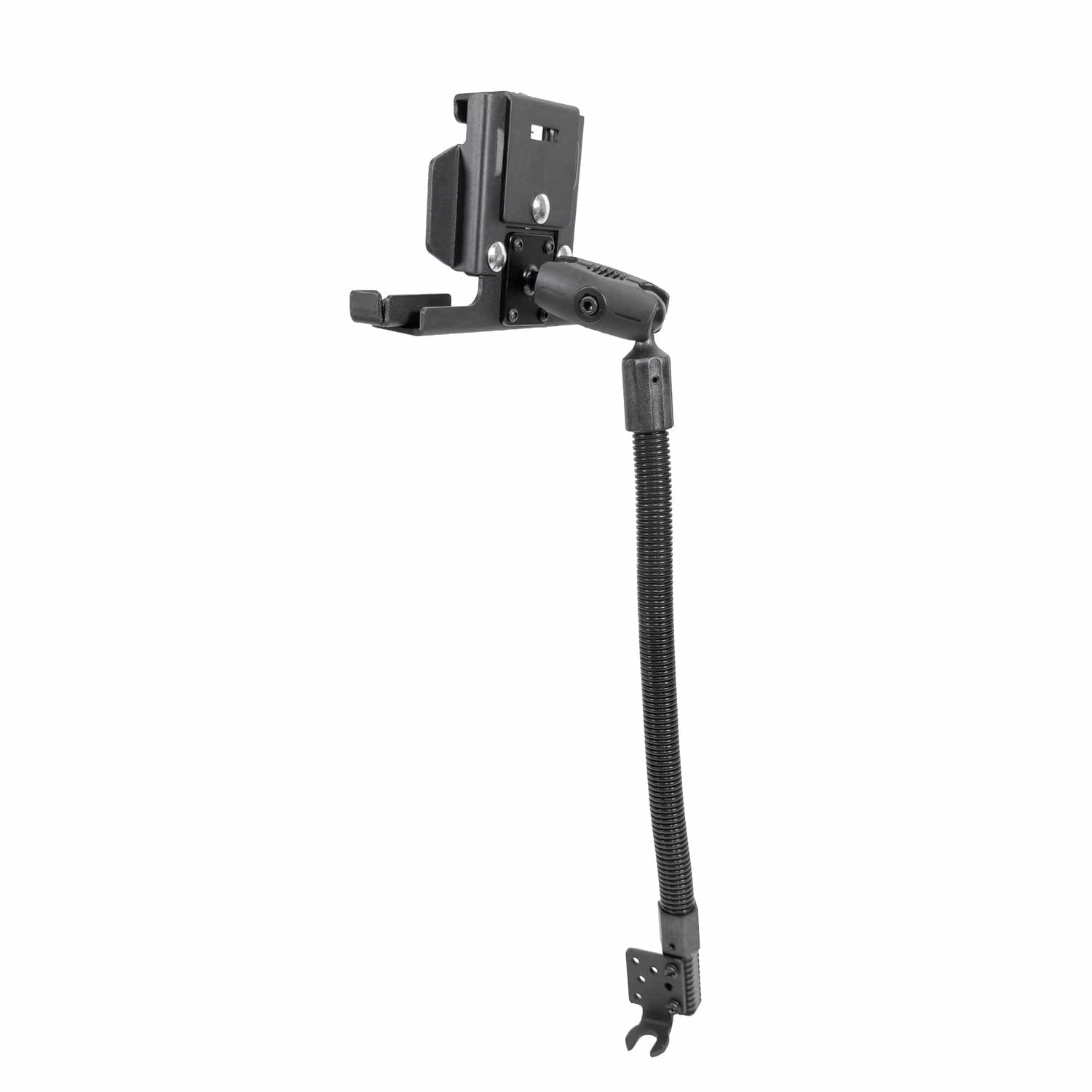
Each surface points to a different base. The iBOLT LockPro FlexPro Seat Rail Mount, priced at $159.95, can attach at a passenger seat rail or use the included hardware for a floor installation. It combines a locking metal holder for 7 to 10 inch tablets with a long aluminum gooseneck arm and 360 degree screen adjustment. That layout addresses a vehicle where the windshield and dash should remain clear.

iBOLT LockPro FlexPro Seat Rail Mount - $159.95
The choice changes for mobility equipment. The iBOLT TabDock AccessiBOLT Multi-Arm Mount clamps to a suitable wheelchair pole and uses three removable arm segments. Its total listed length is 22 inches, built from a 10 inch section and two 6 inch sections. Removing a segment changes the reach without replacing the complete mount.

iBOLT TabDock AccessiBOLT Multi-Arm Mount - $149.95
Verify the Device, Load, and Interface
Record the device model, dimensions, weight, case, ports, and mounting pattern. A universal tablet holder may be specified by screen size and opening range. A monitor may use VESA 75 by 75mm or 100 by 100mm. Commercial cradles and adapter plates often use the four-hole AMPS pattern.
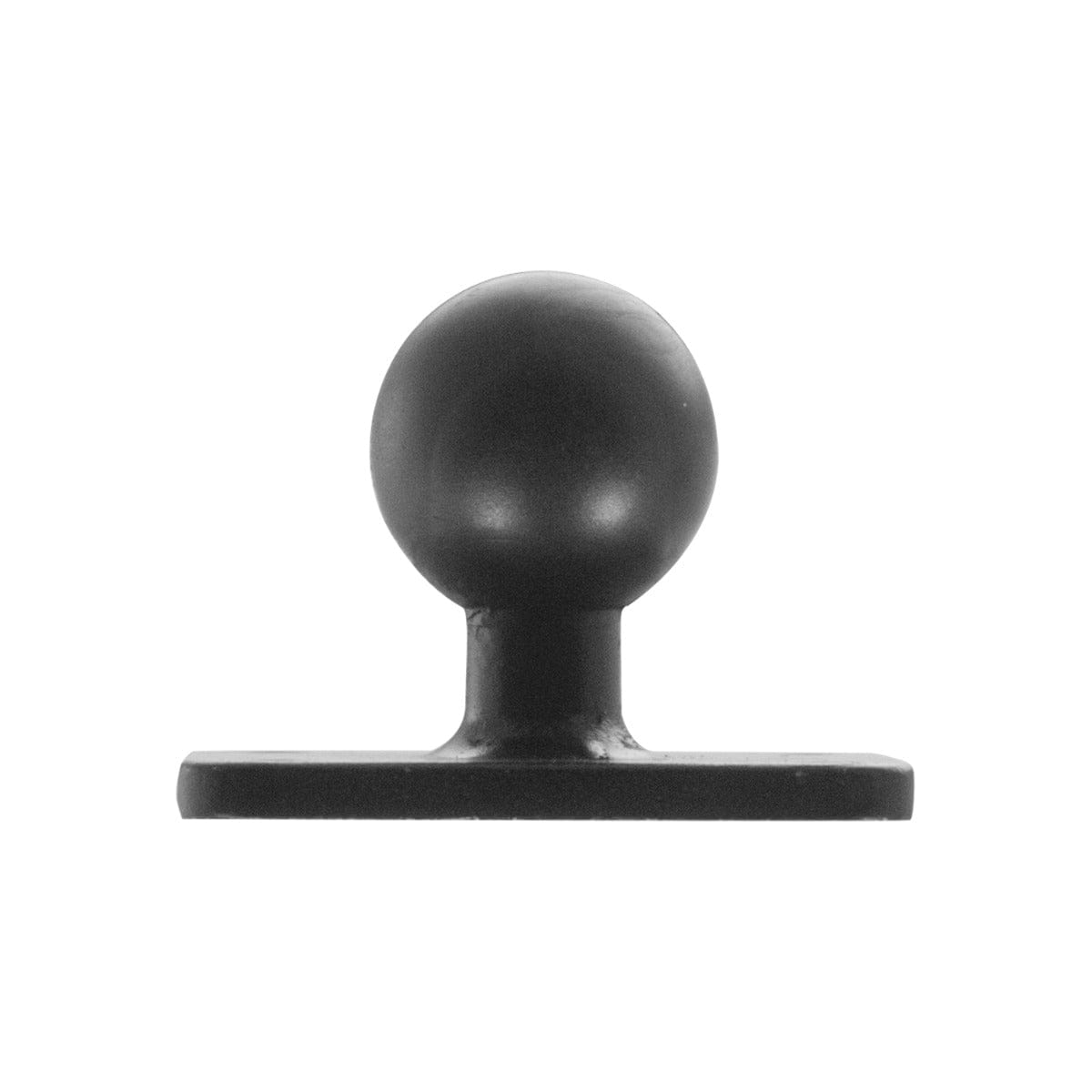
Ball size is another interface. iBOLT carries components in 17mm, 20mm, 22mm, 25mm, 38mm, and 57mm sizes. Matching the diameter allows compatible bases, arms, and holders to connect directly. Adapters can bridge some sizes, but neither ball size nor material should be treated as a complete-system load rating.
The iBOLT 57mm AMPS Forklift Pillar Mount is one product with a published device limit. Its 57mm joint, 5.25 inch metal arm, and AMPS plate are listed for devices up to 8.5 pounds. When a product page does not list a load, ask iBOLT to confirm the complete configuration rather than inferring a number from the ball diameter.

iBOLT 57mm AMPS Forklift Pillar Mount - $179.95
Choose Reach, Adjustment, and Security
Reach should follow the user’s movement. A driver needs a screen within view while preserving sightlines and control access. A wheelchair user may need the device positioned for communication or assistive technology. A content creator may need a phone directly above a work surface.
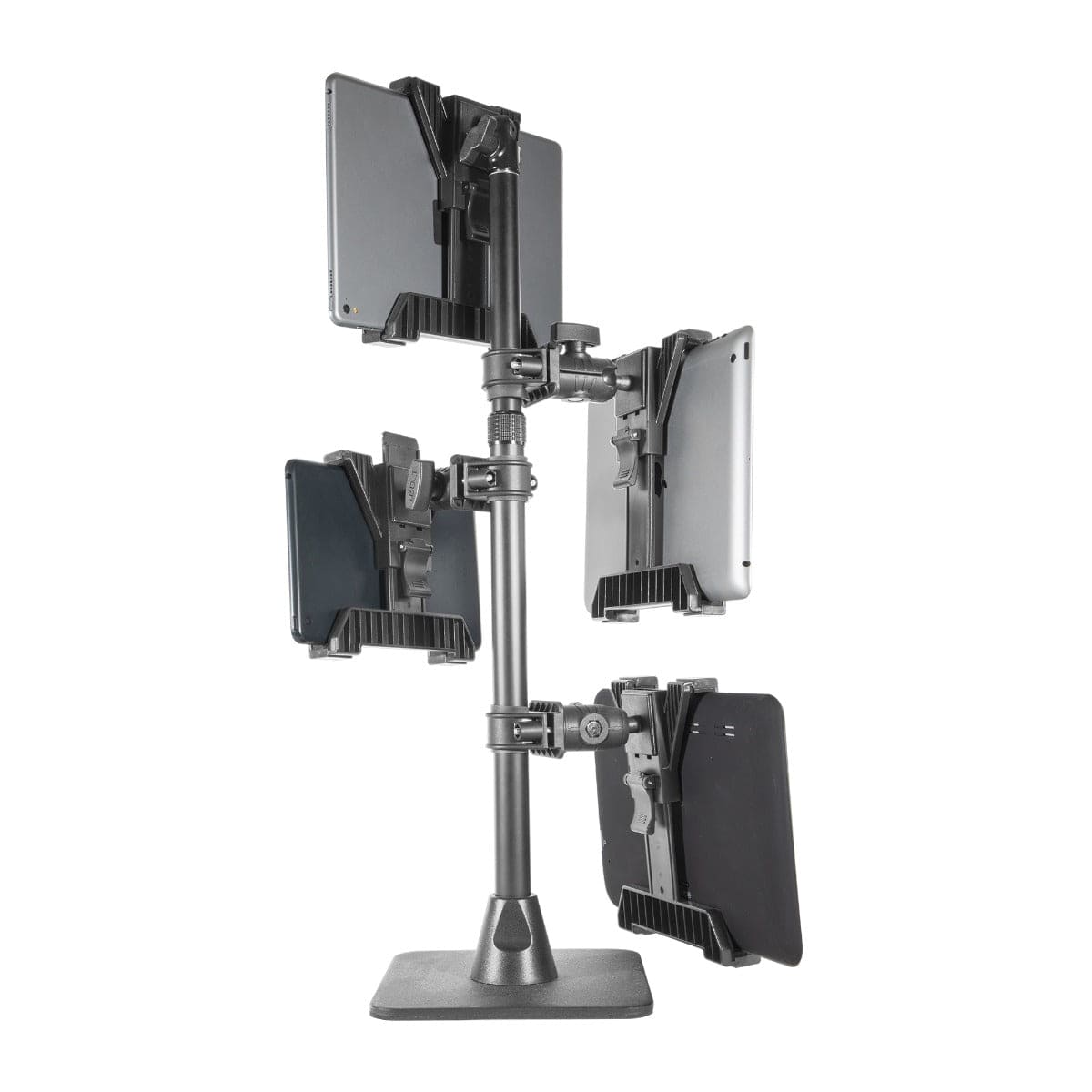
The iBOLT Stream-Cast IncrediBOLT Stand, priced at $84.95, is documented for overhead phone views during baking, crafts, and demonstrations. Its application is different from a vehicle mount even though both need controlled reach and screen positioning. The task defines the geometry.

iBOLT Stream-Cast IncrediBOLT Stand - $84.95
Security belongs in the same review. Ask whether the device must be removed each day, shared between users, locked in a public location, or protected from accidental release. A locking holder can be useful in a fleet, restaurant, school, or kiosk, but it also changes access to ports and service procedures.
Plan for Changes and Maintenance
iBOLT describes a catalog of more than 300 modular products and parts. The company offers bases, arms, holders, plates, and adapters in common interface sizes. That makes component replacement possible in many configurations, provided the connection size and load requirements still match.
Document the completed setup. Record the product handles, ball sizes, plate patterns, arm lengths, device dimensions, mounting location, and cable route. If the tablet changes later, compare the new device against that record before ordering a different holder.
The iBOLT mounting system guide explains the base, arm, adapter, and holder framework in detail. The Mount Configurator guide turns those requirements into a practical selection process. The iBOLT company story explains how its catalog expanded from vehicle docks into mounting products for workplaces and multiple industries.
Frequently Asked Questions
What information is needed before choosing a commercial mount?
Record the device dimensions and weight, case, ports, attachment surface, required reach, viewing angle, mounting pattern, and security needs. Also note any controls, doors, or user movements the mount must not obstruct.
What is the difference between AMPS and VESA?
AMPS is a compact four-hole rectangular pattern common on vehicle electronics and adapters. VESA 75 by 75mm and 100 by 100mm are common monitor mounting patterns.
Does a larger ball always support more weight?
Do not use ball diameter alone as a load rating. Check the limit for the complete base, arm, holder, and device combination.
Can one part be replaced instead of the whole mount?
Often, yes, when the replacement uses the same interface and fits the required load. Confirm ball size, AMPS or VESA pattern, fasteners, and device dimensions first.
When should a locking holder be used?
Consider one when a device stays in a public, shared, or unattended location, or when accidental removal is a concern. Make sure the lock does not block charging, maintenance, or required daily removal.
The most useful commercial mount is the one whose specifications match the real job. Start with the environment and user, verify every interface, then explore iBOLT’s modular components to assemble a setup with documented fit and room to adapt.

Leave a comment
This site is protected by hCaptcha and the hCaptcha Privacy Policy and Terms of Service apply.