A phone changes size, but the drill base is still secure. A tablet moves to a thicker case, but the vehicle attachment is in the right place. A work cart needs a clamp instead of a fixed plate, while the holder and arm still fit the job. These are not always reasons to throw out the entire mount.
iBOLT builds mounting systems in sections because the work around a device changes at different speeds. The vehicle or workstation may stay in service for years. The phone may change every few upgrade cycles. A holder may wear before a metal base does. With compatible connections, the part that changed can be handled separately from the parts that did not.
Identify the Four Parts of the Mount
Before ordering anything, break the setup into four functions.
The base connects the system to the vehicle, counter, rail, wall, or work surface. Common styles include drill bases, clamps, suction bases, magnetic bases, seat rail attachments, and VHB adhesive bases.
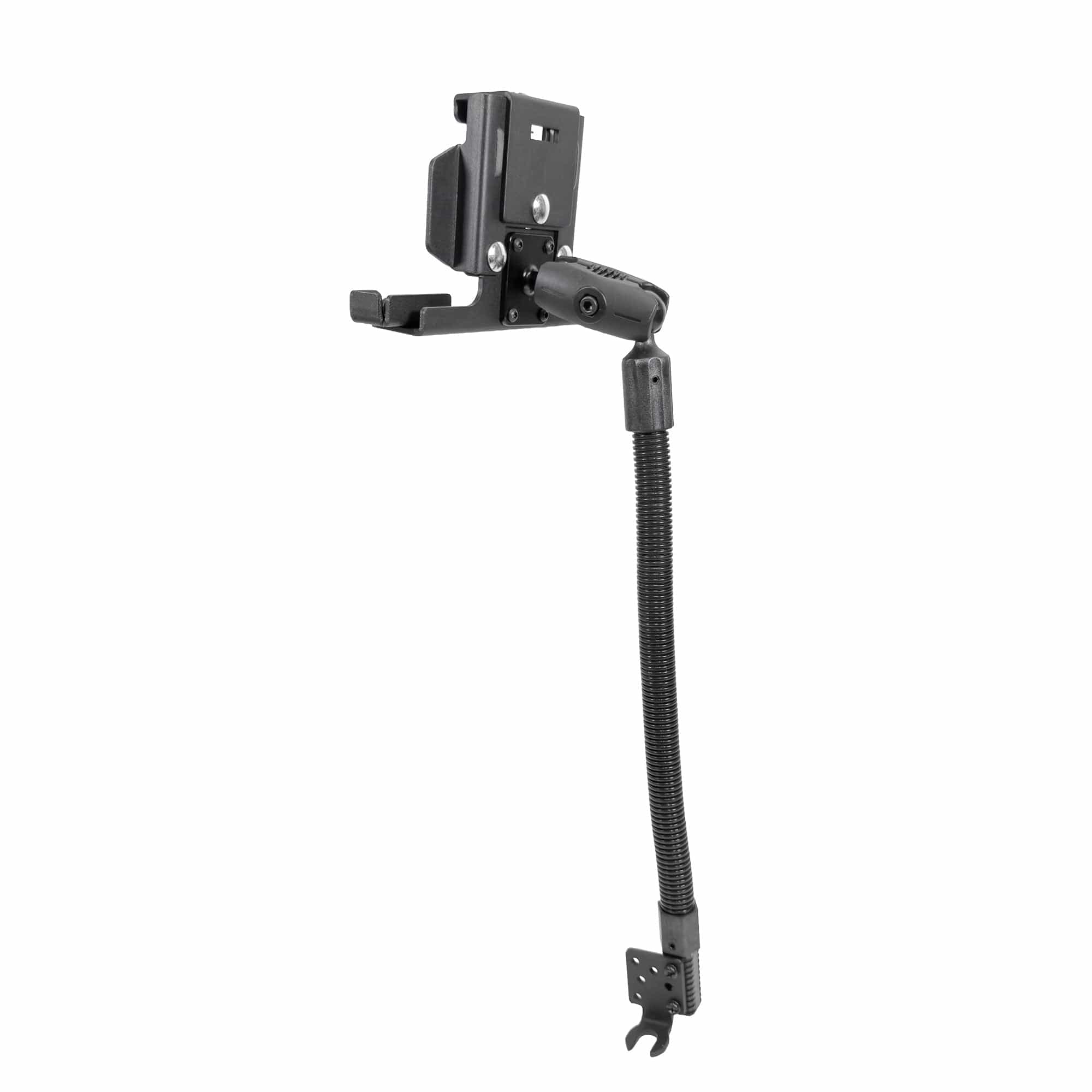
The arm creates reach and allows the viewing angle to be adjusted. Ball-and-socket arms are specified by the ball diameter they accept, such as 17mm, 20mm, 25mm or B size, and 38mm or C size.
The adapter changes one connection into another. Examples include an AMPS plate attached to a ball, an AMPS-to-VESA plate, or a larger ball system adapted to a smaller device-side connection.
The holder contacts the phone, tablet, scanner, camera, or electronics plate. It must fit the device and case while leaving the required buttons, ports, and camera area accessible.
Once those functions are clear, the failed or outdated section is easier to isolate. Review why modular mounting systems differ from one-piece mounts, then use the ball-size compatibility guide to identify the connection. The iBOLT Mount Configurator is also available for assembling a setup from compatible categories.
Match the Standard Before You Replace the Part
Measure and document the existing connection before choosing a replacement. Do not rely on a photo or the word "universal."
For a ball connection, confirm the diameter. A 25mm or 1 inch ball is not the same as a 20mm or 38mm ball. The replacement arm must be designed for the ball size on both ends.
For a plate, identify the hole pattern. The common four-hole AMPS pattern is used across many mounting products, but a VESA 75 or VESA 100 screen interface is different. Fastener size and available clearance matter too.
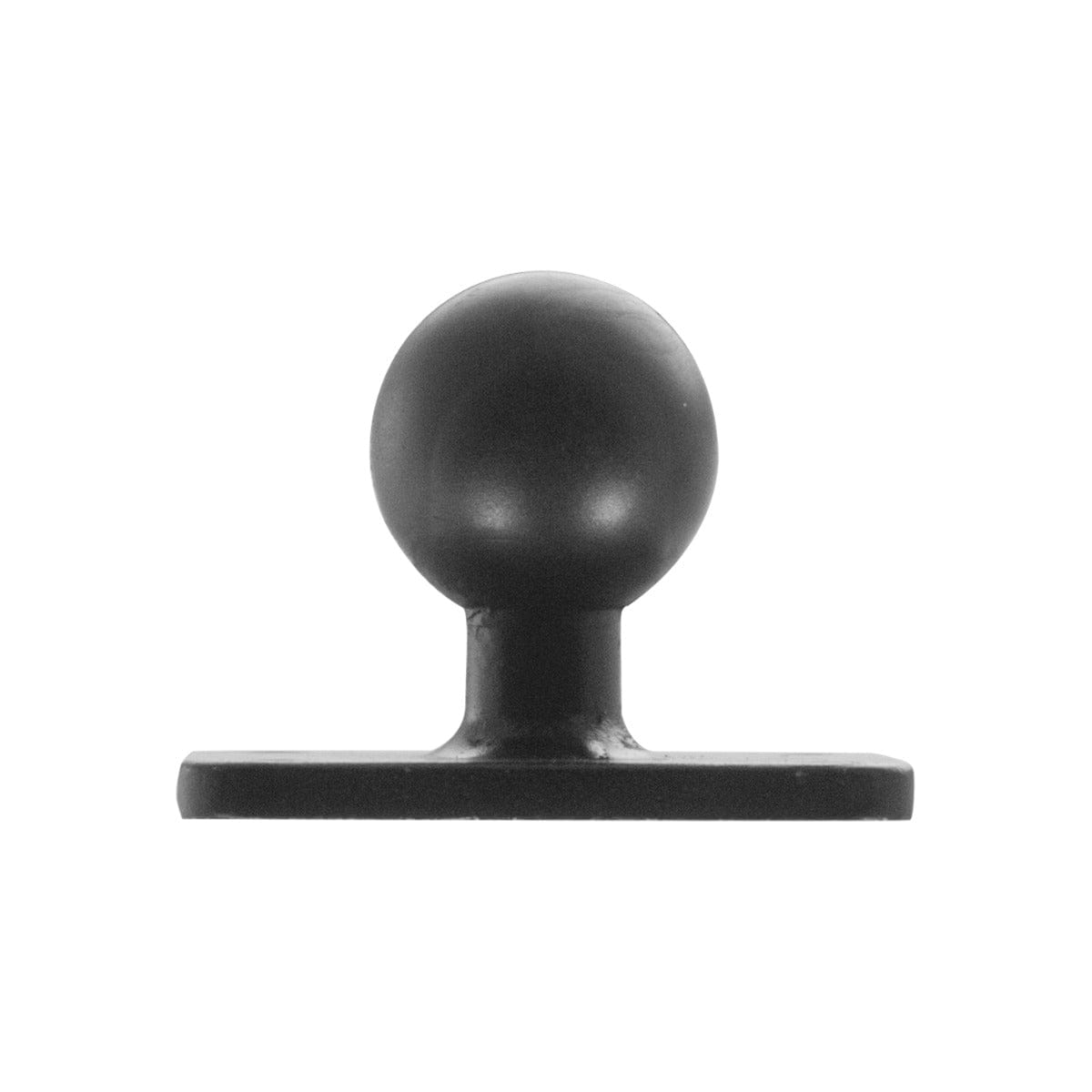
The iBOLT 25mm Metal AMPS Adapter Plate is a clear example. It combines a metal four-hole AMPS plate with a rubber-coated 25mm ball, allowing an AMPS-side component to connect to a compatible 25mm arm.

iBOLT 25mm Metal AMPS Adapter Plate - $12.95
If the connection standard is unclear, find the original product page, model number, invoice, or packaging before buying. Compatibility is a specification, not a visual guess.
Replace the Section That No Longer Fits the Job
Start with the device side when a phone, tablet, or case changes. A suitable base and arm can often stay in place while the holder or a device-side adapter changes. For example, the iBOLT miniProXL Phone Holder with 17mm Ball fits phones from 2.25 to 3.8 inches wide and presents a 17mm connection. It should be paired only with a compatible 17mm socket or the correct adapter.

iBOLT miniProXL Phone Holder with 17mm Ball - $9.95
Replace the arm when the screen needs a different reach, the existing arm no longer holds adjustment, or the system changes ball size. The iBOLT Aluminum 3.75 inch Double Socket Arm is made for industry-standard 25mm or 1 inch ball components. A longer arm is not automatically better, since added reach changes the forces on the joints and base.

iBOLT Aluminum 3.75 inch Double Socket Arm - $12.95
Replace the base when the attachment surface changes. A four-hole AMPS assembly can move from a fixed base to the iBOLT Clamp Base for 4-Hole AMPS Mounts if the clamp dimensions and operating environment suit the new location. This preserves the AMPS-side connection while changing how the system attaches.
Before reusing any section, inspect it. Look for cracks, bent hardware, damaged threads, worn sockets, loose fasteners, or a base that no longer sits securely. A compatible part should not be reused merely because it can be connected.
Test the Rebuilt Mount as a Complete System
After replacement, tighten the hardware according to the product instructions and set the device at the intended angle. Move the arm through its adjustment range. Confirm that the holder retains the device, the arm does not contact controls, and the base stays stable under normal handling.
In a vehicle, check driver sightlines, airbags, mirrors, gauges, cable routing, and entry paths. On a counter or workstation, check reach, cleaning access, pinch points, and nearby traffic. The new part changes the whole assembly, so the whole assembly needs to be evaluated again.
This repairable approach is part of the larger iBOLT philosophy. Standard connections allow a mount to be maintained and reconfigured with specific parts rather than treated as a disposable accessory. Explore more than 300 modular iBOLT products and parts when your setup needs a different base, arm, adapter, or holder.
Frequently Asked Questions
Can I replace only the holder on my mount?
Yes, when the new holder's connection matches the existing arm or a suitable adapter is available. Confirm the ball size or plate pattern as well as the new device dimensions.
How do I measure a mount ball?
Measure the widest diameter of the ball with an accurate ruler or caliper, then compare it with the published size. Common iBOLT sizes include 17mm, 20mm, 22mm, 25mm, 38mm, and 57mm.
Can I connect a 17mm phone holder to a 25mm arm?
Not directly. The two diameters require a compatible adapter, such as a product designed to convert a 25mm system to a 17mm connection.
What is the difference between AMPS and VESA?
AMPS is a compact mounting pattern commonly used for mobile and vehicle hardware. VESA 75 and VESA 100 are larger display mounting patterns, so an AMPS-to-VESA adapter is required when connecting those interfaces.
Should I reuse an old arm or base?
Reuse it only if the standard matches, the part is appropriate for the new setup, and inspection finds no damage or meaningful wear. When in doubt, replace the questionable component or contact iBOLT support with the product details.


Leave a comment
This site is protected by hCaptcha and the hCaptcha Privacy Policy and Terms of Service apply.