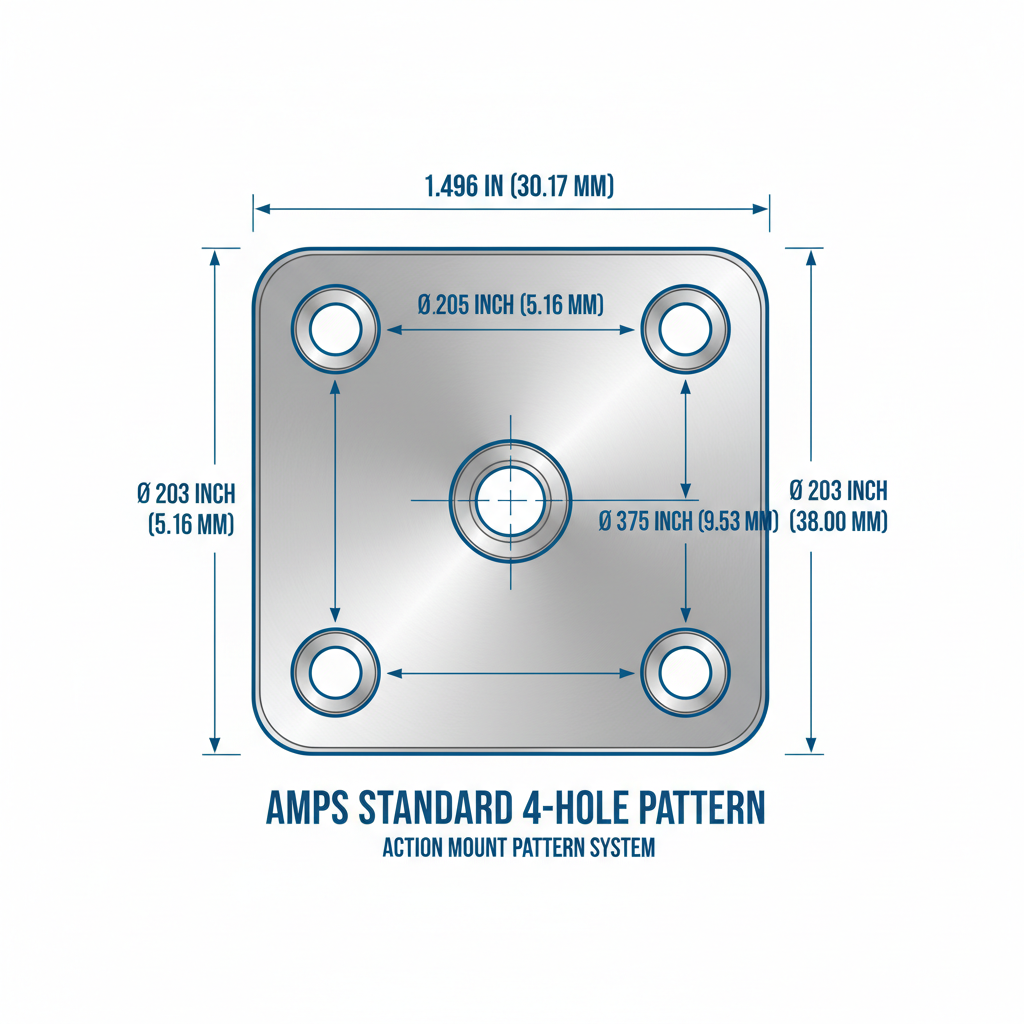
If you manage tablets, GPS units, scanners, or in-vehicle displays across more than a handful of vehicles or workstations, you have probably run into the AMPS mounting pattern without realizing it. It is one of the most common attachment standards in commercial and industrial mounting, and understanding it can save you from buying hardware that does not fit together.
This guide explains what an AMPS Mount pattern actually is, how the mounting plate fits into a full mounting system, and what to check before you order hardware for a fleet, warehouse, or workstation deployment.
What Is an AMPS Mount Pattern?
AMPS stands for Advanced Mobile Phone System, an old cellular standard that no longer has anything to do with the mounting hardware named after it. The name stuck because early device holders built for that era used a specific four-hole attachment pattern, and that pattern became the de facto standard for device mounting.
The AMPS hole pattern is a rectangle with hole centers spaced at approximately:
- 30 mm (1.181 inches) on one side
- 38 mm (1.496 inches) on the other side
Because so many manufacturers build to this same spacing, a mounting arm or base with an AMPS interface can often accept device holders, cradles, or plates from a different brand, provided both sides actually use the standard pattern and screw type.
You will see AMPS-compatible hardware in:
- Commercial vehicle and fleet installations
- GPS and navigation mounts
- Tablet mounting in delivery, service, and utility vehicles
- Warehouse and forklift terminal mounts
- Marine electronics and chart plotters
- Public safety and emergency vehicle setups
What an AMPS Mounting Plate Actually Does
An AMPS mounting plate is a flat adapter, usually metal or reinforced plastic, drilled with the four-hole AMPS pattern. On its own it does nothing. Its job is to sit between two components that would not otherwise connect, for example a device holder on one side and a mounting arm on the other.
This matters because most tablets, rugged handhelds, and GPS units do not ship with an AMPS interface built in. Instead, you typically need:
- A device-specific holder or cradle with an AMPS pattern on the back
- An AMPS mounting plate to bridge that holder to your arm or base
- A base or arm that also terminates in an AMPS pattern, or an adapter that converts it
The plate is the piece that lets you standardize across mixed hardware instead of custom-fitting every mount to every device.
How a Complete AMPS Mounting System Fits Together
A working AMPS mounting system is really a stack of separate components, each solving a different part of the mounting problem.
Base Mount
Attaches to the fixed surface: dashboard, console, wall, pole, desk, forklift frame, or workstation panel. The base you choose depends on the surface material, available space, and whether the mount needs to survive vibration or repeated impact.
Mounting Arm
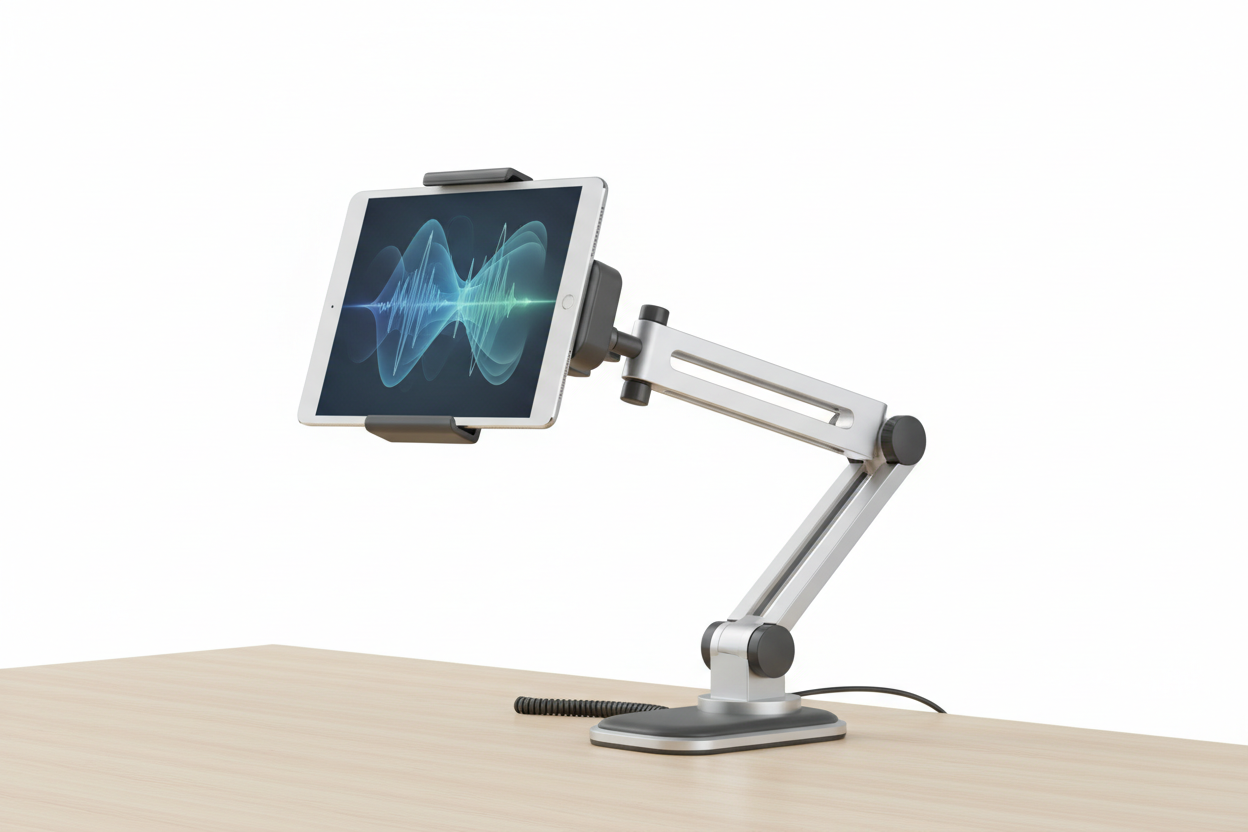
Provides reach and positioning. Fixed arms are simpler and more secure for high-vibration environments like trucks and forklifts. Articulating arms give more flexibility in shared workstations or when multiple users need to reposition a screen throughout a shift.
AMPS Mounting Plate
Connects the arm to the device holder using the standardized hole pattern.
Device Holder
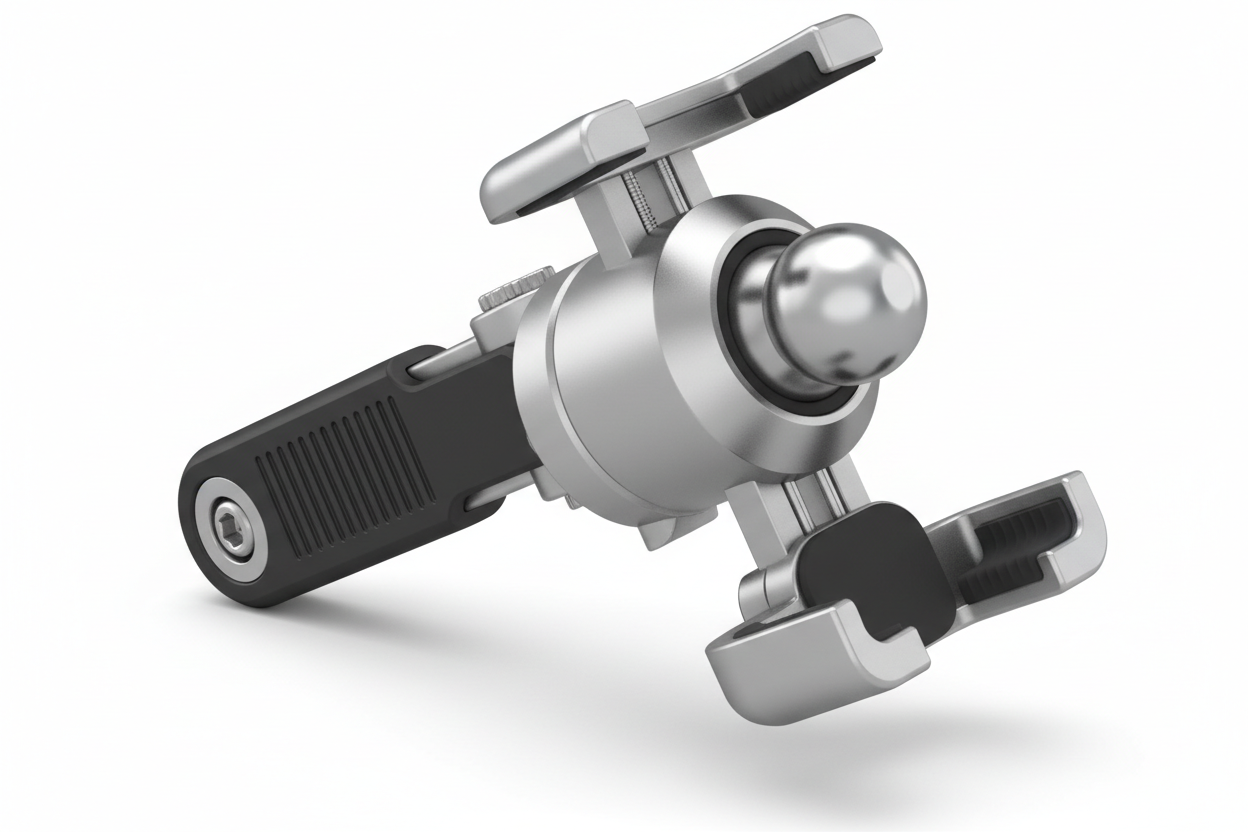
Secures the actual tablet, phone, scanner, or display. This is the component most likely to be device-specific, since holders need to match the exact dimensions and port locations of the device.
Because each layer is separate, you can replace one component, such as swapping an old tablet holder for a new one, without tearing out the base and arm that are already installed and proven in the field.
What to Verify Before You Buy AMPS Hardware
The AMPS name gets used loosely in product listings, so verifying fitment before purchase matters more than assuming compatibility.
- Confirm actual hole spacing. Measure or request the exact 30 mm by 38 mm spec rather than trusting "AMPS compatible" language alone. Some off-pattern products are marketed loosely.
- Check screw type and thread. AMPS plates commonly use specific machine screws. Mixing screw types across brands can strip threads or leave a weak connection.
- Match load capacity to device weight. A rugged 10 inch tablet with a keyboard case is heavier than a phone or slim GPS unit. Arms and plates rated for light devices can loosen or sag under a heavier load over time.
- Account for vibration. Vehicle dashboards, forklifts, and marine installs see continuous vibration. Confirm the mount is rated for mobile or vehicle use, not just static desk use.
- Plan cable routing. If the device needs continuous power or a wired connection, check that the holder leaves the charging port accessible and that the arm has room to route a cable without pinching it during adjustment.
- Consider removal frequency. If drivers or workers pull the device out multiple times a shift, a holder with a quick-release mechanism will hold up better than one designed for permanent installation.
- Think about future device changes. If you expect to replace devices in a year or two, keeping the base and arm on a standard AMPS interface means you may only need to replace the holder later.
Where AMPS Mounting Shows Up in the Field
Vehicle fleets use AMPS mounts to hold tablets and GPS units for navigation, dispatch, and electronic logging, usually on fixed or short arms that resist vibration and keep the screen within the driver's sightline without blocking controls.
Warehouses and distribution centers mount tablets, barcode scanners, and mobile computers on forklifts and pick carts. These setups tend to combine a AMPS plate with a heavier-duty arm since forklift vibration and impact are more severe than passenger vehicle use.
Public safety vehicles rely on AMPS-pattern mounts for mobile data terminals and communication equipment, often paired with locking holders since these devices are rarely removed during a shift but need to survive hard driving.
Marine installations use AMPS-compatible bases for GPS and chart plotter displays, generally with corrosion-resistant hardware given the exposure to moisture and salt.
Industrial workstations and production lines use AMPS arms on poles or panel mounts to give operators access to displays and controls without permanently fixing the screen in one position.
Why Standardized Mounting Interfaces Save Money Over Time
The real advantage of the AMPS standard is not the mount itself, it is what it prevents: custom brackets, one-off fabrication, and mounting hardware that becomes obsolete the moment a device is replaced. When a base and arm are installed to the AMPS pattern, a device refresh across a fleet or facility can often be handled by replacing holders and plates alone, without touching what is already bolted down.
For organizations managing many vehicles or workstations, this also simplifies inventory. Instead of stocking mount hardware for a dozen device-specific configurations, teams can standardize spare parts around a single interface and swap components as needed.
Related iBOLT Mounting Options

iBOLT™ xProDock™ Bizmount™ Amps
A related iBOLT option that matches the mounting needs covered in this article.

iBOLT™ 38mm / 1.5 inch Metal Diamond 2-Hole AMPS Adapter Plate
A related iBOLT option that matches the mounting needs covered in this article.

iBOLT™ LockPro™ Metal Locking Tablet Drill Base Mount
A related iBOLT option that matches the mounting needs covered in this article.

iBOLT™ 38mm / 1.5 inch Metal AMPS Round Adapter Plate
A related iBOLT option that matches the mounting needs covered in this article.
FAQ
What is an AMPS Mount?
It is a mounting interface built around a standardized four-hole rectangular pattern, used to connect device holders, plates, and mounting arms across different manufacturers.
What are the exact dimensions of the AMPS pattern?
The standard spacing is approximately 30 mm (1.181 in) by 38 mm (1.496 in). Always confirm this measurement directly rather than relying on marketing language alone.
What is an AMPS mounting plate used for?
It is an adapter plate that bridges a device holder to a mounting arm or base, using the AMPS hole pattern on both connection points.
Will an AMPS plate fit any tablet or GPS holder?
Only if both the holder and the plate use the true AMPS pattern and matching screw type. Verify hole spacing and screw specs before combining hardware from different brands.
Are AMPS mounts strong enough for vehicles and forklifts?
Many are, but capacity varies by arm and base design. Match the mount's load rating and vibration rating to your device weight and installation environment before buying.
Can I upgrade my device without replacing the whole mount?
In most cases yes. If your base and arm use a standard AMPS interface, you can typically replace just the holder and plate when you switch devices, keeping the rest of the installation intact.

Leave a comment
This site is protected by hCaptcha and the hCaptcha Privacy Policy and Terms of Service apply.